
Community
Manage announcements
Post news to the app, track who opened it, and archive it when it’s done.
Announcements are news posts for your app: a new series, a building update, a volunteer drive. Each one can link to events, groups, a form, a video, and more.
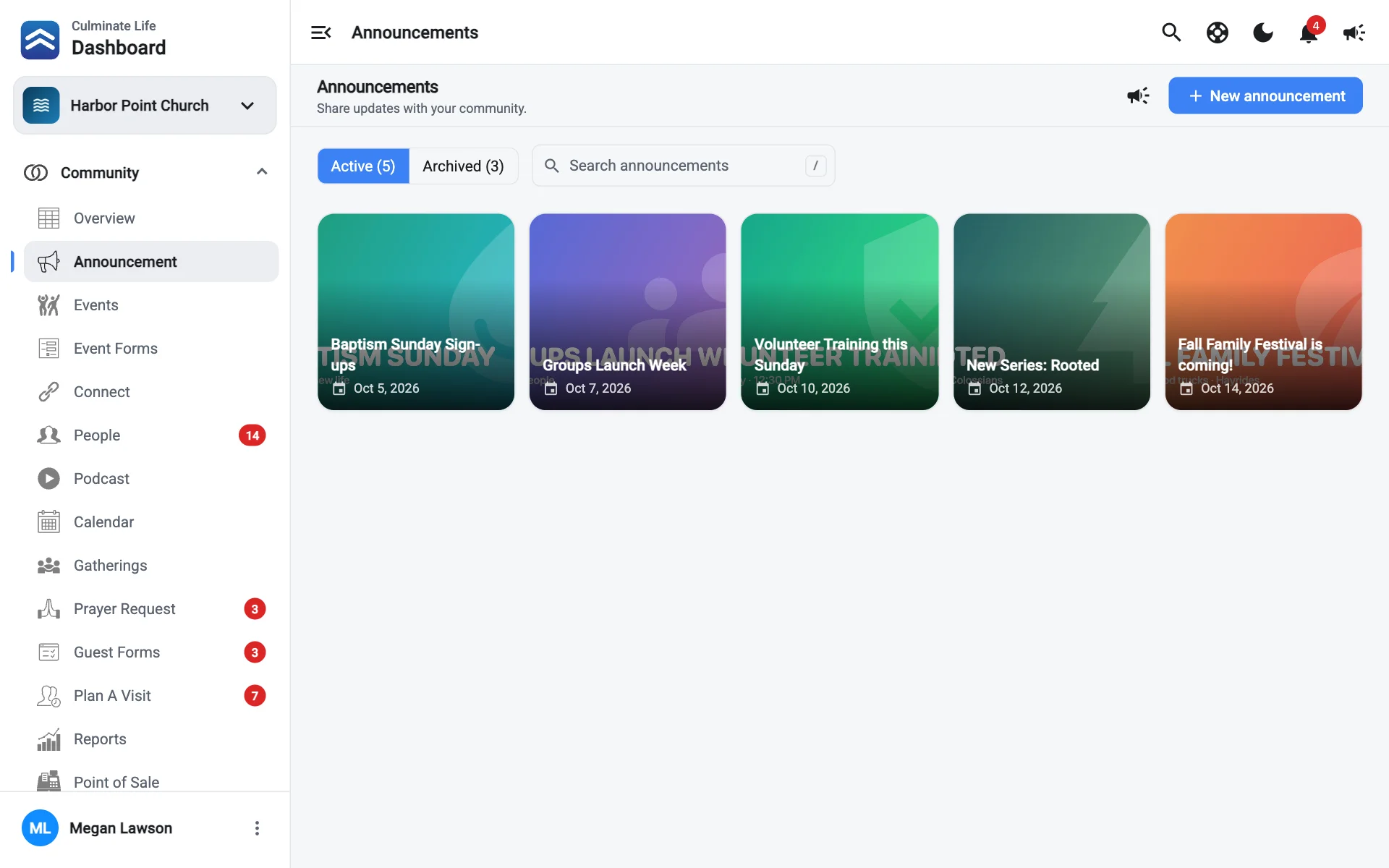
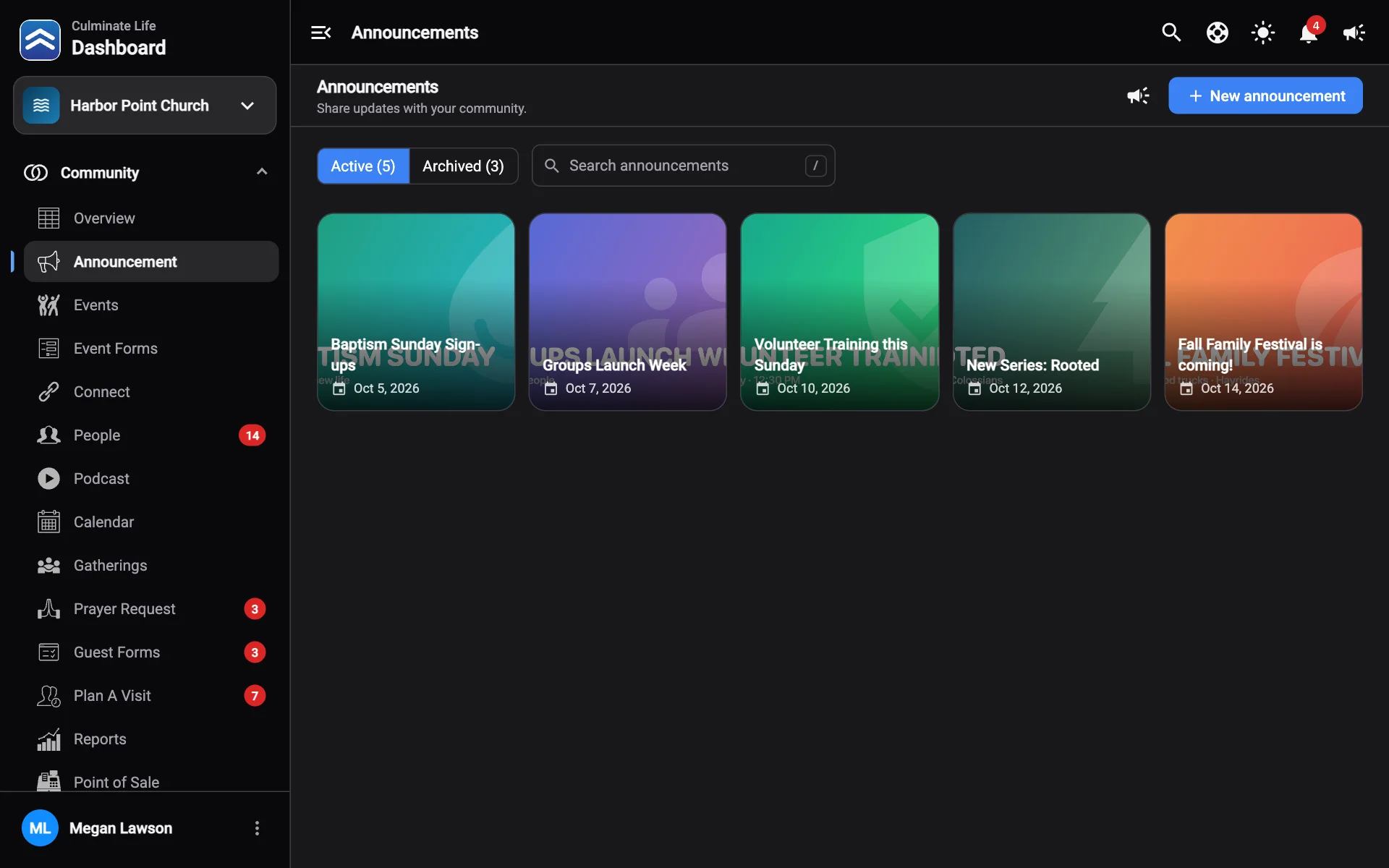
The Announcements page
Open Community → Announcement. Announcements are split into Active and Archived tabs. Search by title, or use the filter.
Each announcement’s ⋮ menu has:
- Edit: change the image, title, details, or links, then select Save changes.
- Analytics: views, who opened it, and taps on each link.
- Responses: answers to a linked form.
- Delete: moves it to Archived, where you can Restore it.
Create an announcement
Select New announcement. See Create an announcement.
Notify people about an announcement
Select Send notification at the top of the page, or open an announcement and select Send notification. Choose how to send it (push, text, or email). See Notifications.
Archive and restore
Delete archives an announcement. Archived announcements are hidden from the app but kept, so you can open the Archived tab and select Restore to bring one back.