
Community
About events
Everything you can do with events, from a simple RSVP to paid tickets with seating.
Events show up in your app and on your website, where people can RSVP or get tickets. An event can be as simple as a date and a description, or have tickets, payments, registration forms, seating, and a full itinerary.
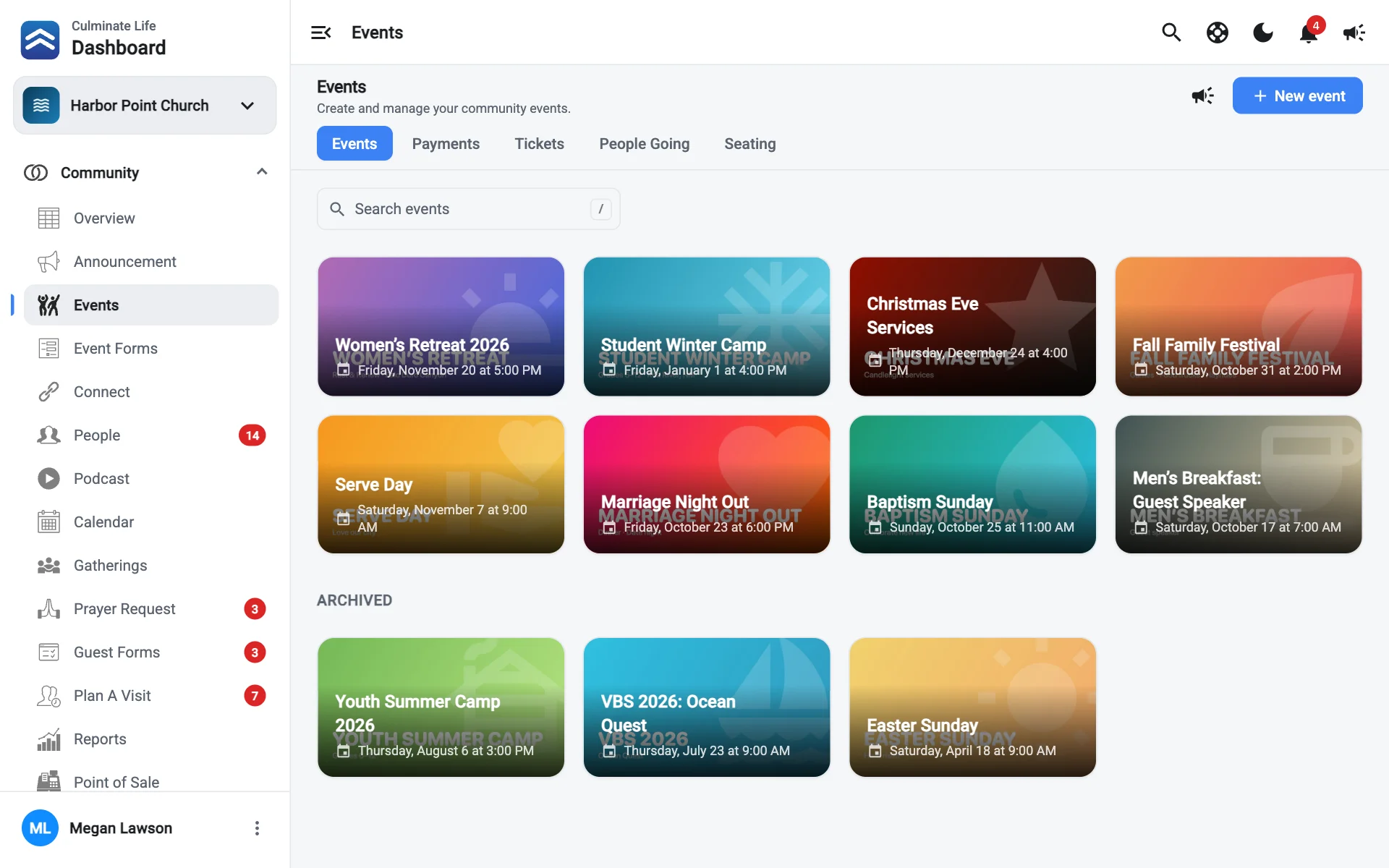
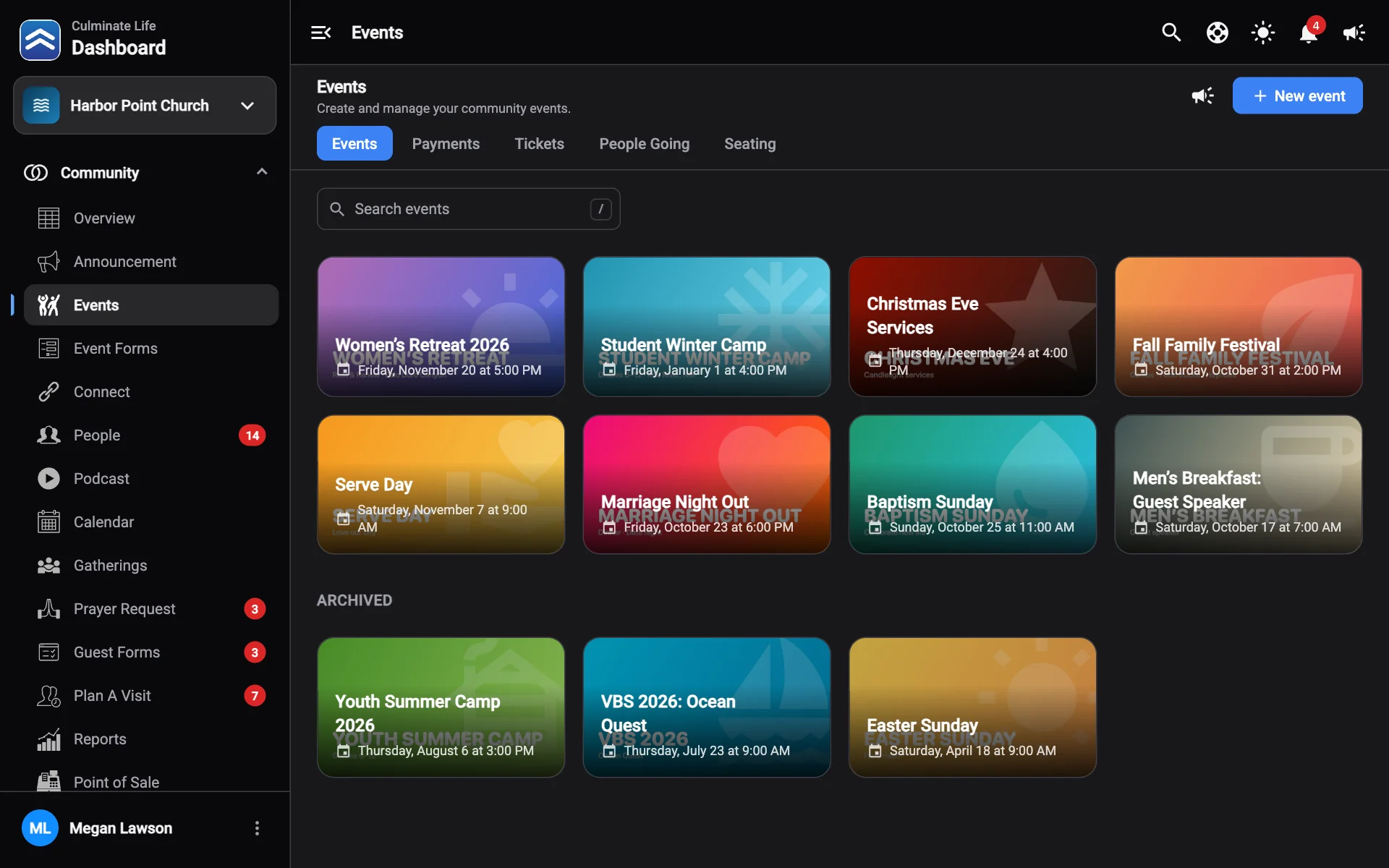
The Events page
Open Community → Events. Upcoming events show as cards, with Archived events underneath. Each card shows how many people have seen it in the app, plus any itinerary drafts waiting to be published.
The tabs at the top switch between Events, Payments, Tickets, People Going, and Seating.
- Select a card to open and edit the event.
- Use a card’s ⋮ menu to Edit or Delete it.
- New event starts a new one.
- Send notification messages people about an event.
Plan your event
What you set up first depends on what the event needs:
Does it cost money?
Create a payment first. You’ll attach it to the ticket.
Do people need to fill out a form?
Create an event form next.
Create the event
Create the event, and set up its ticket if it needs one.
RSVP or ticket?
| People going (RSVP) | Ticket | |
|---|---|---|
| In the app | An I am Going button | A ticket people get or buy |
| Payments | No | Optional |
| Forms | No | Optional |
| Capacity and seating | No | Yes |
| Check-in | No | Yes, by scanning the ticket |
| Where you see it | People going | Event tickets |