
Welcome
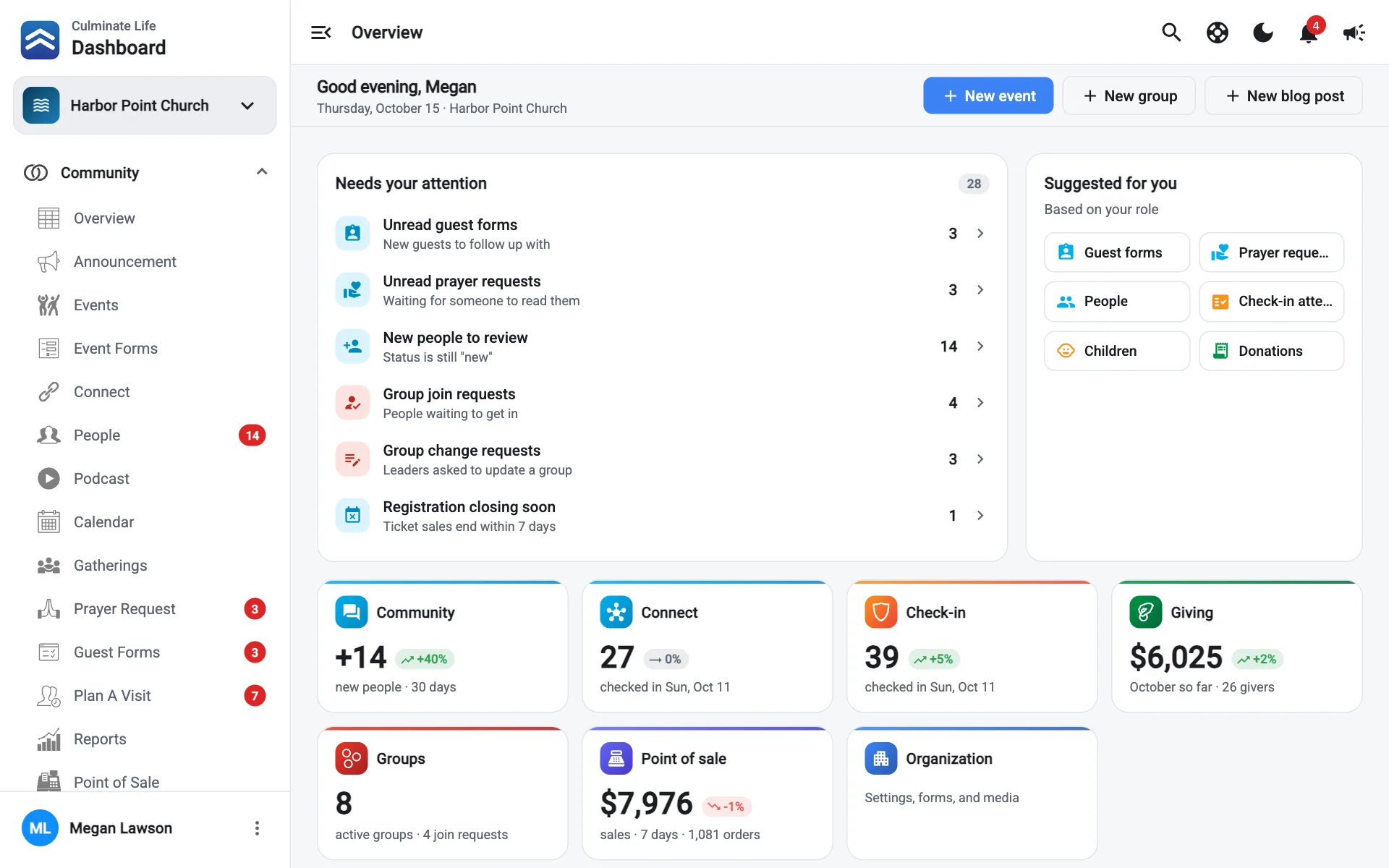
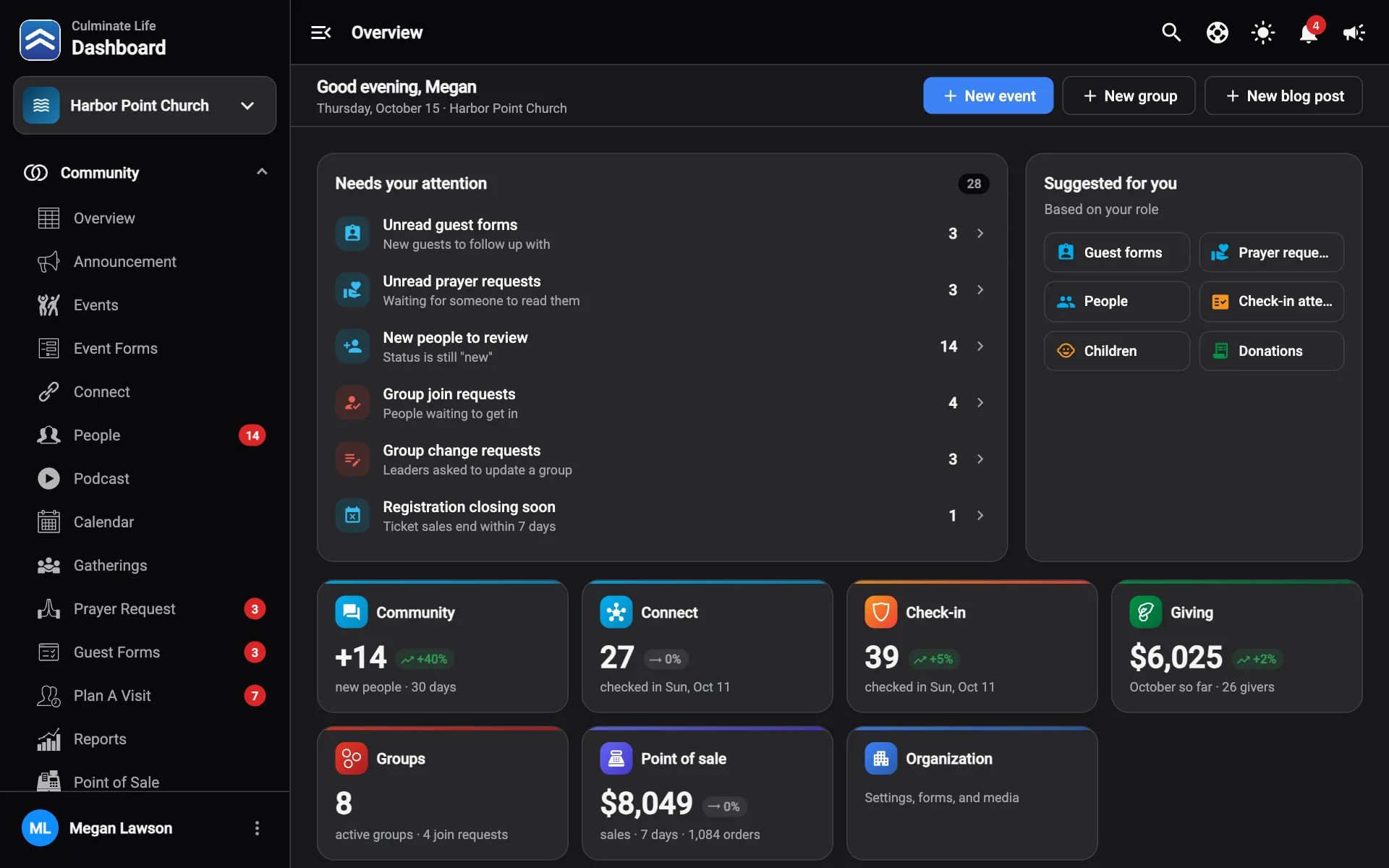
The Culminate Life dashboard is where your team runs everything your people see in the app and on your website: events, giving, kids check-in, groups, announcements, podcasts, and more. Change something here and it shows up for your people right away.
How these guides are organised
The guides follow the dashboard’s menu. If you’re on Community → Events in the dashboard, the guide you want is under Community → Events here.
Other guides
This hub also has a guide for the Check-in Portal, the iPad and iPhone app for kids check-in, and for the Culminate Life app your people use (including your own branded app). Switch guides at the top of the sidebar.
New here? Start with these
Sign in
Use the email and password from your Culminate account. Signing in and switching organizations covers resets and multiple organizations. Setting up a new organization? Create an organization first.
Learn the layout
Take two minutes with Find your way around. It covers the menu, page tabs, tables, and shortcuts you’ll use on every page.
Fill in your organization
Add your logo, address, and service times in Organization information, then invite your team.
Turn on what you need
In Features you choose which parts of the app and dashboard are on. Turning a feature off hides it; nothing is deleted.
What you see depends on your role
Every user has a set of permissions. If a page or button is missing, your role probably doesn’t include it. Your profile lists exactly what your role can open, and an admin can change it in Users & permissions.
If you open something your role doesn’t include, you’ll see which permission is missing. Select Request access, add a note about why you need it (optional), and select Send request. It goes to everyone who can manage users, in Messages. You’ll get a message when one of them answers, and once it’s approved you can open the page right away. Approving adds only that one permission. Copy request copies the details instead, so you can send them yourself.
Need a hand?
Every page in the dashboard has a Help button (the question mark in the top bar, or press ?) that opens these guides beside the page you’re on. See Help. If you can’t find an answer, contact us or email [email protected].