
Point of sale settings
Open Community → Point of Sale and select the Settings tab. The sections are listed on the left.
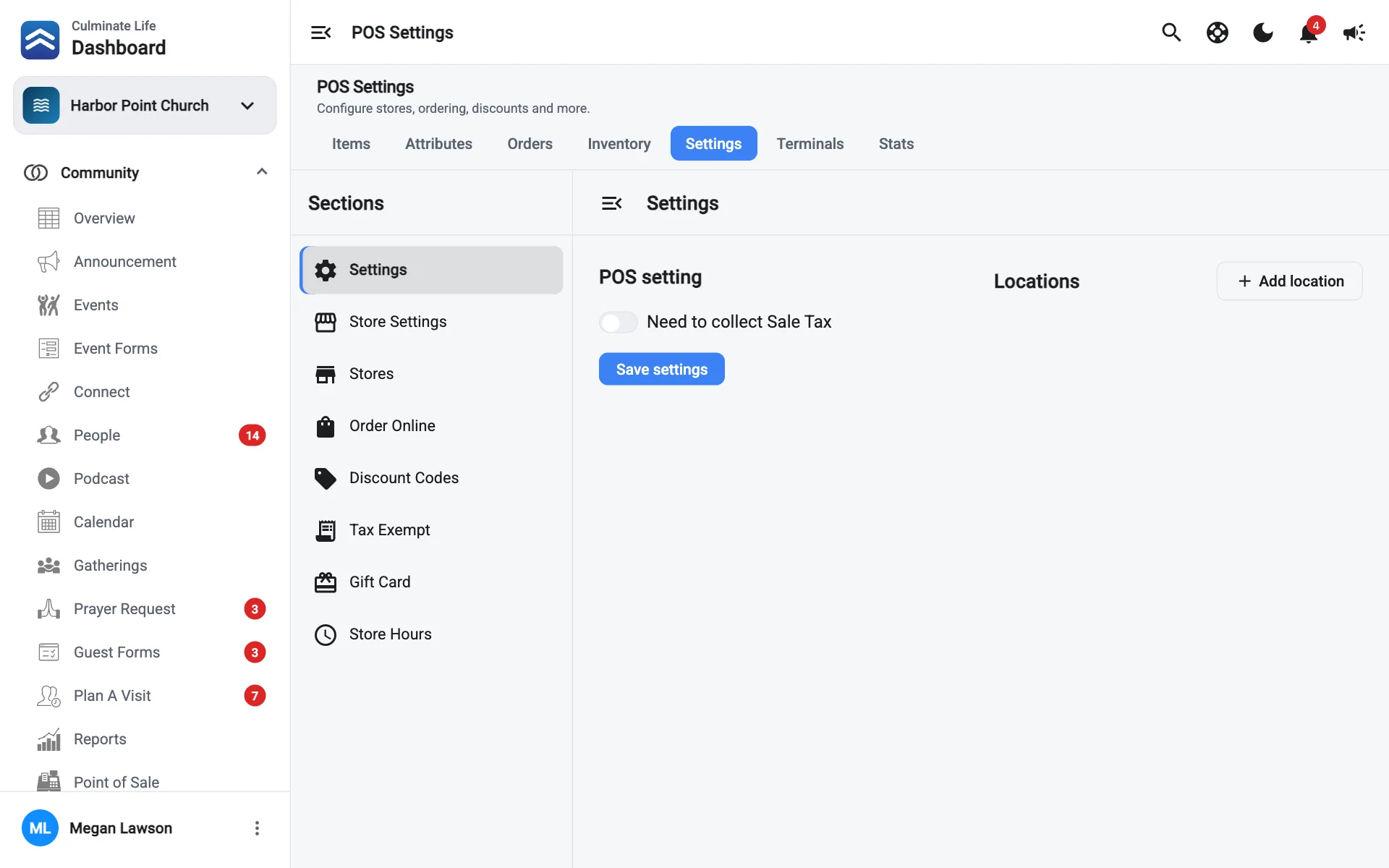
Settings
- Need to collect Sale Tax: turn on if you charge sales tax, then set your rate.
- Locations: select Add location for each place you sell, with its address.
Select Save settings.
Stores
A store is a register or menu, like “Café” or “Bookstore”. Select New store and fill in its Name, Detail, and Store image.
Not ready screen
When a store is paused, shoppers see this screen instead of the store. Set a Background image, Foreground image, and Title, and check the Preview.
Order Online
Let people order ahead in your app.
- Order message and Order Online image: what people see when they order.
- Order online type: how orders are picked up.
- Usual prep time: shown when there haven’t been enough recent orders to estimate.
- Pickup times are needed: offer up to four pickup times (Time 1 to Time 4).
- Check-in is needed for pickup and Check-in spot is needed for pickup: people tell you they’ve arrived, and where (choose the Check-in spot type).
Discount Codes
Select New code, then set:
- The Code people enter.
- Dollar amount or Percent amount, and how much.
- Limit code by date: a Single Date or a Date Range.
- Add a minimum purchase limit and Add a limit on usage (the Usage Limit).
Tax Exempt
Tax-exempt organizations, like another church or a school, can buy without paying sales tax. Select Add business and enter the Business name and a contact’s Name, Email, and Phone.
Gift Card
See each card’s Code, Balance, and Activity. To sell or load cards, select Add gift cards, then enter the Number Of Cards and Amount Per Card, or add cards one at a time by Card Number and Amount. Select Pay to take payment for them.
Store Hours
Set the Hours for All stores, with your Timezone. Select Add hour for each opening window and pick its start and end times from the list. The end time list shows how long the store would be open, like 8 hr. Or or mark a day Closed all day. To give one store its own hours, turn on has its own hours for that store.