
Organization
Videos
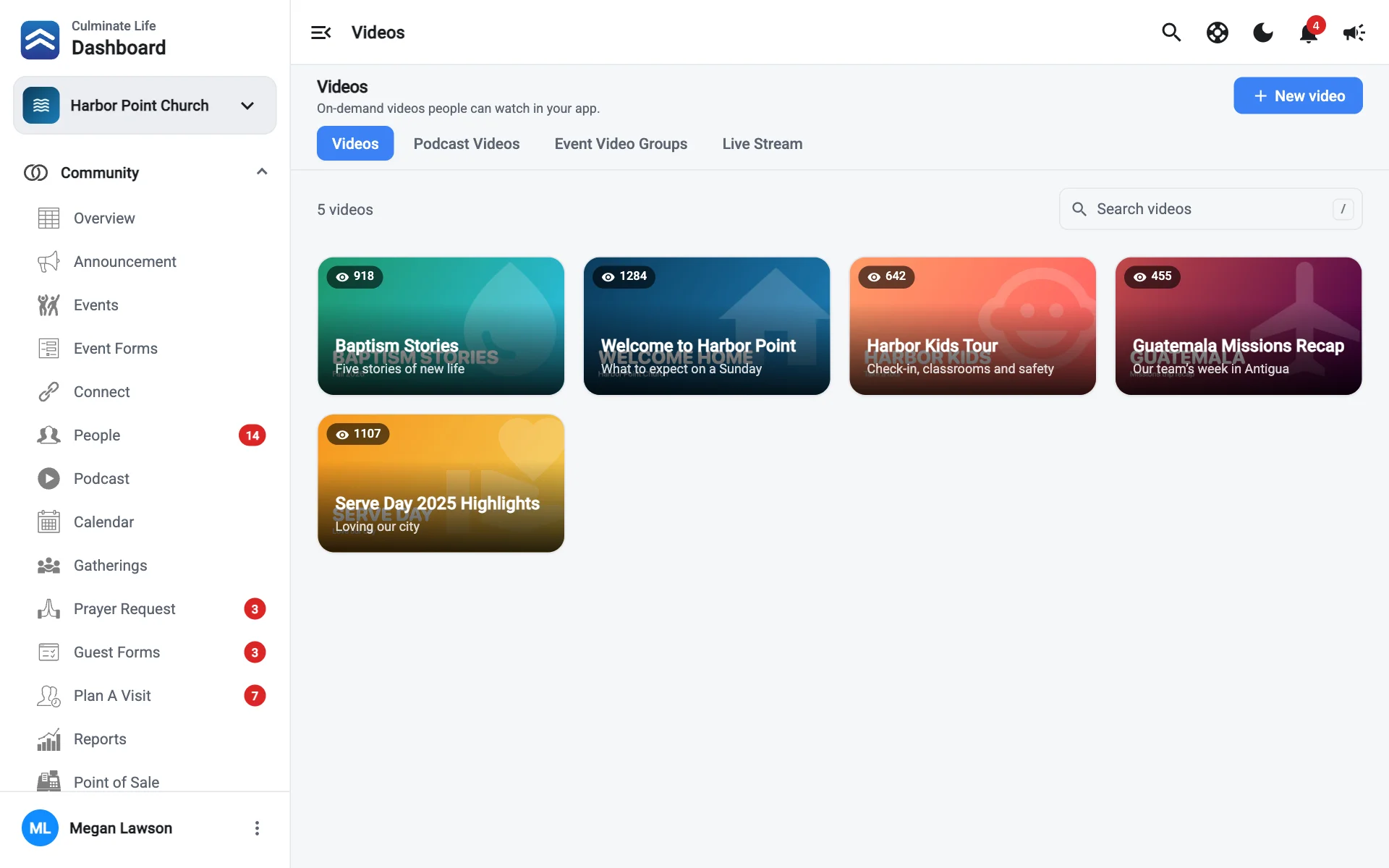
Upload videos for your app’s Watch tab, and how videos, podcast videos, event videos, and live streams fit together.
Open Organization → Videos. The tabs switch between:
| Tab | What it’s for |
|---|---|
| Videos | Standalone videos, like announcements, testimonies, or highlights. |
| Podcast Videos | A video version of a podcast episode. See Podcast videos. |
| Event Video Groups | A page of videos (and a live stream) for an event, like a conference. See Event video groups. |
| Live Stream | Going live in your app, on your website, and on YouTube or Facebook. See Live stream. |
Videos and podcast videos can have closed captions. See Captions.
Upload a video
Select New video
Add the video
- Video file: select Choose MP4. It uploads in the background after you create the video, so you can keep working. The upload button in the top bar shows progress.
- Thumbnail: select Add thumbnail.
Fill in the details
- Title.
- Subtitle: shown under the title, like the speaker or series.
- Details.
- Disable comments: people can watch but not comment.
Select Create
Edit a video
Select a video to open it. It has three sections:
- Details: change the thumbnail, file, title, or details. Select Watch to play it, or Delete to remove it.
- Captions: closed captions people can turn on while they watch. Generate them automatically or upload a file. See Captions.
- Analytics: plays and watch time.
When you paste into Details from a web page or Word, only the formatting the editor offers is kept. Bold stays, but things like highlights, fonts, and sizes are removed.