
People
Add-ons
Add custom fields to every person’s profile, like a T-shirt size or a baptism date.
Add-ons are custom fields on every person’s profile. Use them for anything your organization tracks that isn’t built in: baptism date, T-shirt size, background check, spiritual gifts, and so on.
Open Community → People and select the Add-ons tab.
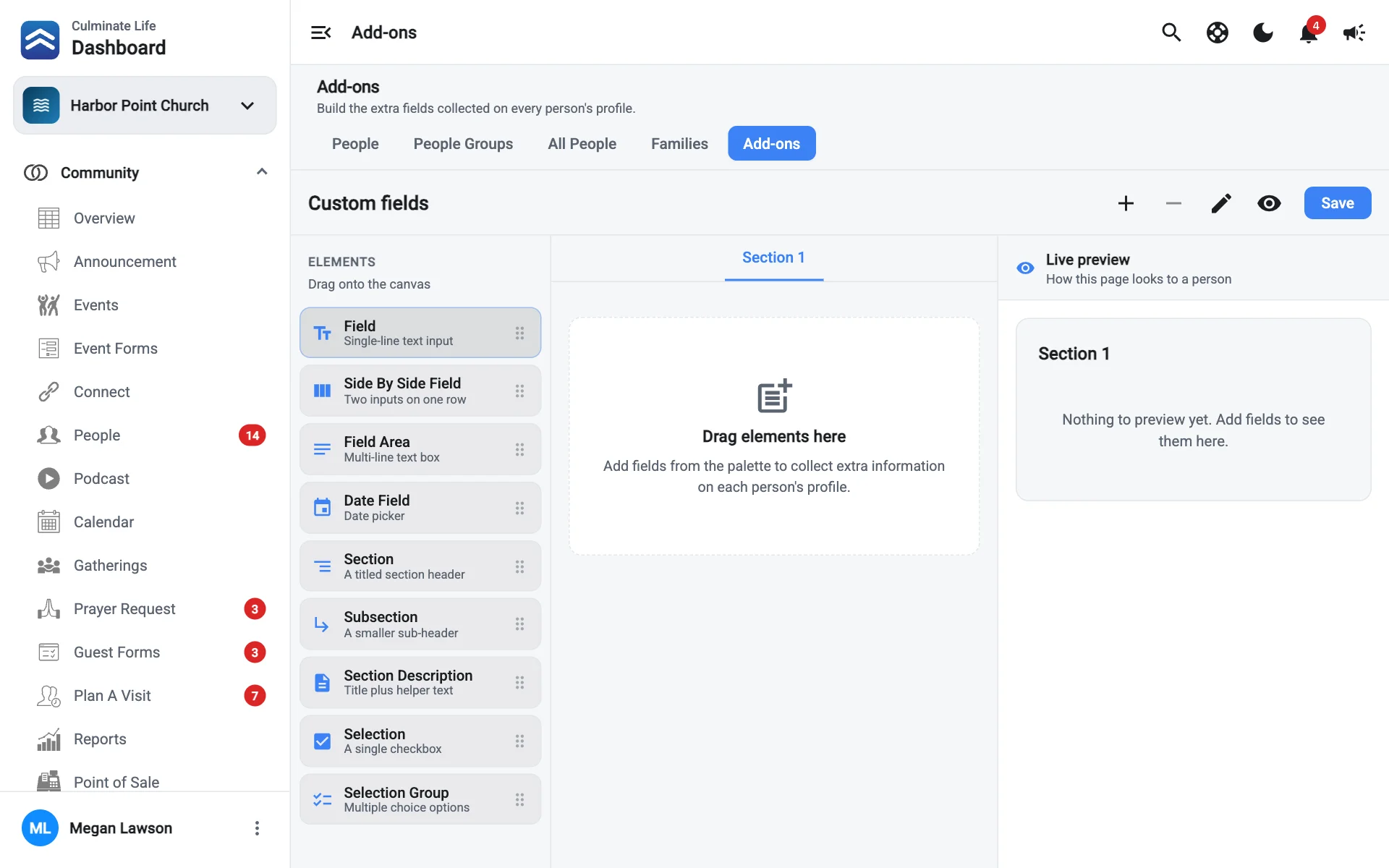
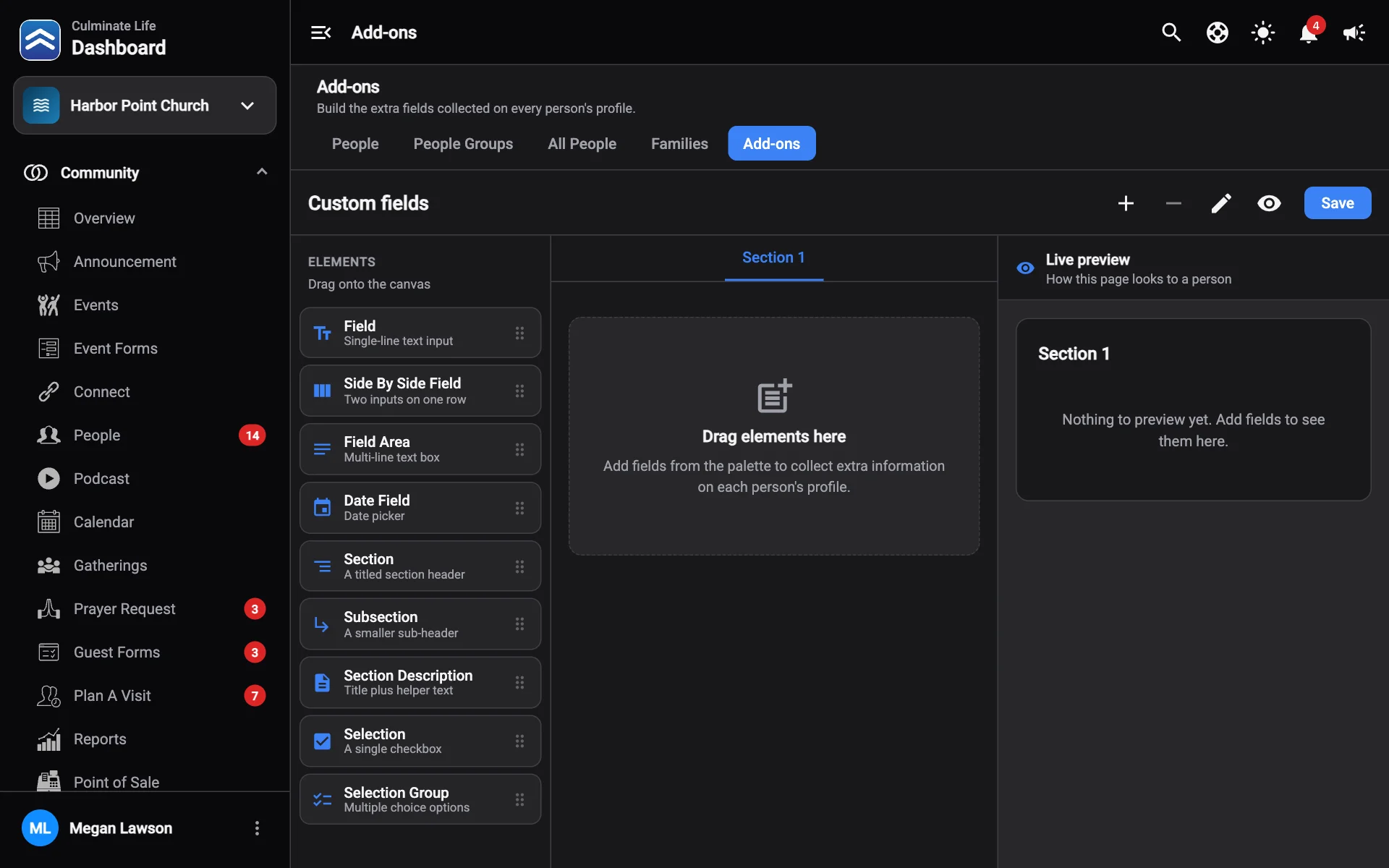
Build your add-ons
Drag fields onto the page
Drag elements from Elements onto the canvas. They’re the same elements as the form builder: fields, dates, checkboxes, option groups, and section headings.
Organize with pages
Select Add page for another page, and Edit page title to name it, like “Volunteer info”. Remove page deletes one.
Check the preview
Live preview shows how the page looks on a person’s profile. Use Hide preview to make more room.
Select Save
Where add-on fields show up
- On each person’s profile, under Add-on Information.
- When you add a person.