
Community
About Connect
Ministries, classes, and teams people can find and join in the app, with members, attendance, and dues.
A connect is a ministry, class, or team in your organization, like Youth, Choir, or Men’s Breakfast. Connects show in the app so people can find out when they meet and who leads them. Each connect can have members, take attendance, and collect dues.
Connects and groups are different. Groups are small groups people join and chat in. Connects are your ministries and classes. Events can be linked to connects, and announcements can link to them.
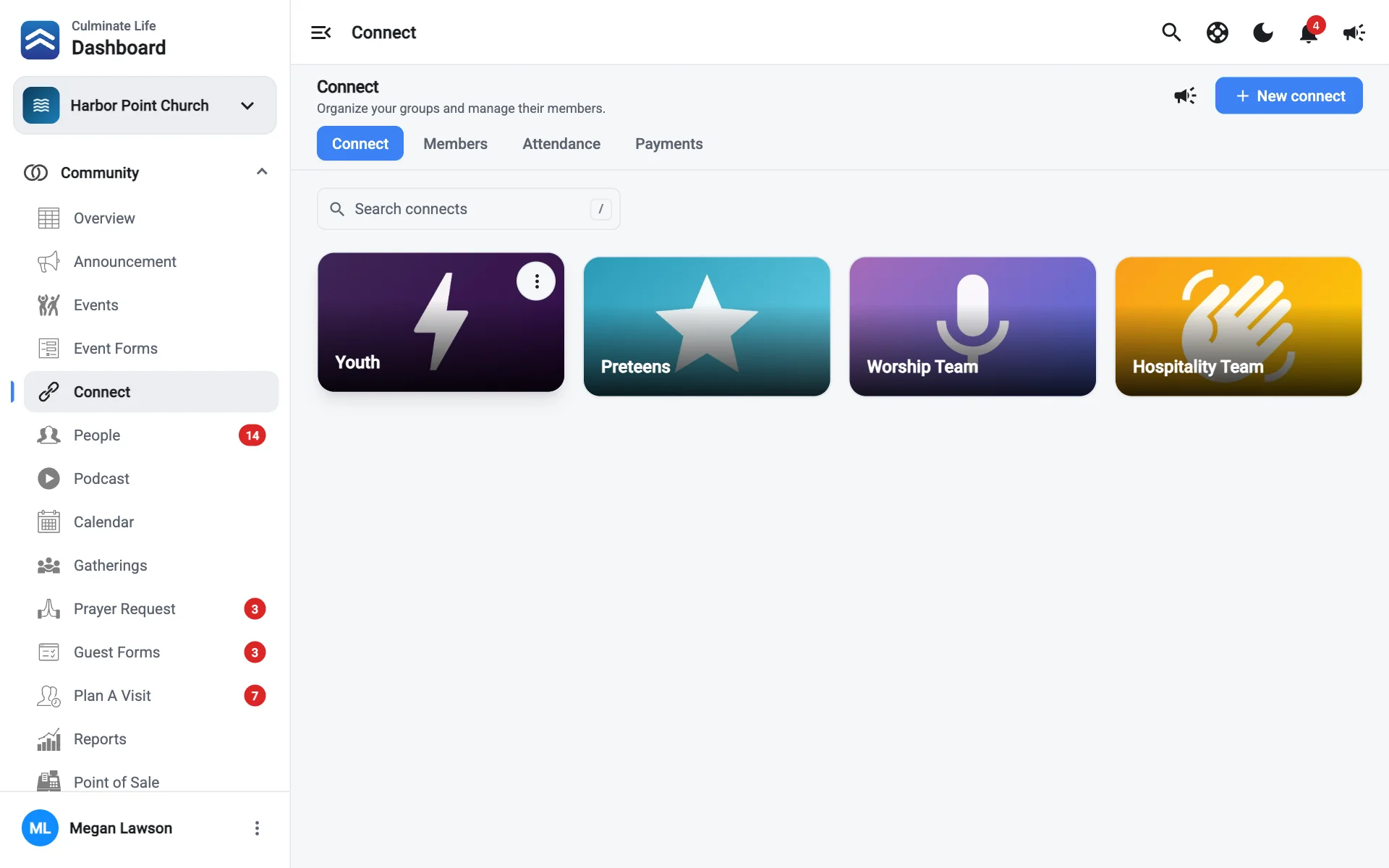
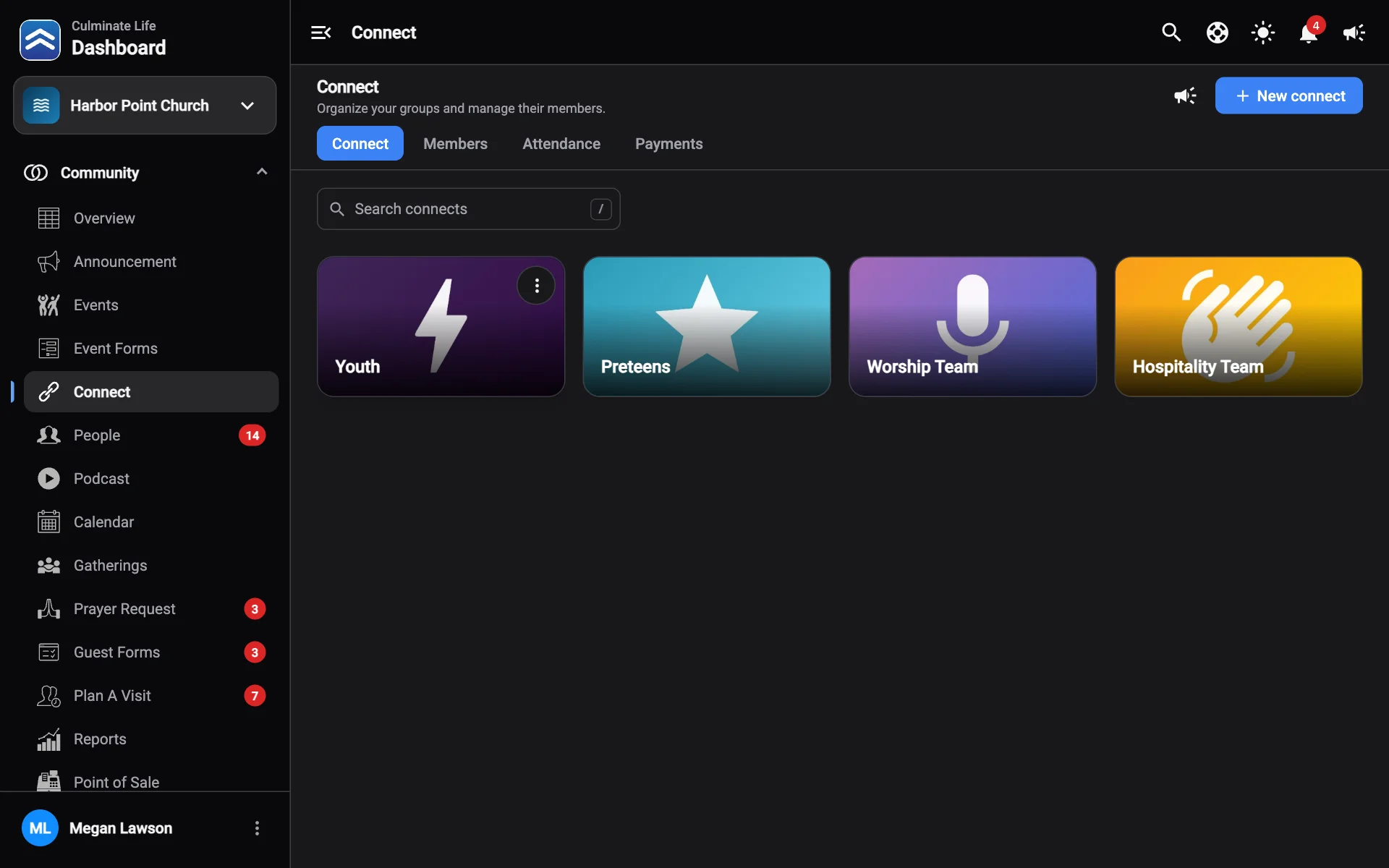
The Connect page
Open Community → Connect. The tabs switch between Connect, Members, Attendance, and Payments.
- Search connects by name.
- Use a connect’s ⋮ menu to Edit it or see its Analytics.
- New connect creates one.
- Send notification messages a connect’s members.
Create a connect
Select New connect
Add images
Select Add image to add one or more images.
Fill in the details
- Title: the connect’s name.
- Details: what it’s about.
- When it meets: shown on the connect in the apps, like “Sundays at 9:00 AM”.
- Meets at: where it meets.
- Leader: pick someone from Leadership, or None.
Choose sign-up and attendance options
- Has dues: shows this connect in Connect payments so you can track who has paid.
- Track attendance: leaders record who comes to each meeting. Attendance also feeds the connect’s analytics.
Add files (optional)
PDFs members can download, up to 50 MB each. Select Add file.
Select Create connect
To change a connect later, open it, make your changes, and select Save changes. Delete removes it.
Analytics
Open a connect’s Analytics for views, how people found it, member activity, and Attendance per session for the latest 24 sessions.