
A person’s profile
Select anyone in People, All People, a table, or search to open their profile.
Sections
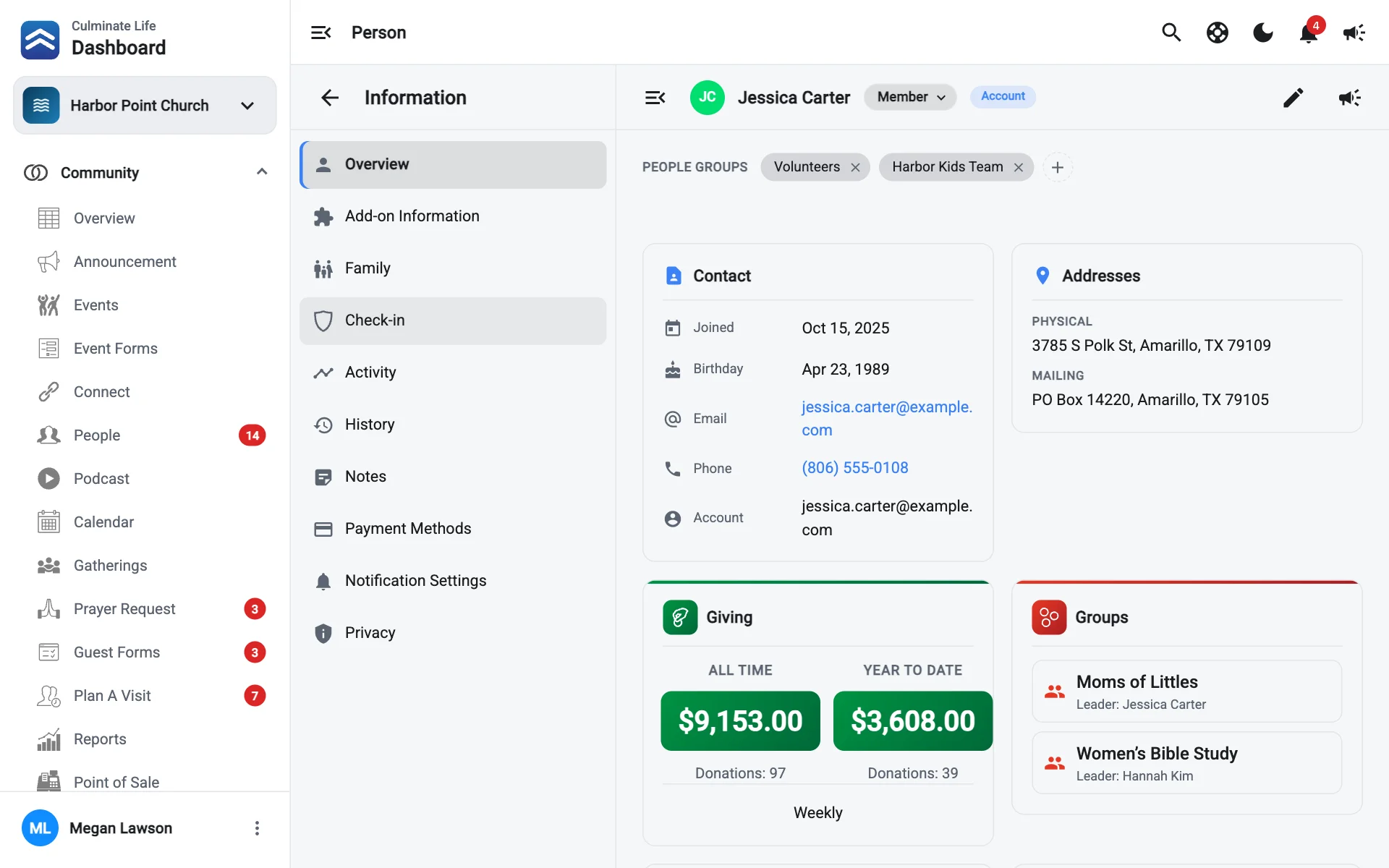
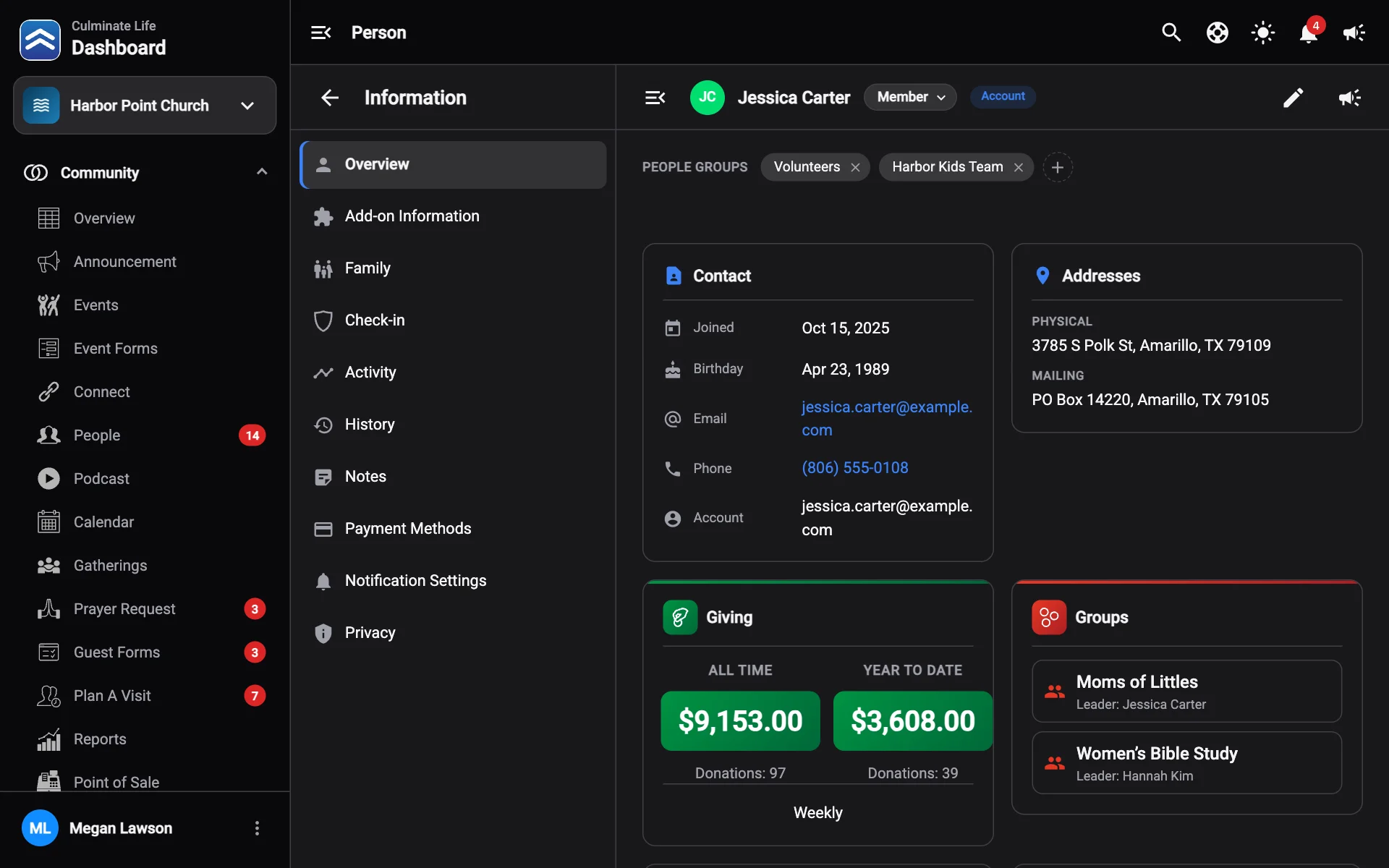
The section list on the left jumps around the profile. Hide sections gives the profile more room.
Overview
The person at a glance:
- Status: select it under their name to change it.
- People groups: the people groups they’re in. Select + to add them to one, or × to remove them.
- Contact: when they joined, birthday, email, phone, account email, and physical and mailing addresses.
- Giving: all-time and year-to-date totals, and how often they give.
- Groups: groups they belong to and who leads them.
- Upcoming events and Event payments.
- Check-in parent or Check-in child: their check-in code, phone, and children or details. Select View more for the check-in section.
- Connect: attendance stats for connects they attend.
Select Edit personal information to change their details, or Send notification to message just them.
Add-on information
Their add-on fields.
Family
Their parents, children, and siblings. Shared children are labelled shared.
Check-in
For parents: their check-in code (select Edit phone & code to change it), their children, and the other parent. If a parent in the family doesn’t have check-in, you can Turn on check-in so they can check the children in too. Add child adds a child to the family.
For children: grade, gender, emergency contact, medical information, medications, physician, total check-ins, first check-in, and Check-in history (who checked them in and out, and when). Edit check-in info changes their details.
Check-out ticket emails show whether the check-out emails sent to parents were delivered and opened.
Activity
What they’ve done, like registering for events, giving, or filling out forms.
History
Changes made to their record in the dashboard, and by whom.
Notes
Private notes your team keeps about this person. Select Add a new note, write it, and select Add note. You can edit or delete your notes later.
Payment methods
Cards and bank accounts they’ve saved, with expiry dates. You can Remove one. A bank account marked Needs verification hasn’t been verified yet.
Notification settings
How they’re notified for each type of update (new events, announcements, podcasts, videos, go live, reminders, and warnings) by push, text, and email.
Privacy
What other members can see about them in the app: email, phone, physical address, mailing address, and family.
Manual check-in
Select Manual check-in to check a child in from the dashboard if a device isn’t available.
Workflows
If the person is linked to workflow items, like follow-ups, they show on the profile with how many are open.