
Features
Open Organization → Settings, then Features. Switch between App and Dashboard to see what’s on in each.
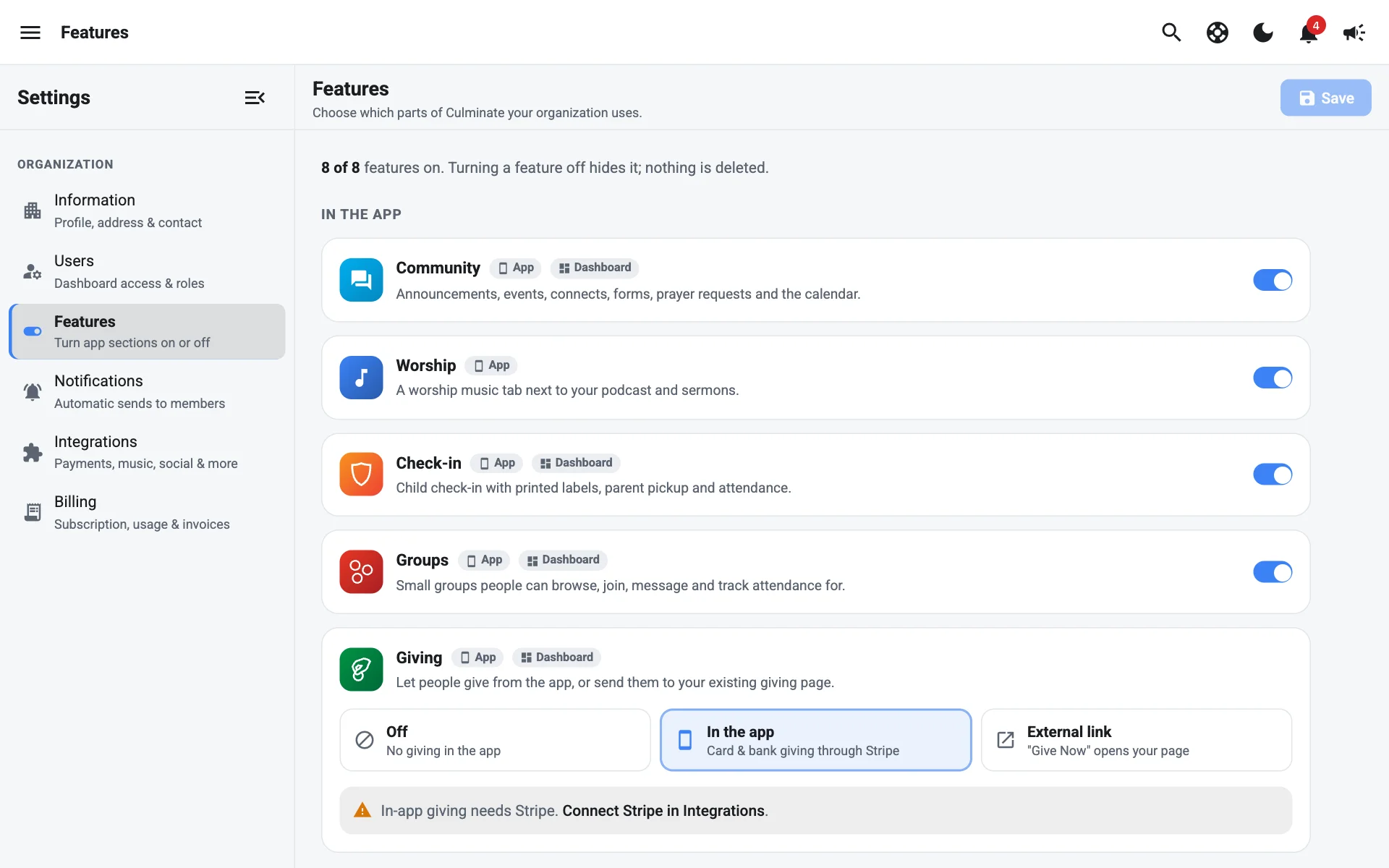
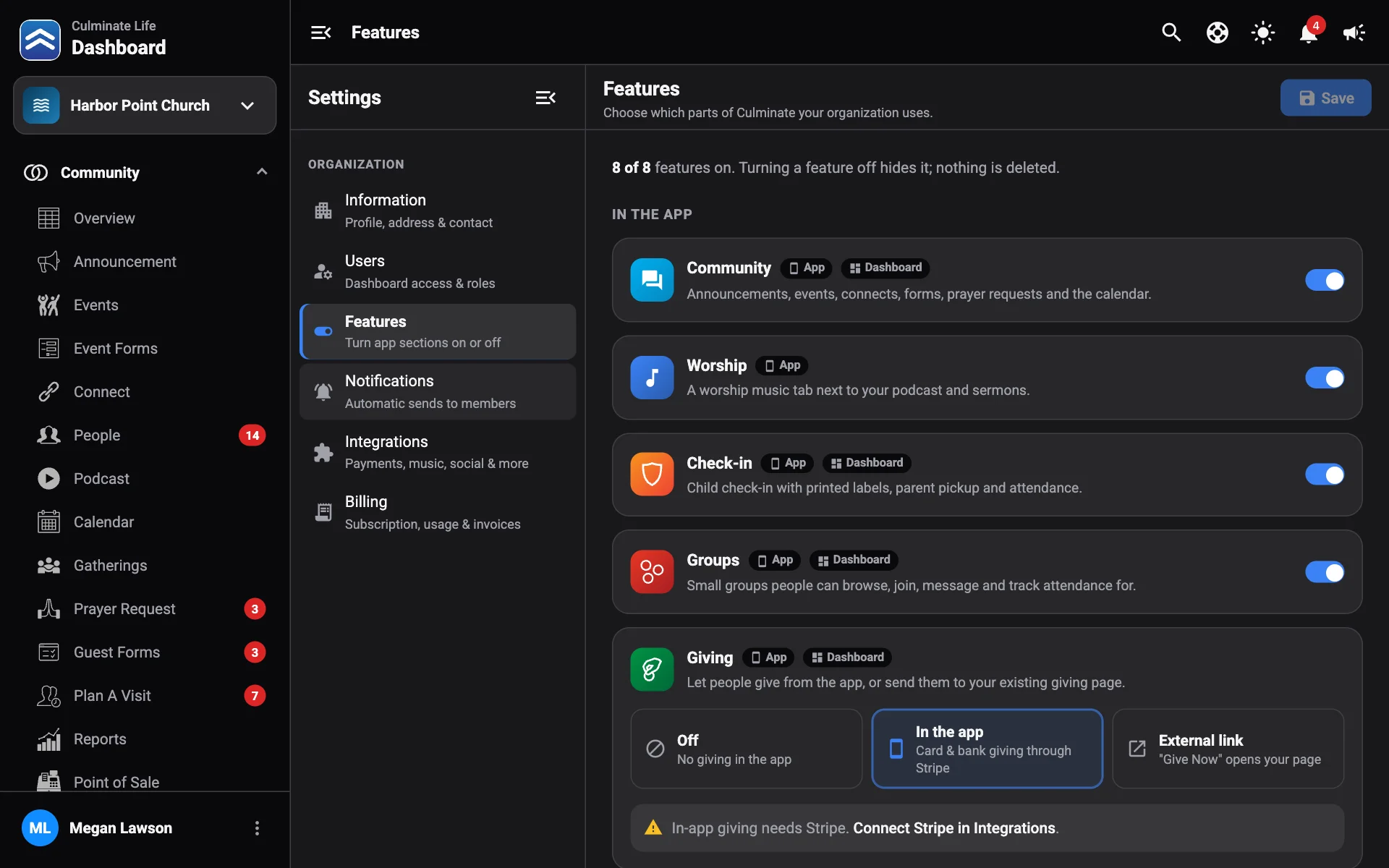
Turning a feature off hides it; nothing is deleted. Turn it back on and everything is where you left it. Paid add-ons are added to or removed from your subscription as soon as you confirm.
| Feature | What it adds |
|---|---|
| Community | Announcements, events, connects, forms, prayer requests, and the calendar. |
| Worship | A worship music tab next to your podcast and sermons. |
| Check-in | Child check-in with printed labels, parent pickup, and attendance. |
| Groups | Small groups people can browse, join, message, and track attendance for. |
| Video on demand | Sermon and event video libraries people can watch any time. |
| Live stream | Stream services live with chat, then keep the recording. |
| Point of Sale | Sell items at a café, bookstore, or event with terminals and inventory. |
Select Turn on or Turn off, then Save. Discard undoes unsaved changes.
Paid add-ons
Video on demand, Live stream, and Point of Sale are paid add-ons. Each shows its price (like $49/mo) next to its name. They don’t wait for Save: they’re added to or removed from your Culminate subscription as soon as you confirm.
Turn on a paid add-on
- Turn on its switch.
- Check the name and price in the confirmation, like Add Video on demand?, and select Add to subscription.
While it’s being added, you’ll see Updating your subscription…. Once it’s on, it shows On your subscription. Your next invoice includes a prorated charge for the rest of this billing period.
Live stream needs Video on demand. If Video on demand is off, turning on Live stream adds both.
Turn off a paid add-on
Turn off its switch and select Turn off. It’s hidden for everyone in your organization right away and removed from your subscription, and unused time is credited on your next invoice. Nothing is deleted, and you can turn it back on any time. Turning off Video on demand turns off Live stream too.
You can see what you’re paying for in Billing.
Giving in the app
Choose how the app’s Give tab works:
- Off: no giving in the app.
- In the app: card and bank giving through Stripe. This needs Stripe connected in Integrations.
- External link: a Give Now button that opens your existing giving page. Enter the Giving page link.