
Check-in
Check-in reports
Check-in logs, kids not checked out, rosters, birthdays, and allergies, ready to print or export.
Open Check-in → Reports. Pick a report, choose a date range, select Run report, and Export it as a CSV spreadsheet or PDF. See how reports work.
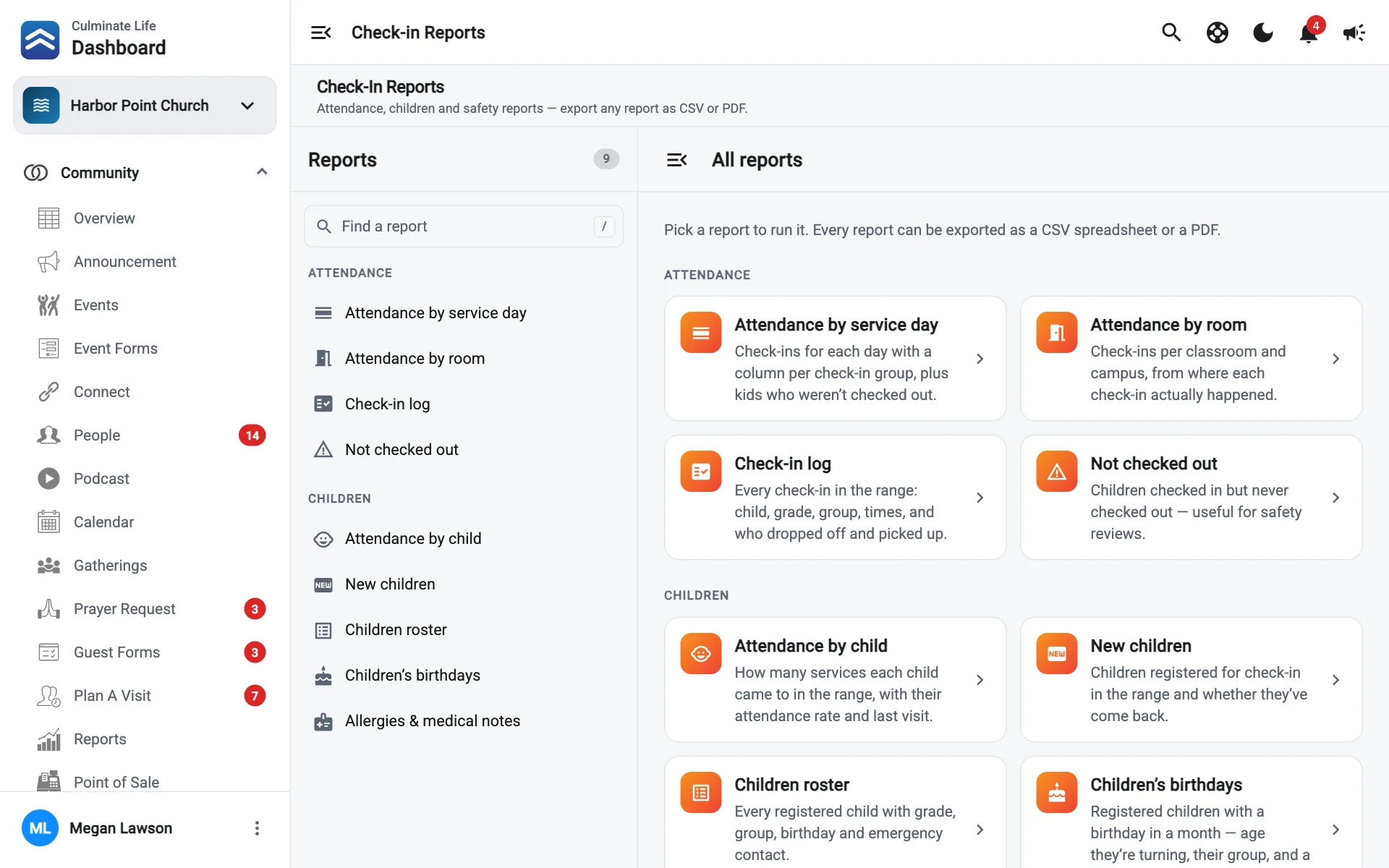
| Group | Report | What it shows |
|---|---|---|
| Attendance | Attendance by service day | Check-ins for each day with a column per group, plus kids who weren’t checked out. |
| Attendance | Check-in log | Every check-in: child, grade, group, times, and who dropped off and picked up. |
| Attendance | Not checked out | Children checked in but never checked out. Useful for safety reviews. |
| Attendance | Attendance by room | Check-ins per classroom and campus, from where each check-in happened. |
| Children | Attendance by child | How many services each child came to, their attendance rate, and last visit. |
| Children | New children | Children registered in the range and whether they’ve come back. |
| Children | Children roster | Every registered child with grade, group, birthday, and emergency contact. |
| Children | Children’s birthdays | Children with a birthday in a month: the age they’re turning, their group, and a parent to contact. |
| Children | Allergies & medical notes | Children with medical information or medications, with emergency and physician contacts. Print one for each room. |
Print Allergies & medical notes for each classroom at the start of every term, and keep it somewhere volunteers can see it.