
Organization
Devices
Every device connected to your organization, like check-in kiosks and connect attendance devices, and your device code.
Devices are the iPads and phones your organization uses for check-in and connect attendance.
Open Organization → Device.
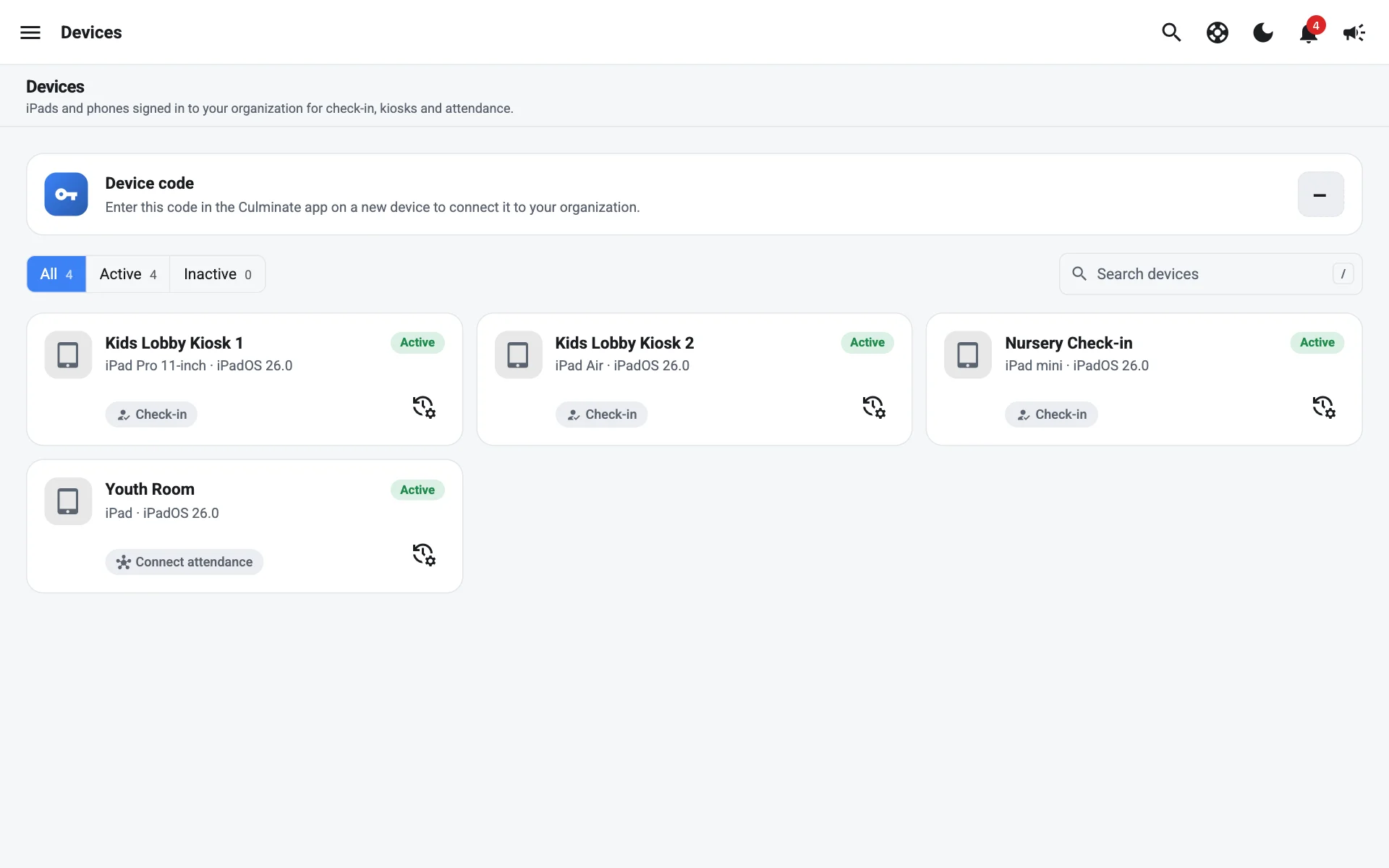
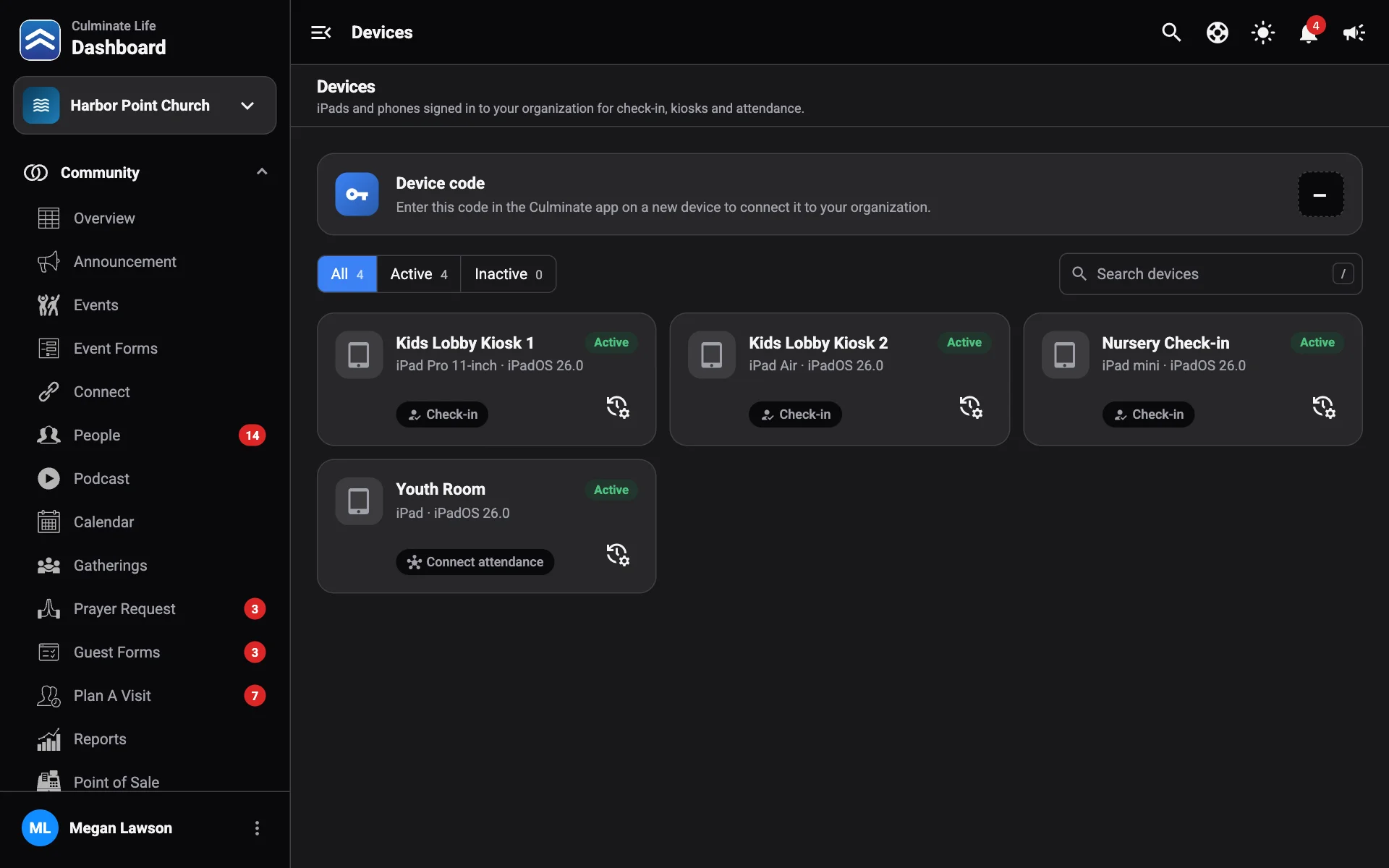
Connect a new device
- Select Copy device code.
- On the new device, enter the code in the Culminate app. It connects to your organization and appears in the list.
Treat the device code like a key. Anyone with it can connect a device to your organization.
Manage devices
Each device shows what it’s used for (Check-in or Connect attendance), whether it’s Active or Inactive, and when it was last Used. Filter by All, Active, or Inactive, and search by name.
For check-in devices, see also Check-in settings.