
Giving
Recurring giving
See every recurring gift, set one up for a giver, and change or stop a schedule.
Most givers set up recurring gifts themselves in the app or on your website. Giving → Recurring shows every schedule.
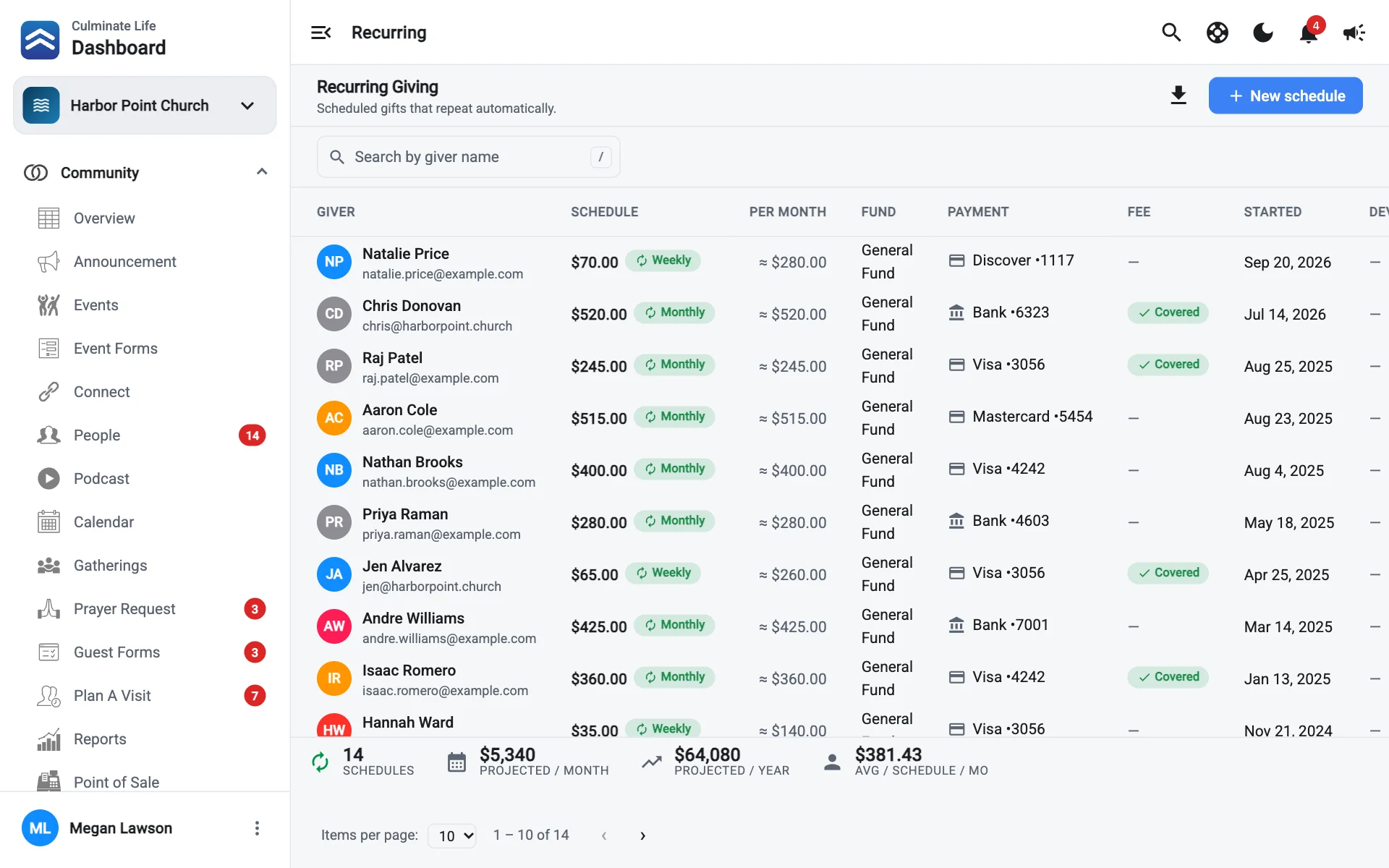
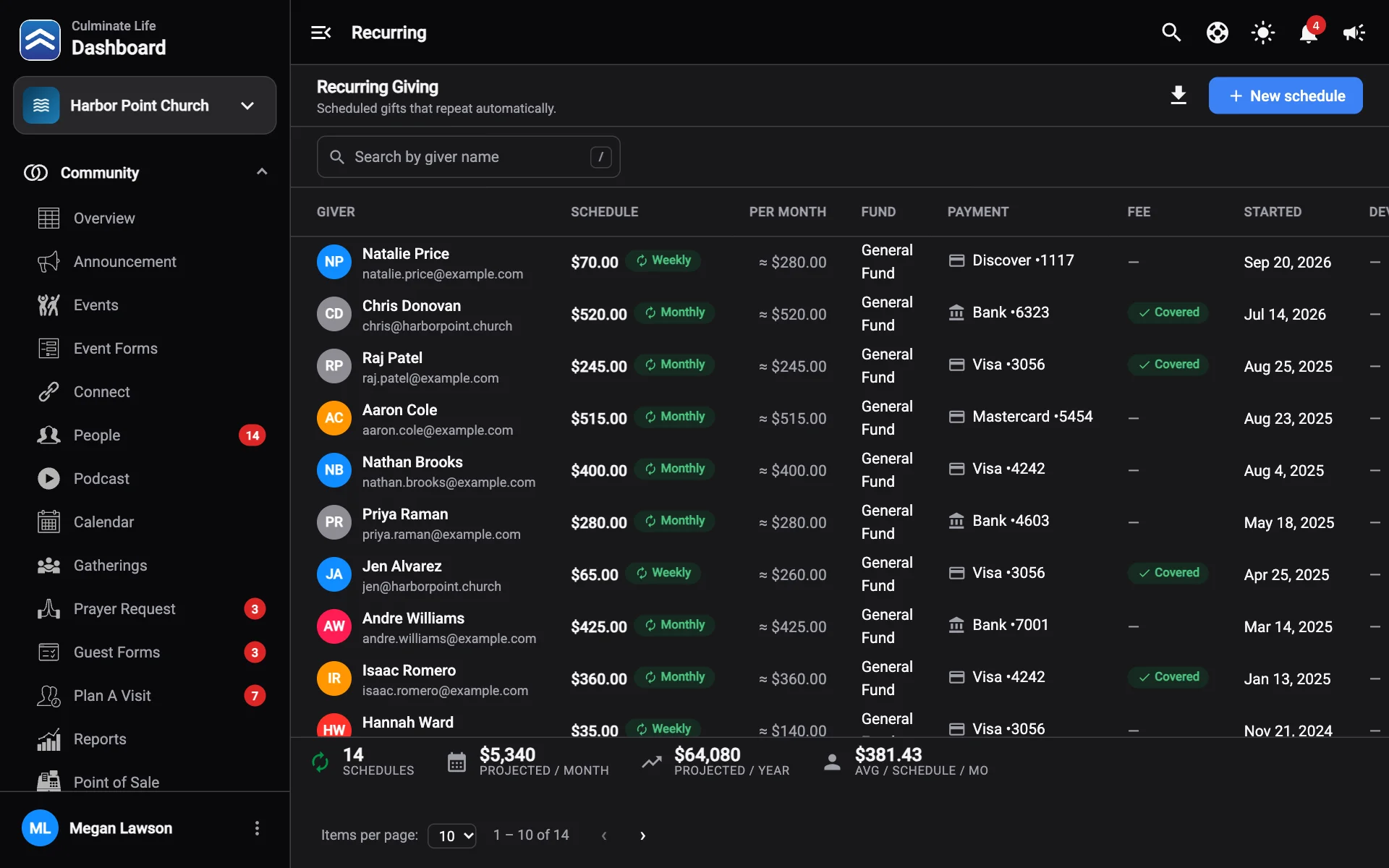
The schedules table
Each schedule shows the Giver, Schedule (how often), what it’s worth Per month, the Fund, the Payment method (and whether the card has Expired), the Fee and whether it’s Covered, when it Started, and the Device and Source.
The totals show how many Schedules, Projected / month, Projected / year, Avg / schedule / mo, and Expired cards on the page.
Search by giver name, and select Download recurring giving to save the list as a CSV file.
Expired cards stop recurring gifts. Check for them every month and reach out so givers can update their card in the app.
Set up a recurring gift for someone
- Select New schedule.
- Choose the Giver. Their saved cards and bank accounts appear under Payment method. If they have none, they’ll need to add one when they give online.
- Enter the Amount, how often it Repeats, and the Fund.
- Check Giver covers the processing fee if they want to. You’ll see what it works out to per month and per year.
- Select Create schedule.
Change or stop a schedule
Select a schedule to open Edit recurring gift. Change the payment method, amount, interval, or fund and select Save changes, or select Delete schedule to stop it.