
Calendar
The calendar shows everything on your organization’s schedule: event calendar entries, gatherings, and calendar items you add here. It’s the same schedule people see in the app.
Views
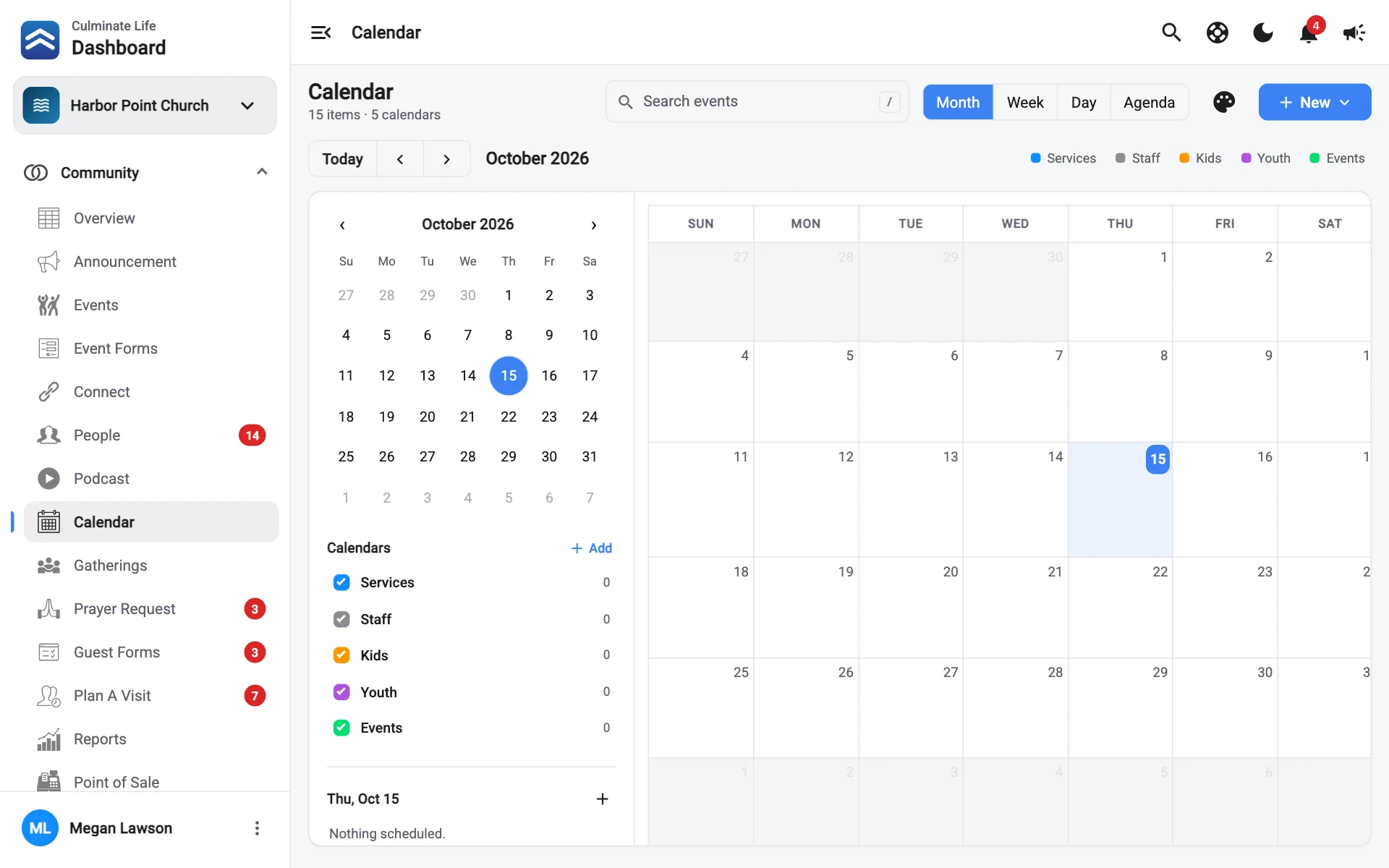
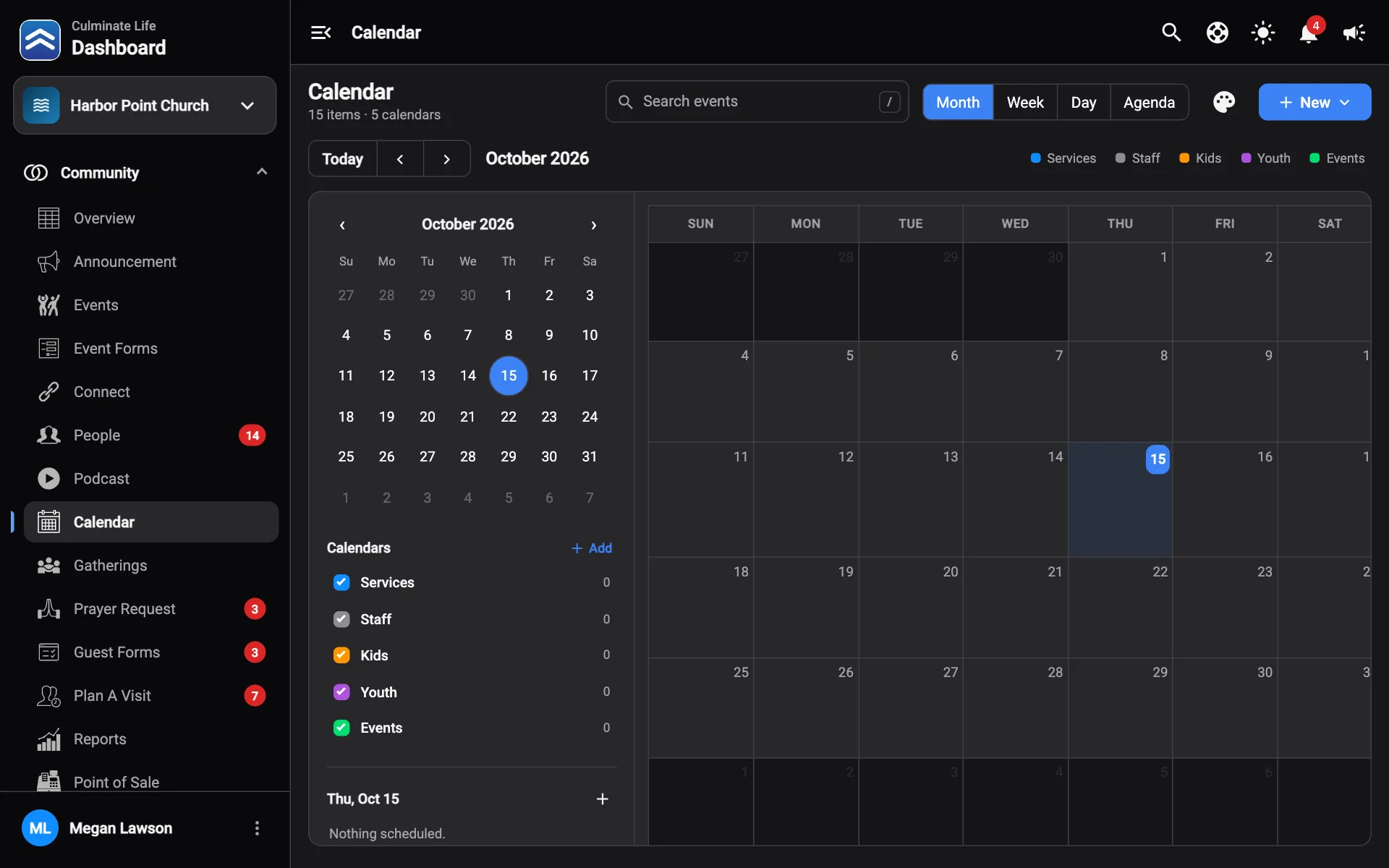
Open Community → Calendar. Switch between Month, Week, Day, and Agenda. Use Previous, Next, and Today to move around, and Search events to find something.
Agenda lists upcoming items for the next 90 days.
Add a calendar item
A calendar item is something on the schedule that isn’t a full event, like staff meetings, building closures, or a weekly prayer time.
Select Add item, then Calendar item
Choose Gathering instead for times people take notes during, like a weekly service. See Gatherings.
Fill it in
- Title: shown on the calendar.
- Starts and Ends.
- Where.
- Calendar color: groups the item under a calendar in the sidebar.
- Repeat: how often it repeats, and Ends repeating (Never or On date).
Save
Select an item to change it, or Delete it.
Calendars and colours
The Calendars list in the sidebar groups items by colour, like “Staff”, “Kids”, or “Facilities”. Check or uncheck a calendar to show or hide it.
To add or change calendars, select Edit calendar colors. Select Add color, then give it a Name (shown in the list and legend) and a Color.