
Connect attendance
Attendance works for connects with Track attendance turned on. Leaders usually take attendance in the app or on a device; this page shows the results.
Open Community → Connect, select the Attendance tab, and Select a connect. Pick the Dates.
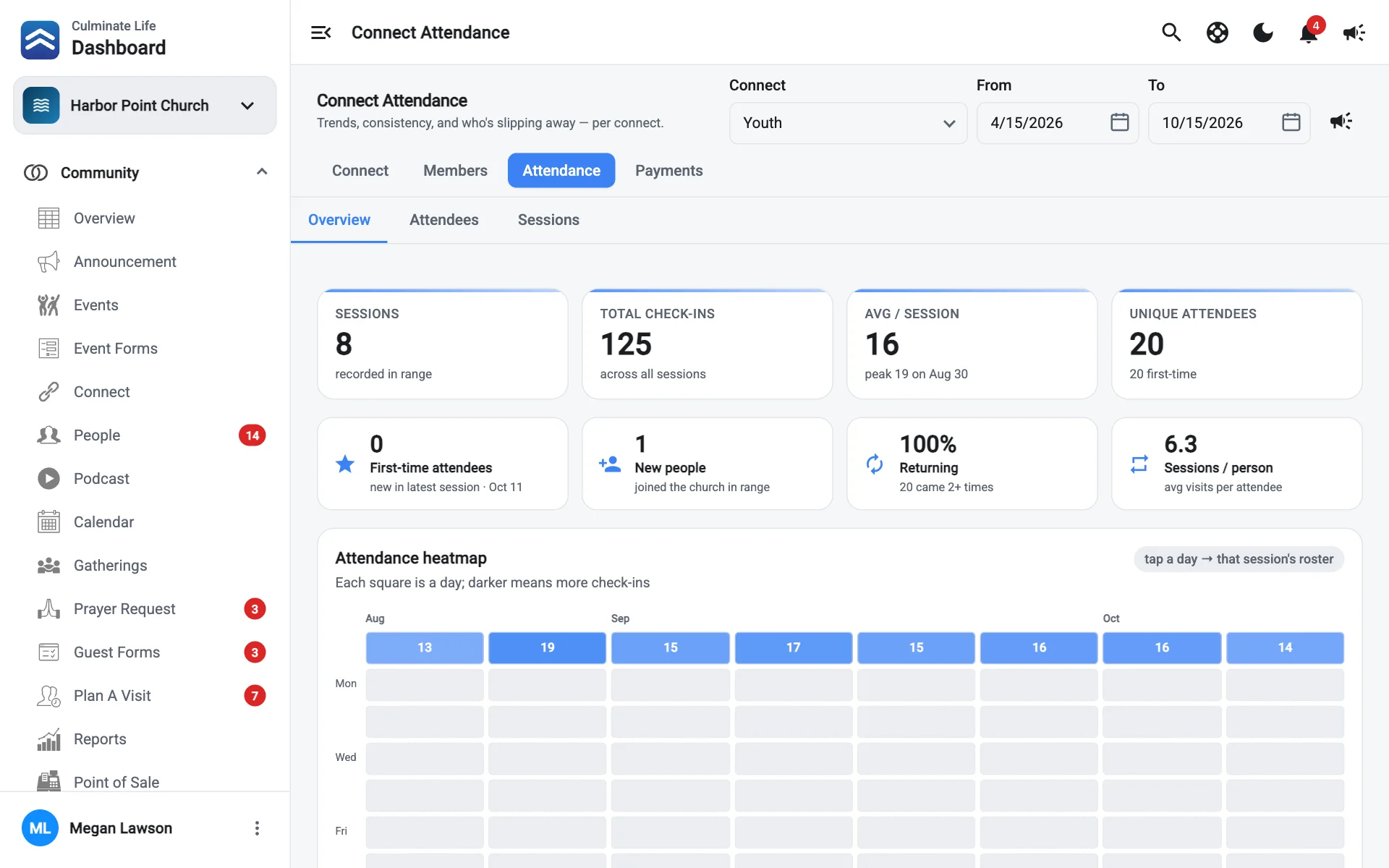
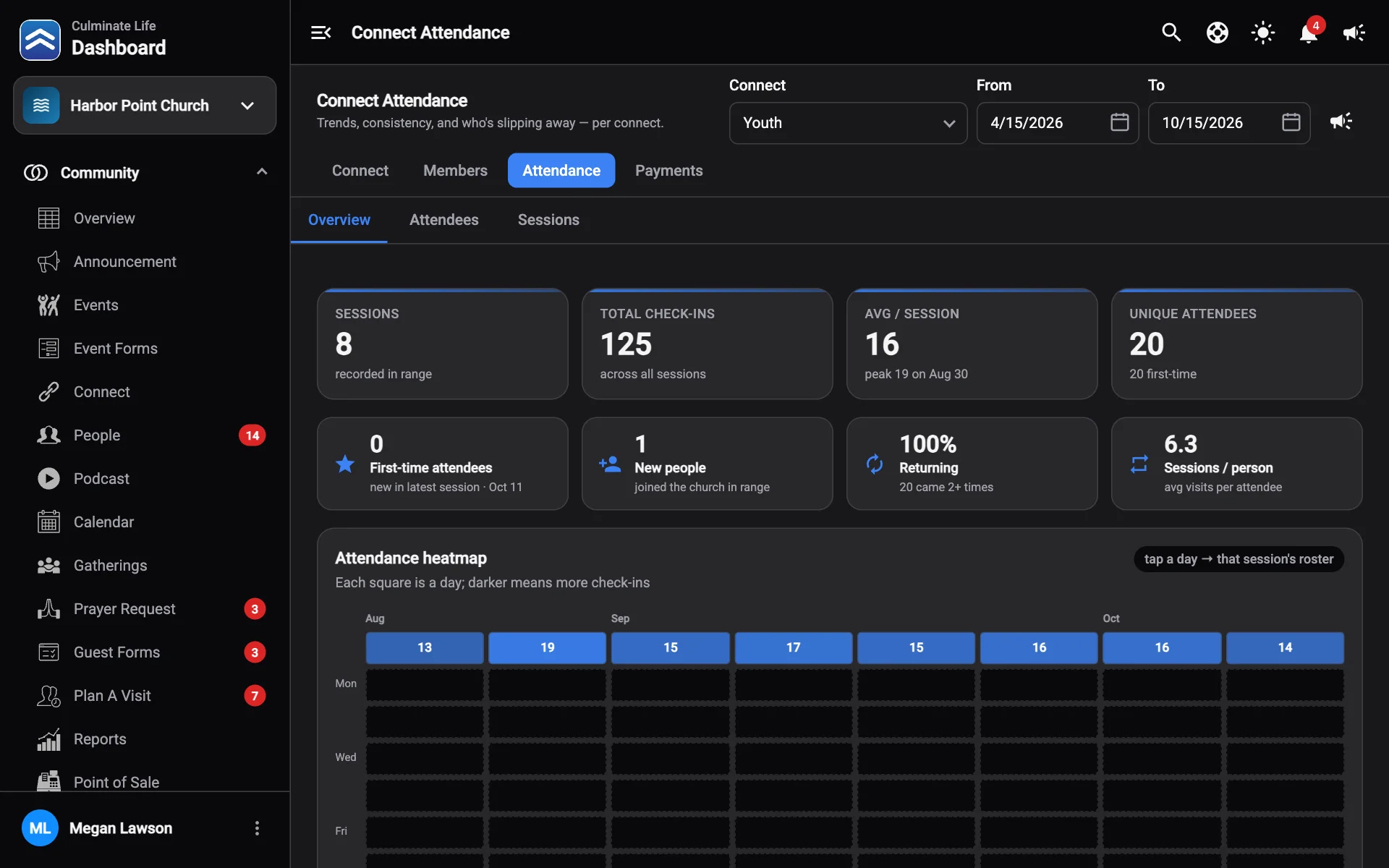
Overview
| Number | What it means |
|---|---|
| Total Check-ins | Across all sessions in the range. |
| Avg / Session | Average check-ins, with the peak. |
| Unique Attendees | Different people, and how many were first-timers. |
| First-time attendees | New in the latest session. |
| New people | People who joined your organization in the range. |
| Returning | People who came two or more times. |
| Sessions / person | Average visits per attendee. |
The Attendance heatmap shows each day as a square: darker means more check-ins. Select a day to see that session’s roster.
Attendance consistency lists At risk of drifting away: regular attenders who missed the last two sessions, so you can follow up.
Attendees
Everyone who has attended, with first name, last name, email, phone, and date of birth. A First time label marks people who’ve only come once. Use Add attendee to add someone, or Remove to take them off. The Not members and Never attended filters help you tidy up.
Sessions
Select a session to see who was present. To fill in a session that wasn’t recorded at the time, select Record past session, choose the date, and Add people.
Message attendees
Select Send connect notification to message the connect.