
Organization
Leadership
Your leaders directory in the app, used for speakers, prayer replies, and sending as a leader.
Leadership is the directory of your pastors, staff, and leaders that people see in the app. Leaders are also used as event session speakers, for prayer request replies, and when you send a notification as a leader.
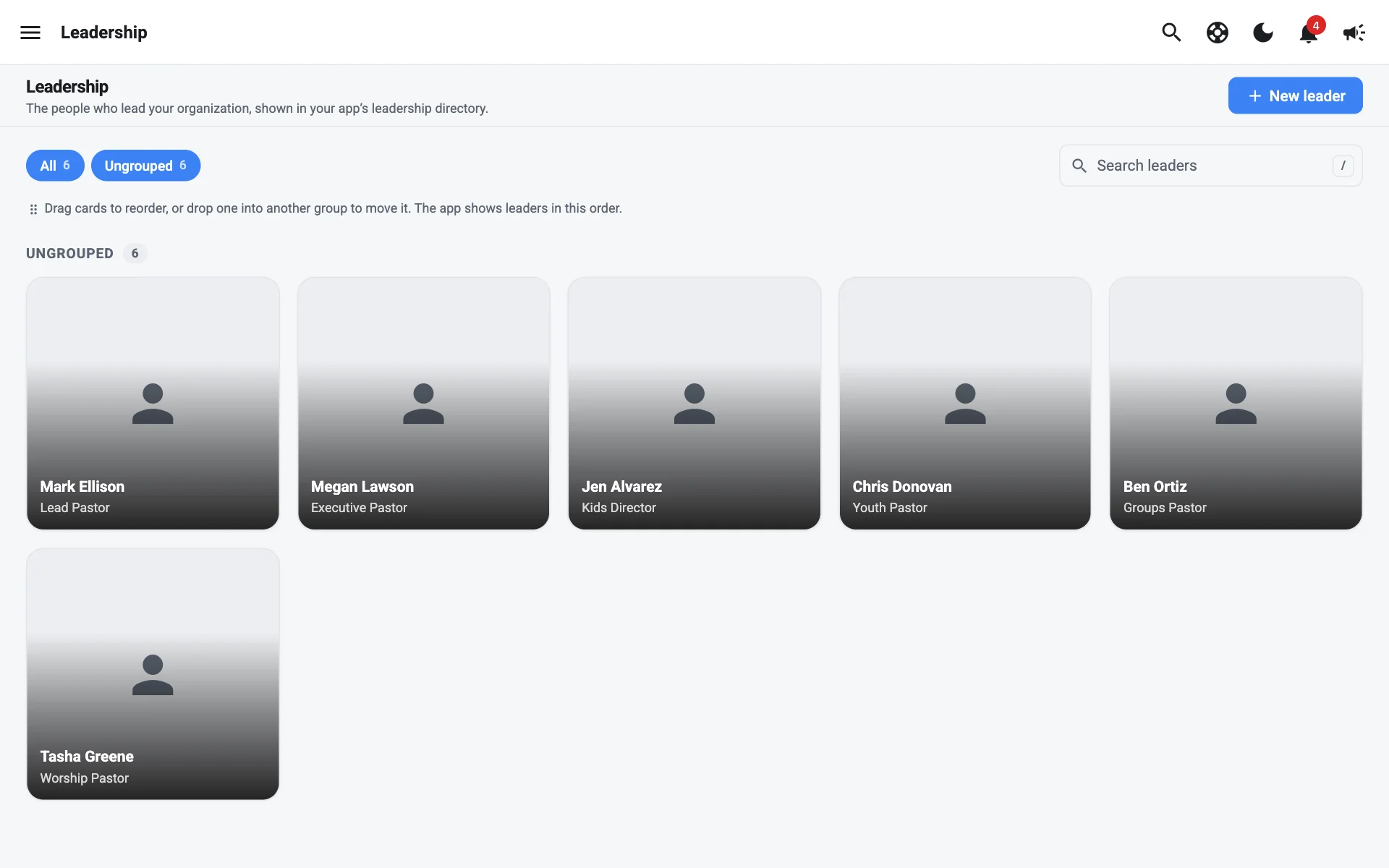
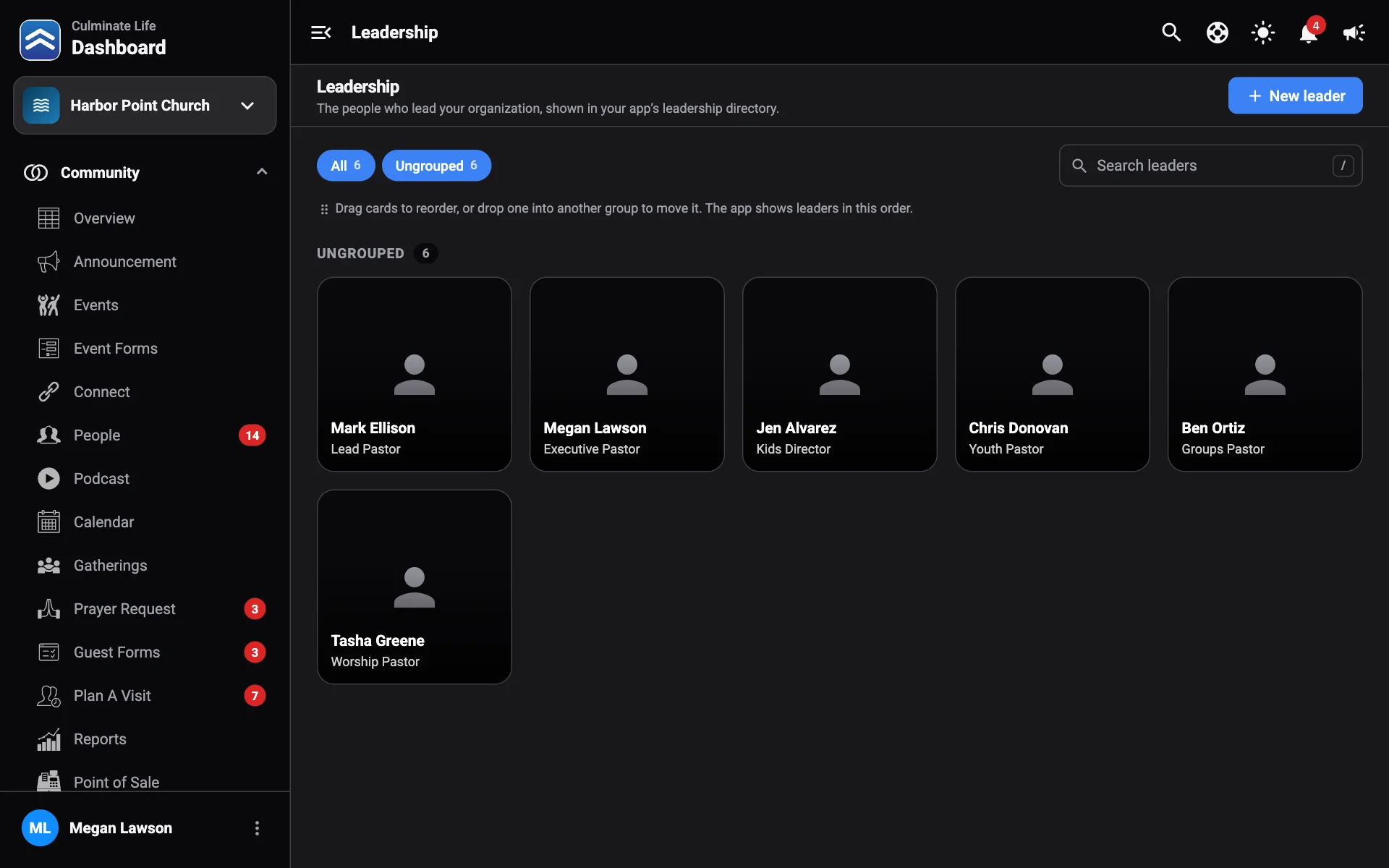
Add a leader
- Go to Organization → Leadership and select New leader.
- Add a Photo.
- Enter their Name and Title, like “Executive Pastor”.
- Choose a Group, like “Pastors” or “Staff”. Pick an existing group or type a new one.
- Add an optional Email and Phone, and a Bio. The bio shows on the leader’s page in the app and wherever they’re a session speaker.
- Select Create.
Select a leader to edit them. Filter by group or search by name.
Link a leader to a user
When a leader is also a dashboard user, link their leader card to their role in Users & permissions with Add to leadership or Change leadership. Then their prayer replies and messages show their leader name and photo.