
Groups
Join requests
Accept, deny, or dismiss people asking to join a group.
When someone asks to join a group in the app, the request waits here until you or a group admin answers it.
Open Groups → Groups and select the Join Requests tab.
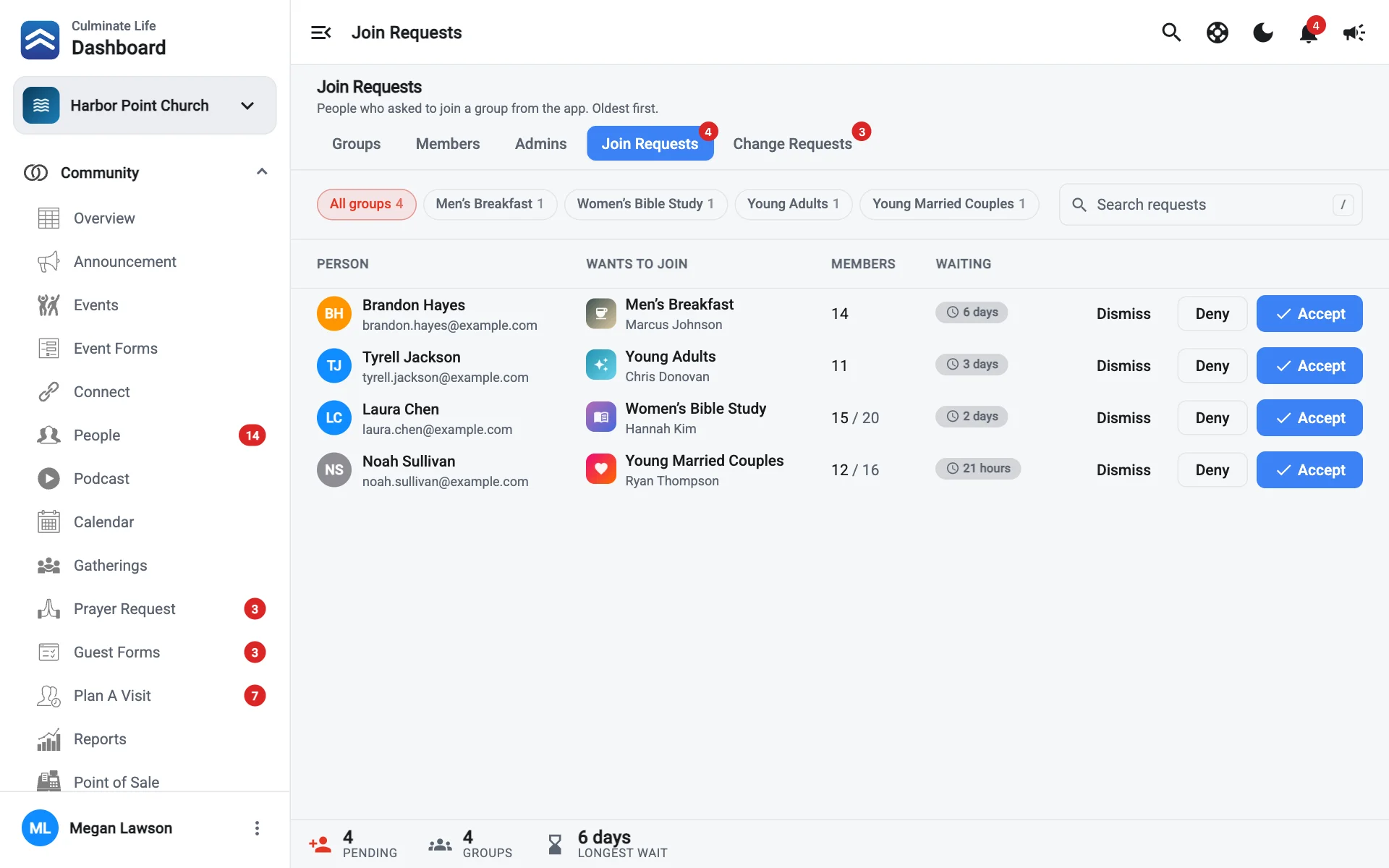
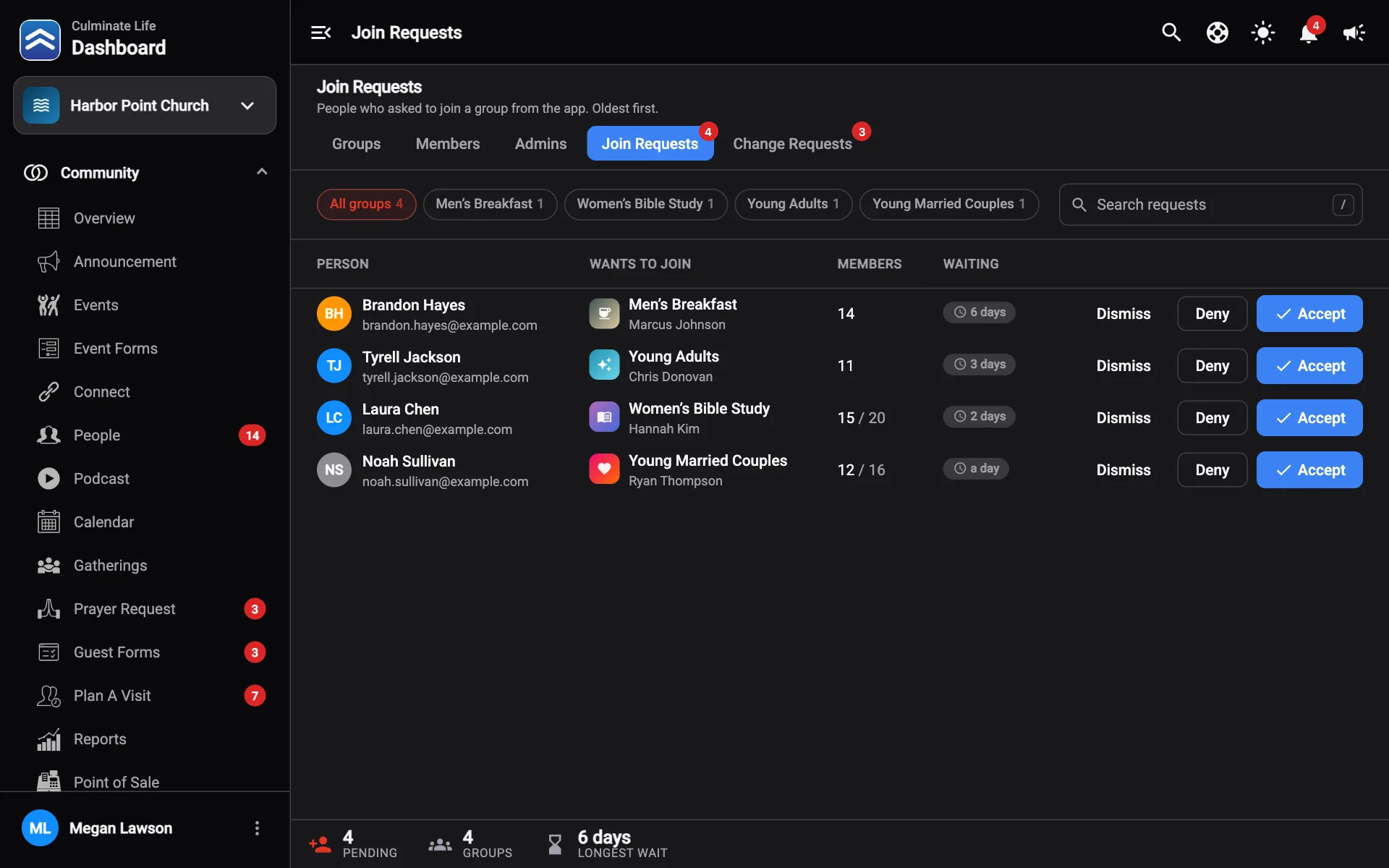
The totals show how many requests are Pending, across how many Groups, and the Longest wait. Each request shows the Person, the group they Want to join, and how many Members it has. Filter by group or search by name.
Answer a request
| Button | What happens |
|---|---|
| Accept | They join the group. |
| Deny | They’re told no. Add an optional Message so they know what to do next, like “This group is for moms. Try the Thursday group!” |
| Dismiss | Removes the request without notifying them. |
If a group is full, requests are labelled Full, and requests made while it was full show Asked while the group was full. Accepting one puts the group over its limit; you’ll be warned first.
Answer requests quickly. The longer someone waits, the less likely they are to show up.