
People
Add a person
Add someone to your organization from the dashboard.
Most people add themselves by signing up in your app, filling out a guest form, or registering for an event. You can also add someone yourself, like a visitor who filled out a paper card.
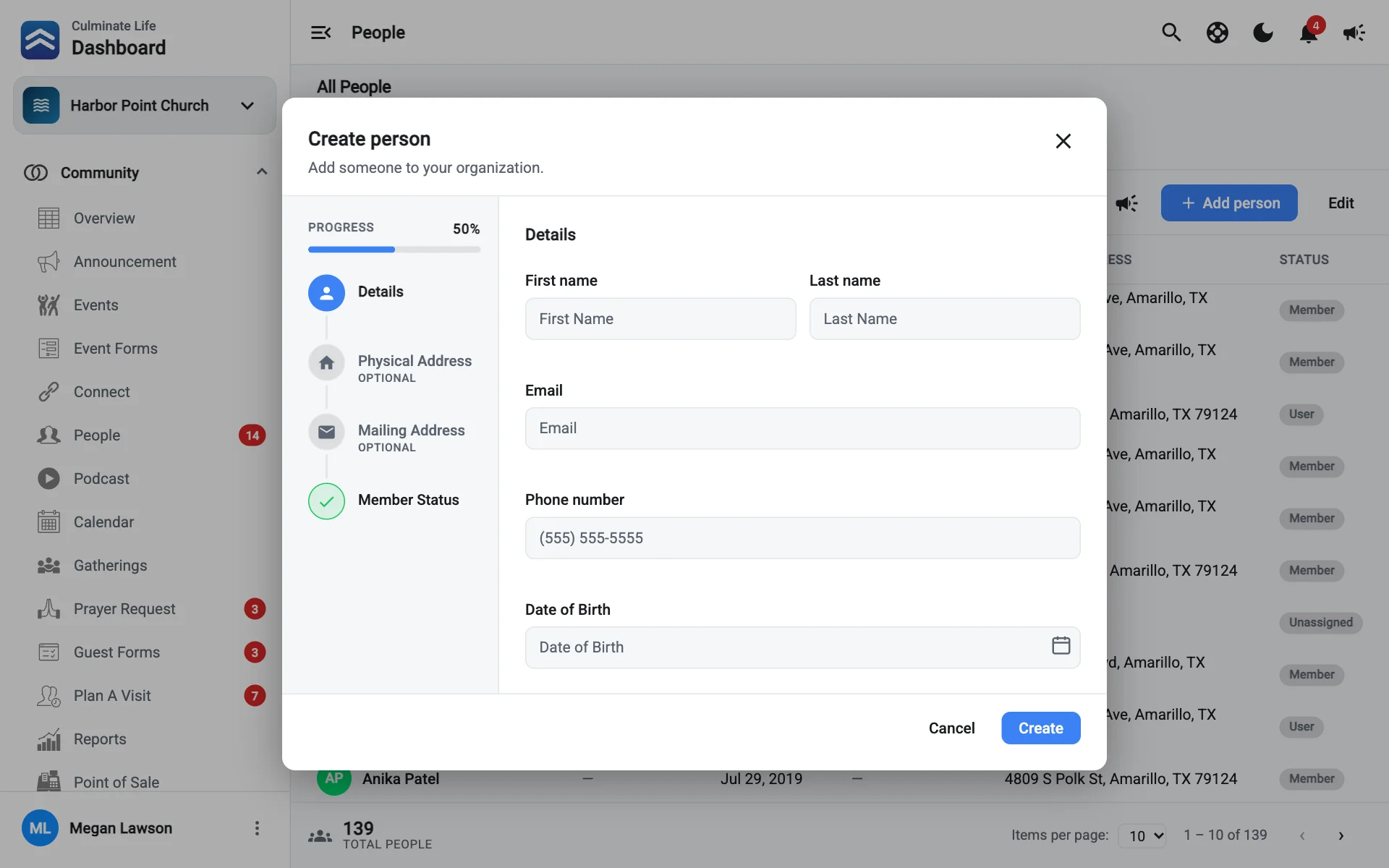
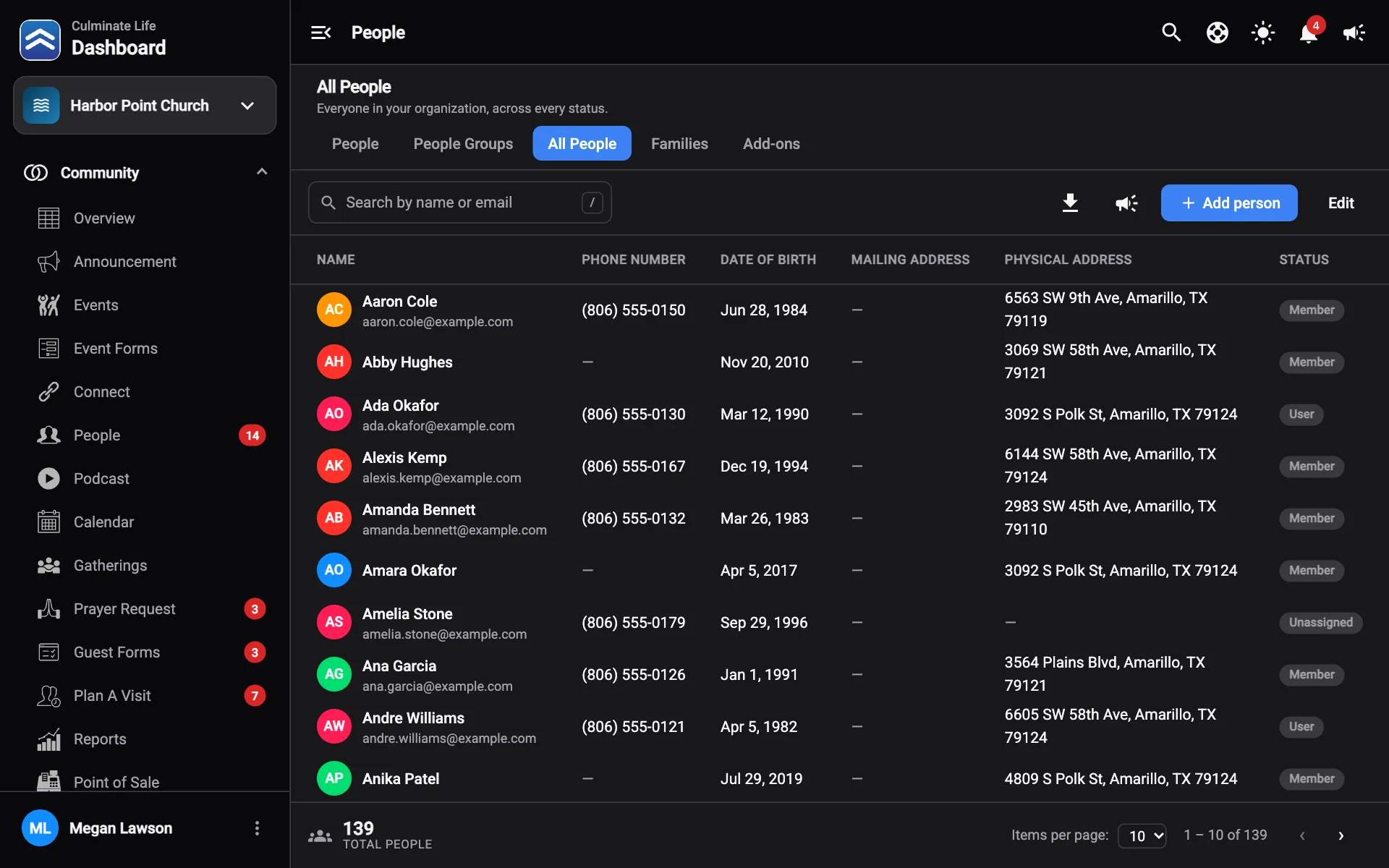
Select Add person
It’s on People, All People, and most lists where you pick a person.
Fill in the details
- First Name and Last Name (required).
- Email, Phone number, and Date of Birth.
- Physical Address, City, State, and Zip Code.
- Mailing Address, or check Mailing address is the same as physical address.
Choose a member status
Pick a Member status, like Member or Non Member.
Fill in add-on information
If your organization uses add-ons, their fields appear here.
Select Create
Adding a person doesn’t create an app account or give them dashboard access. To give someone dashboard access, add them as a user. If they don’t have a Culminate account, they’re invited to create one; see Users & permissions.