
Groups
Group members
See who’s in each group, add and remove members, and download rosters.
Open Groups → Groups and select the Members tab. Pick a group on the left, or All groups. Filter groups by Active or Inactive.
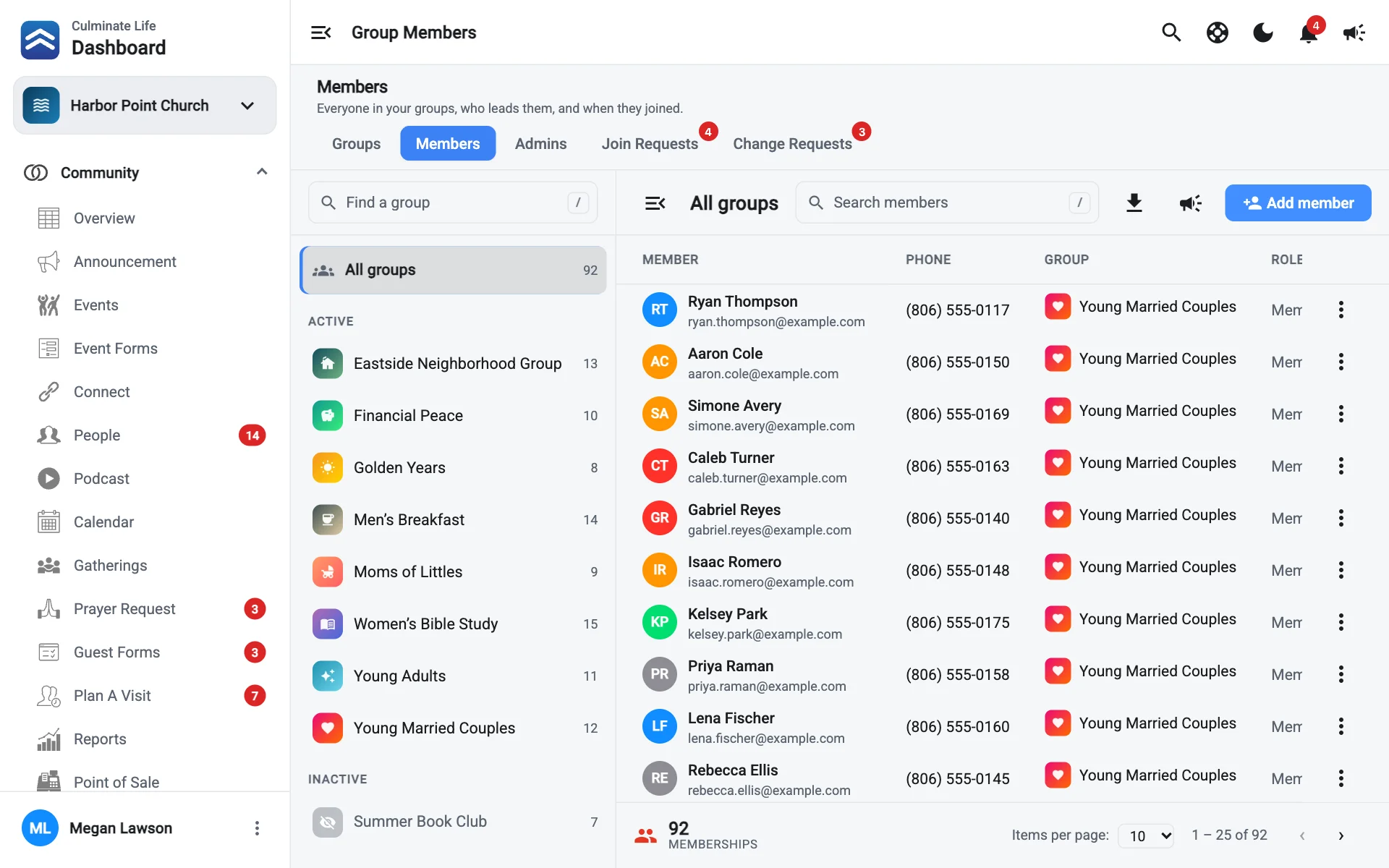
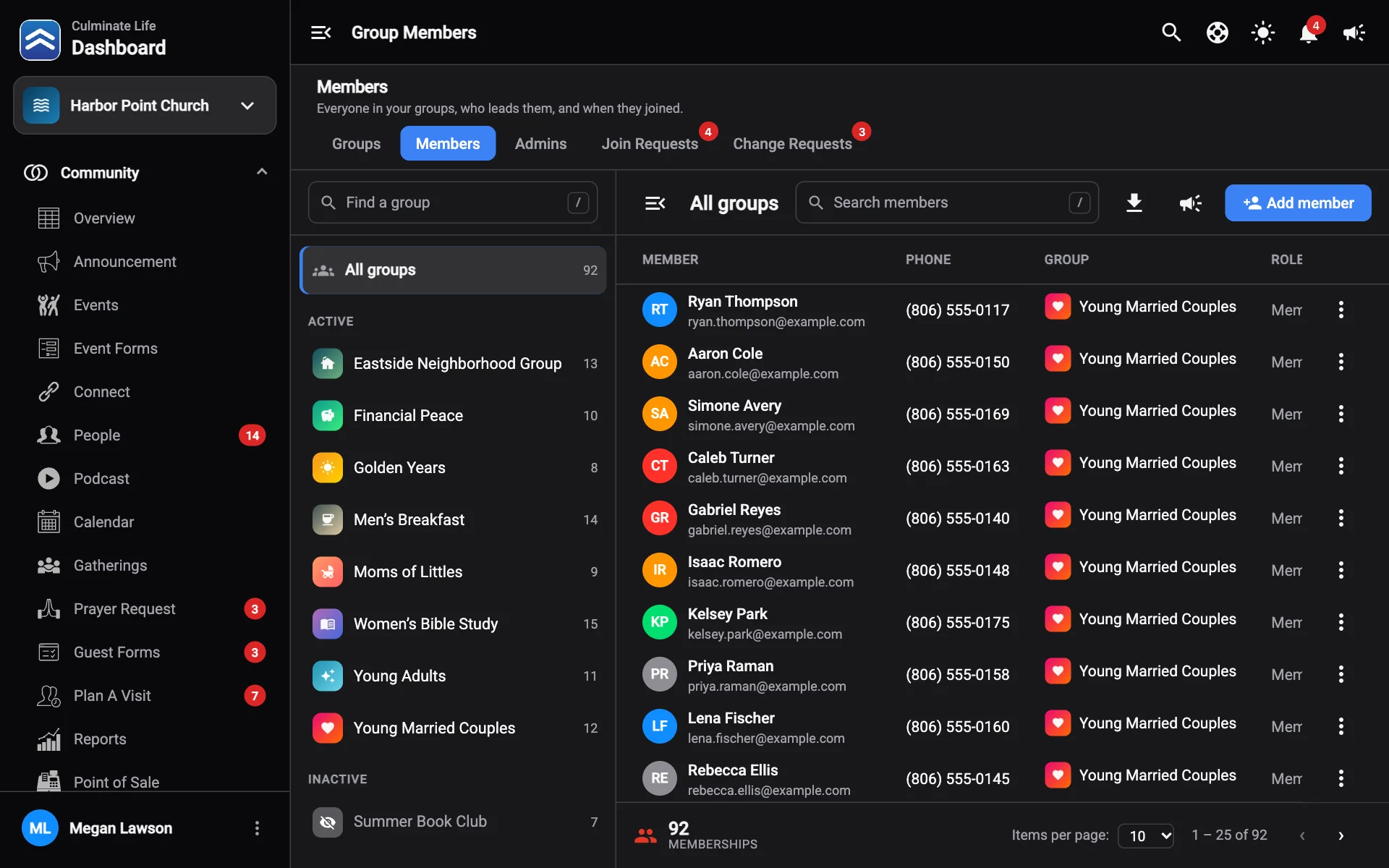
Each member shows their Phone, Group, Role (member or Admin), and when they Joined. The group’s Capacity shows how full it is.
Add a member
- Select Add member.
- Search by name, email, or phone, or Create a new person.
- Choose the Group. If it’s full, you’ll see a warning, but you can still add people.
- Save.
Remove a member
Use the member’s menu and select Remove from group. View profile opens their profile.
Message or download
- Notify these members: message everyone in the list.
- Download members: save the list as a CSV file.