
Groups
Group messaging
Read and post in group chats, and run polls and sign-up lists.
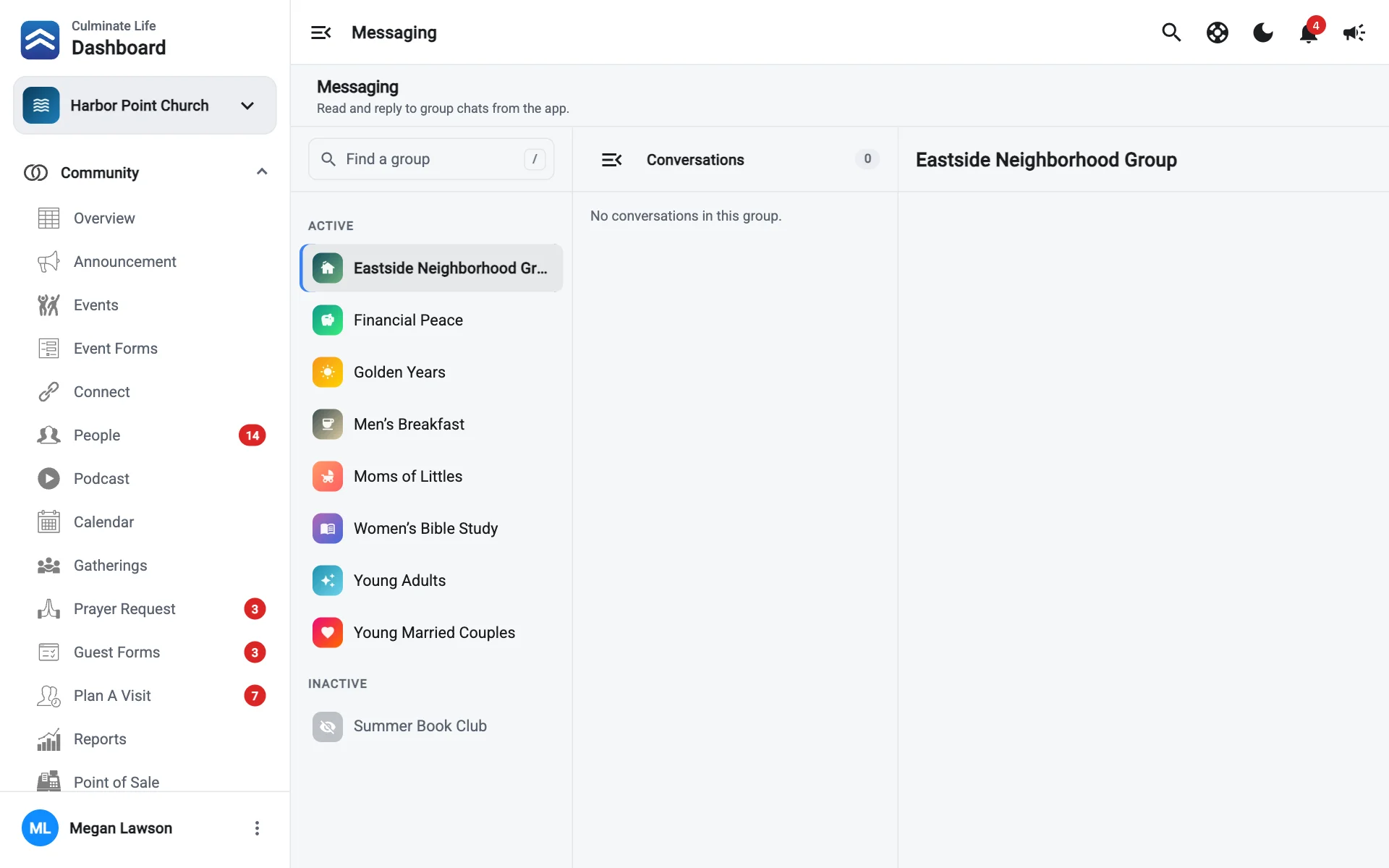
Every group has a chat in the app. You can read and post in any group’s chat from the dashboard.
Open Groups → Messaging and select a group on the left.
Post a message
Type in the message box and select Send. To reply to a message, use its reply option; select Cancel reply to stop. Select Load earlier messages to scroll back.
Select + (Add photos, a poll or a list) to post:
- Photos.
- Poll: a question with options, like “Which night works best?”. Set when Voting ends.
- Sign-up list: a list people add their name to, like “Bring snacks”.
- Date sign-up: a list of dates people sign up for.
Chat details
Select Chat details to see:
- People in the chat.
- Polls: open and ended polls. New poll starts one.
- Lists: sign-up lists and which are All filled. New sign-up list starts one.