
Gatherings
A gathering is a time you meet regularly, like a Sunday service, a chapel, or a class. Gatherings show on the calendar, and during them the app shows a Happening now card where people can Take Notes and, if you stream, Watch Live.
Create a gathering
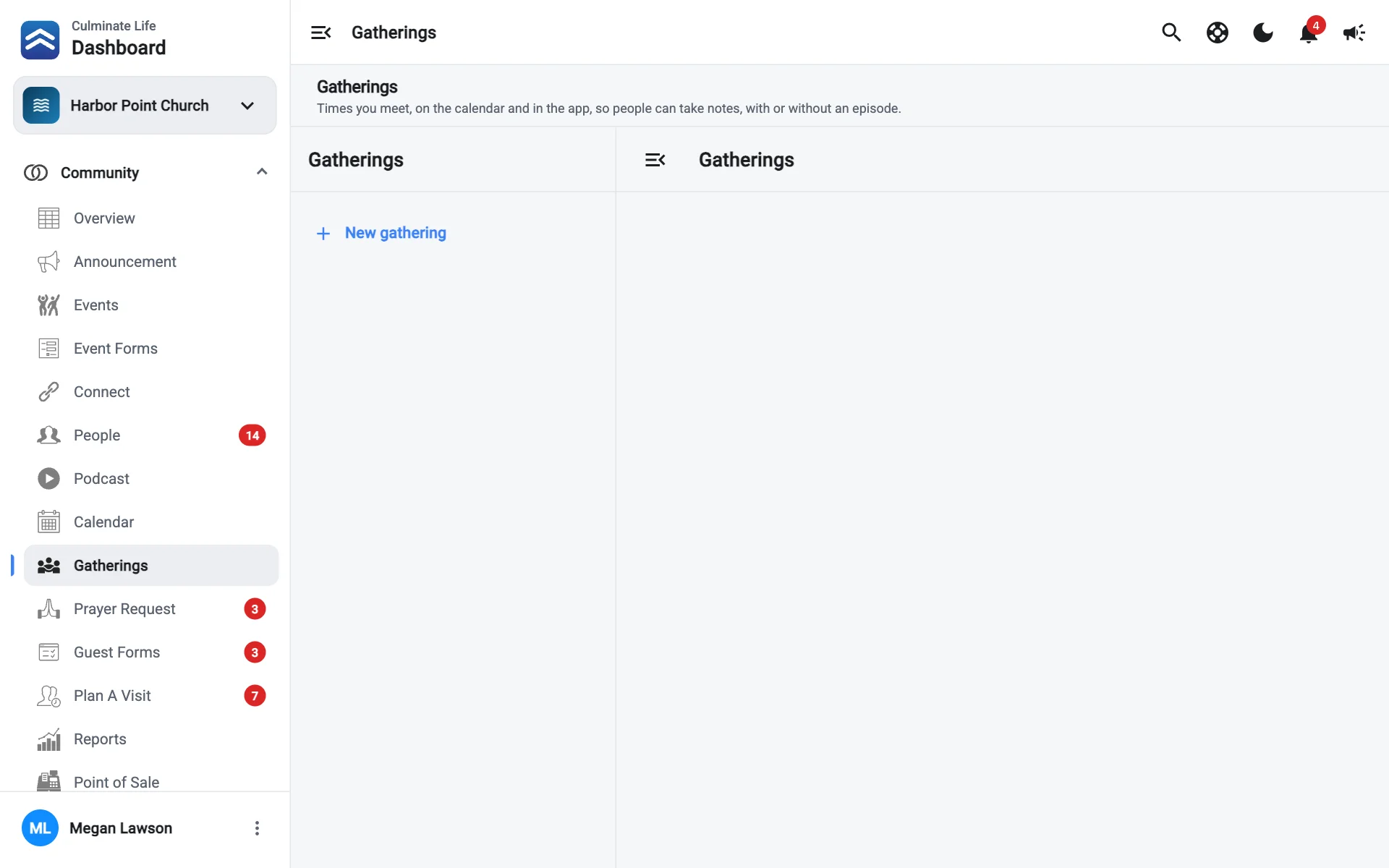
Select New gathering
Go to Community → Gatherings and select New gathering.
Set it up
On the Setup tab:
- What you call it: shown on the calendar and the app’s Happening now card, like “Sunday Service”.
- Calendar color.
- Times: select Add a time for each time you meet. Pick a Day, when it Starts and Ends, how it Repeats, and Until when (or Keeps going). Each time shows on the calendar, and people can take notes during any of them.
- Show the app card from: when the card appears before the gathering.
- Offer an outline when someone starts notes: turn on to offer an outline.
- Episode (optional): notes taken during these times attach to this episode. For a weekly gathering, pick each date’s episode on the Dates tab instead.
Save
The In the app preview shows how the card looks.
Dates
The Dates tab lists upcoming dates. Select one to set things for just that day:
- Topic: shown on the app card. Leave it empty to use the episode’s title.
- Episode: notes from this date attach to it.
- Times and streams: pick a live stream for each time, or Schedule a new stream…. A stream scheduled within 15 minutes of a time is matched automatically. Times that aren’t streamed only show Take Notes.
- Outline for this date: its own notes outline.
- Cancel this time on this date, or Cancel this date entirely. Canceled dates don’t show on the calendar or in the app.
Use Show earlier dates and Show more dates to look further back or ahead.
Outline
The Outline tab holds the gathering’s default notes outline, used for every date unless a date or its episode has its own. Select Copy from another outline to reuse one, then Save outline. Editing it only changes notes started after you save.
How notes move to the episode
Between gatherings, the card says Next: with the next time. Notes people take during a gathering move onto the episode once one is linked to that date, and people get a notification when the episode’s audio is posted.
Archive a gathering
Gatherings you no longer use can be archived. They’re listed under Archived.