
Integrations
Open Organization → Settings, then Integrations. Filter by Connected, Available, Beta, Reconnect needed, or Coming soon, or by category, and search by name.
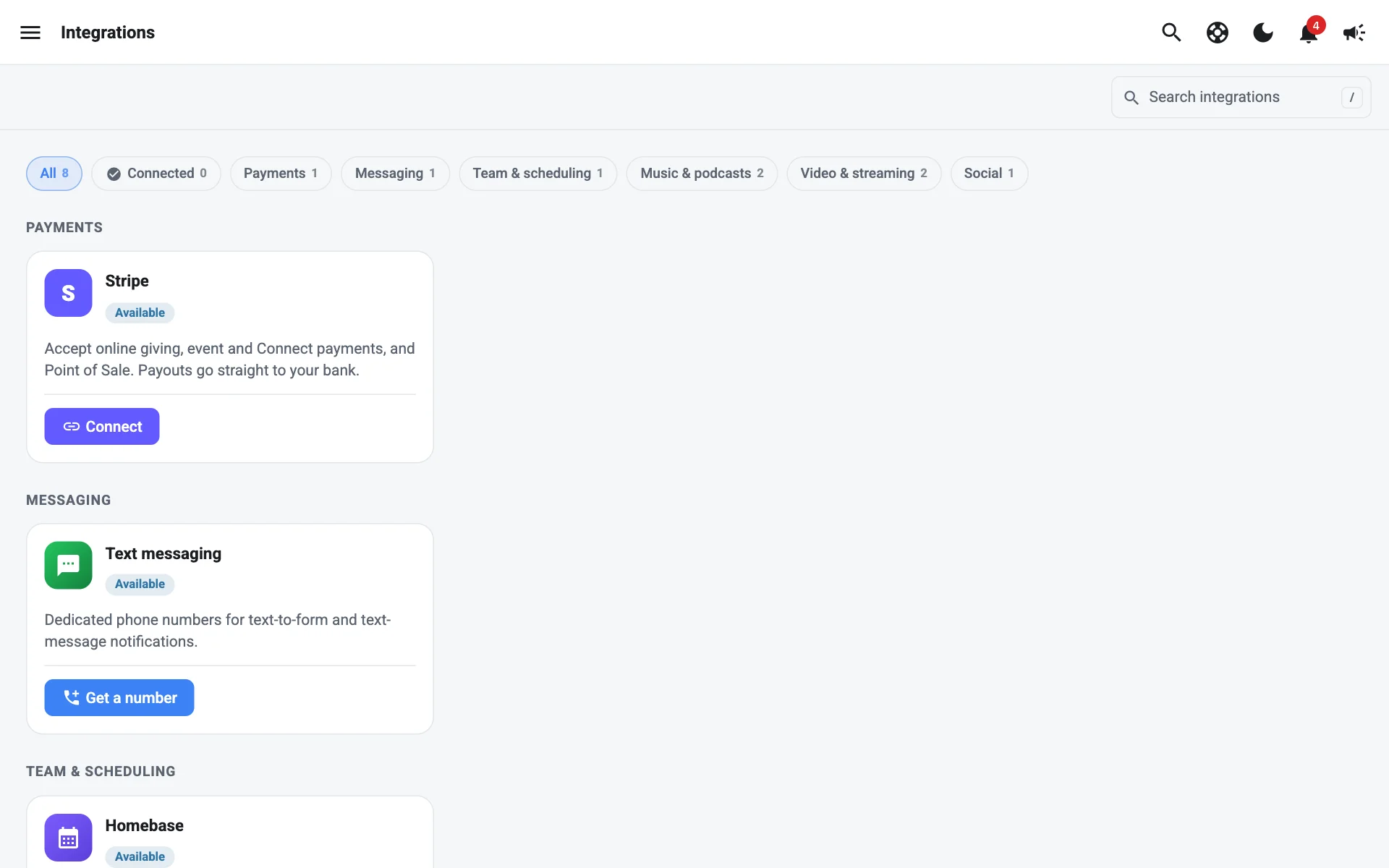
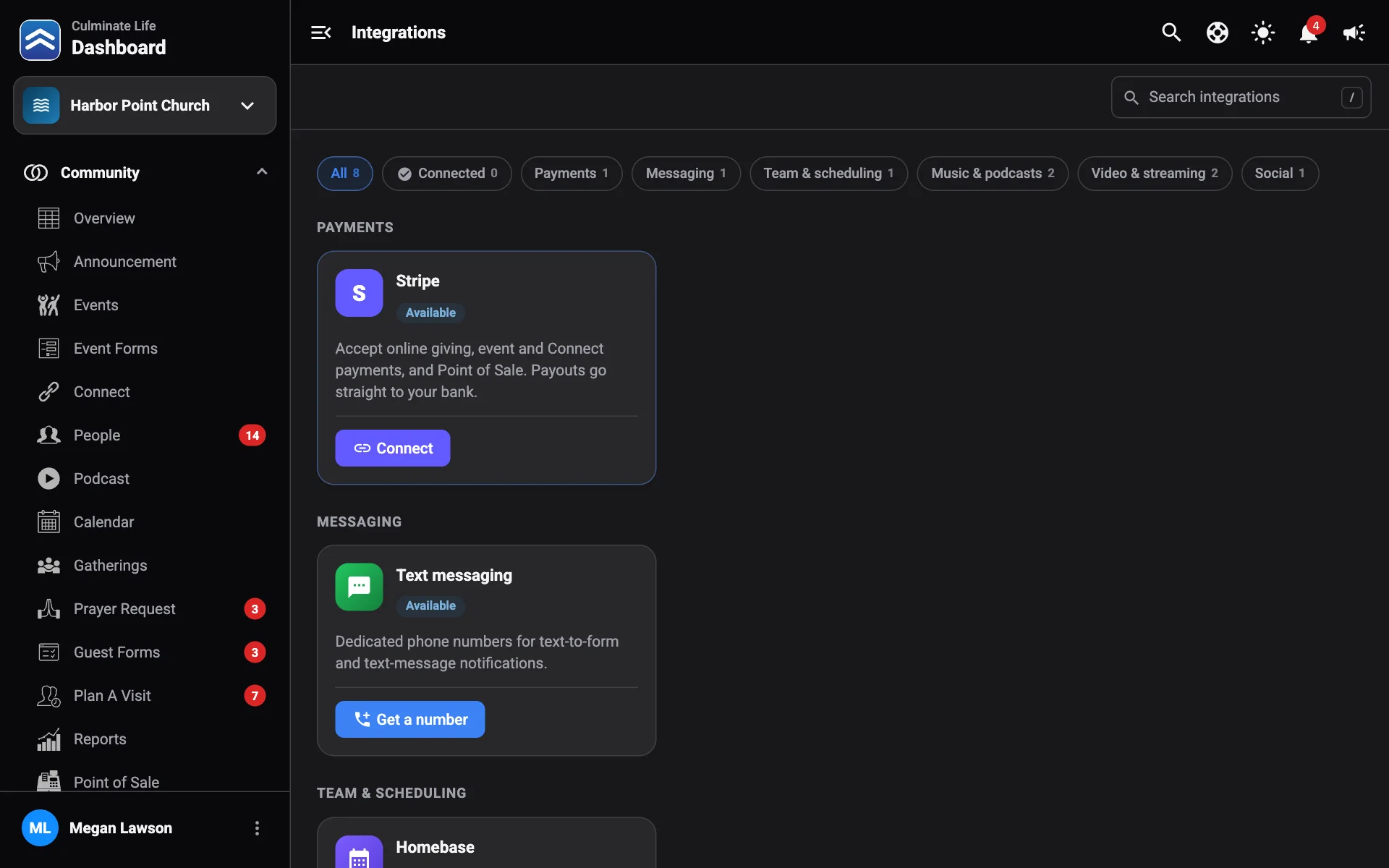
Stripe
Accept online giving, event and connect payments, and point of sale. Payouts go straight to your bank.
Select Connect
Stripe opens in the same tab.
Sign in to Stripe or create an account
Follow Stripe’s steps and choose the account your organization’s payouts should go to.
Come back to the dashboard
Stripe sends you back, and you’ll see Connecting your Stripe account…, then Stripe is connected. Giving, events, and point of sale now pay out to that account. Select Back to Integrations.
Once connected, select Open Stripe to see payouts and settings on Stripe.
If Stripe didn’t connect
If you cancel on Stripe, you’ll see Stripe wasn’t connected. Nothing was changed; select Connect to try again.
Otherwise you’ll see Stripe couldn’t be connected and the reason:
| Reason | What to do |
|---|---|
| You switched organizations while connecting Stripe. | Switch back to the organization you started from, and try again. |
| This sign-in didn’t start from this browser, or it already finished. | Start again from Settings → Integrations. Don’t reuse an old Stripe link. |
| This page is only used when coming back from Stripe. | You opened the return page directly. Start from Settings → Integrations. |
Text messaging
A Broadcast number for text notifications and event updates, and a Conversations number for text-to-form, text to give, text to pray, and replies from your team.
- Select Get a number.
- Choose Match (Area code or Contains), type the digits, and optionally a Postal code.
- Pick a number and select Select.
- Choose what to Use it for and select Buy number.
Select Manage to see Your numbers. Select Cancel number to give one up.
The card also shows your Carrier registration status. US carriers block texts from numbers that aren’t registered, so select Texting setup to register before you start texting. See Set up texting and Texting rules.
YouTube (beta)
Schedule and run YouTube live streams, and read YouTube chat, from Live stream. Select Connect and sign in with Google. If your channel is a Brand Account, choose it when Google asks. Use Switch channel to change it, or Disconnect YouTube.
Facebook (beta)
Stream to your Facebook Page with Culminate Live and see Facebook comments in the studio. Select Connect, sign in with a Facebook account that manages your Page, and choose the Page. Your role on the Page must be able to create content. Use Switch Page or Disconnect Facebook.
To test streaming without going live, use Test stream on Live stream.
Homebase
Send point of sale sales to Homebase for sales forecasting and labour-cost reporting alongside staff schedules.
- In Homebase, go to Settings → Integrations → API and copy your API key.
- Paste it as the API key, select Find locations, and choose the Location.
Culminate Life only uses the key to send sales.
Coming soon
Apple Music, Spotify, and Instagram are on the way.