
Check-in
Campaigns
Show an announcement or ask a quick question to families when they check in.
Campaigns are short messages families see when they check in, like “VBS sign-ups are open!” or “Would you like to volunteer in the nursery?”. An announcement just informs. A response campaign collects a reply.
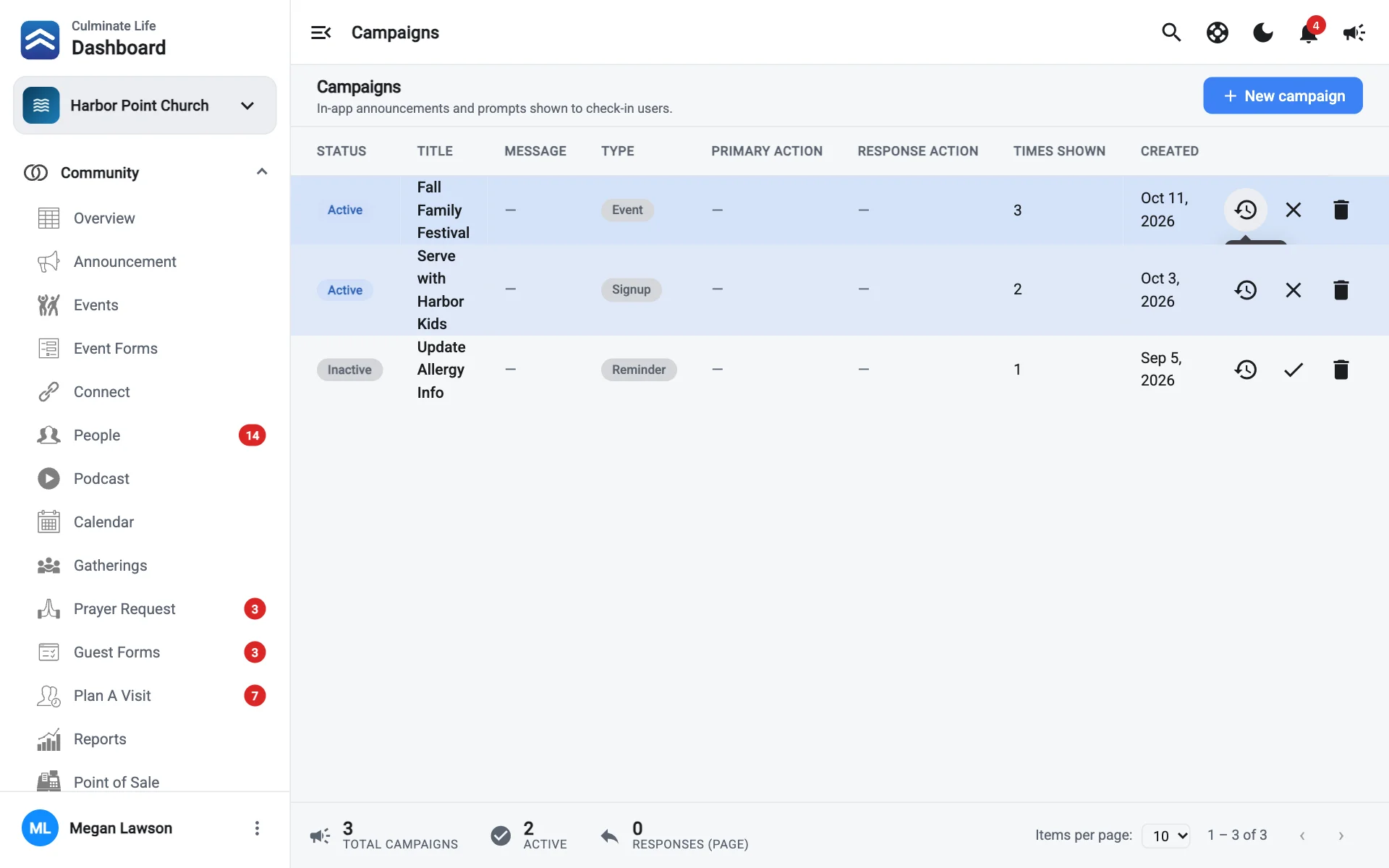
Create a campaign
Select New campaign
Go to Check-in → Campaigns.
Fill it in
- Title: the headline.
- Message: the body.
- Type: Announcement or Response.
- Primary action title: the label for the main button that dismisses or confirms, like “Got it”.
- Response action title (response campaigns): the label for the button that records a reply, like “I’m interested”.
- Times shown to user: how many times each family sees it. 0 shows it every time.
Save
Turn a campaign on or off
Use a campaign’s menu and select Make Active Campaign or Make Inactive Campaign. Delete campaign removes it.
See responses
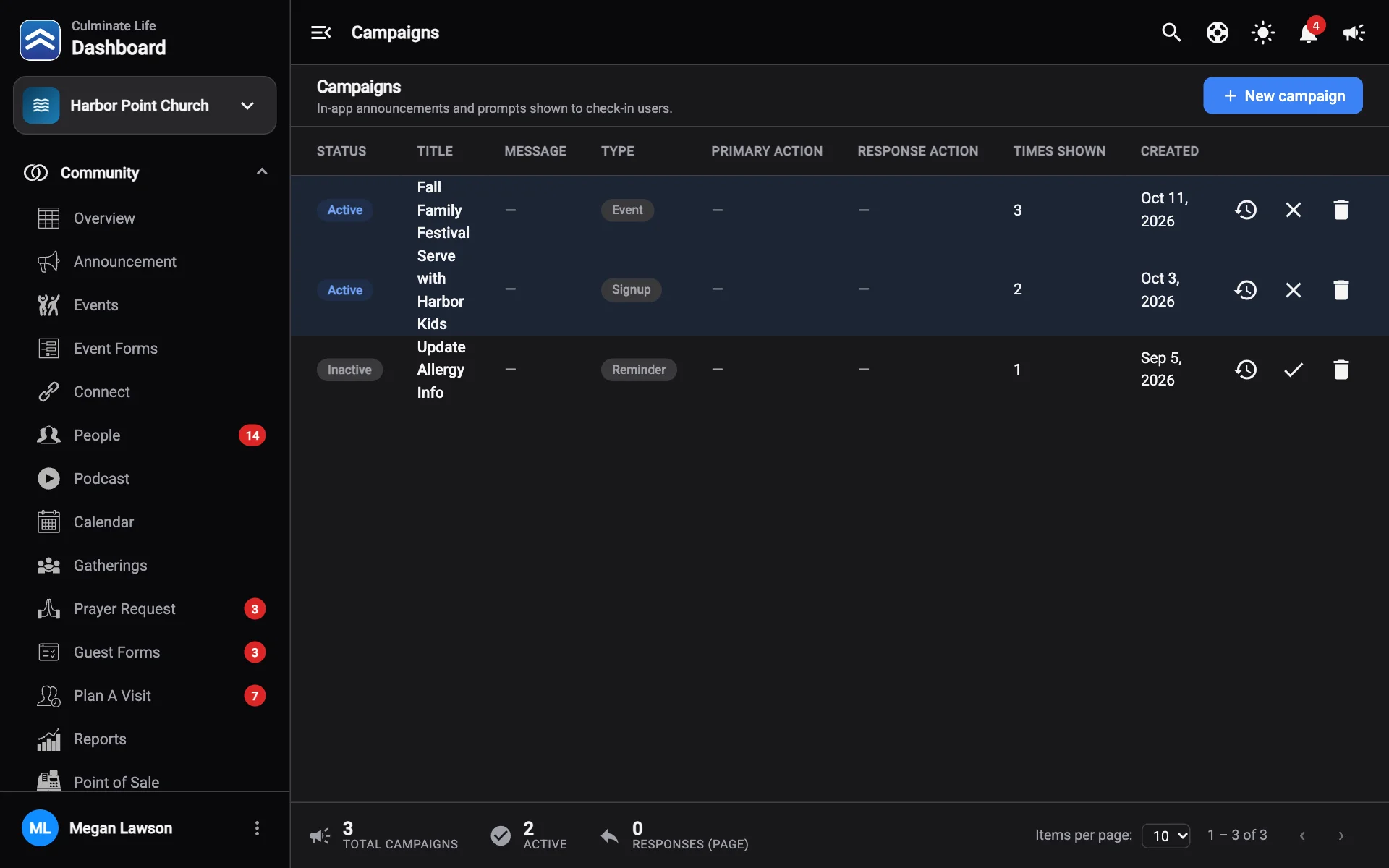
The table shows each campaign’s Status, Type, Times Shown, Created date, and Responses. Select a campaign to see who responded, then follow up.