
Organization
Files
Upload PDFs and other files once, organise them into groups, and attach them anywhere.
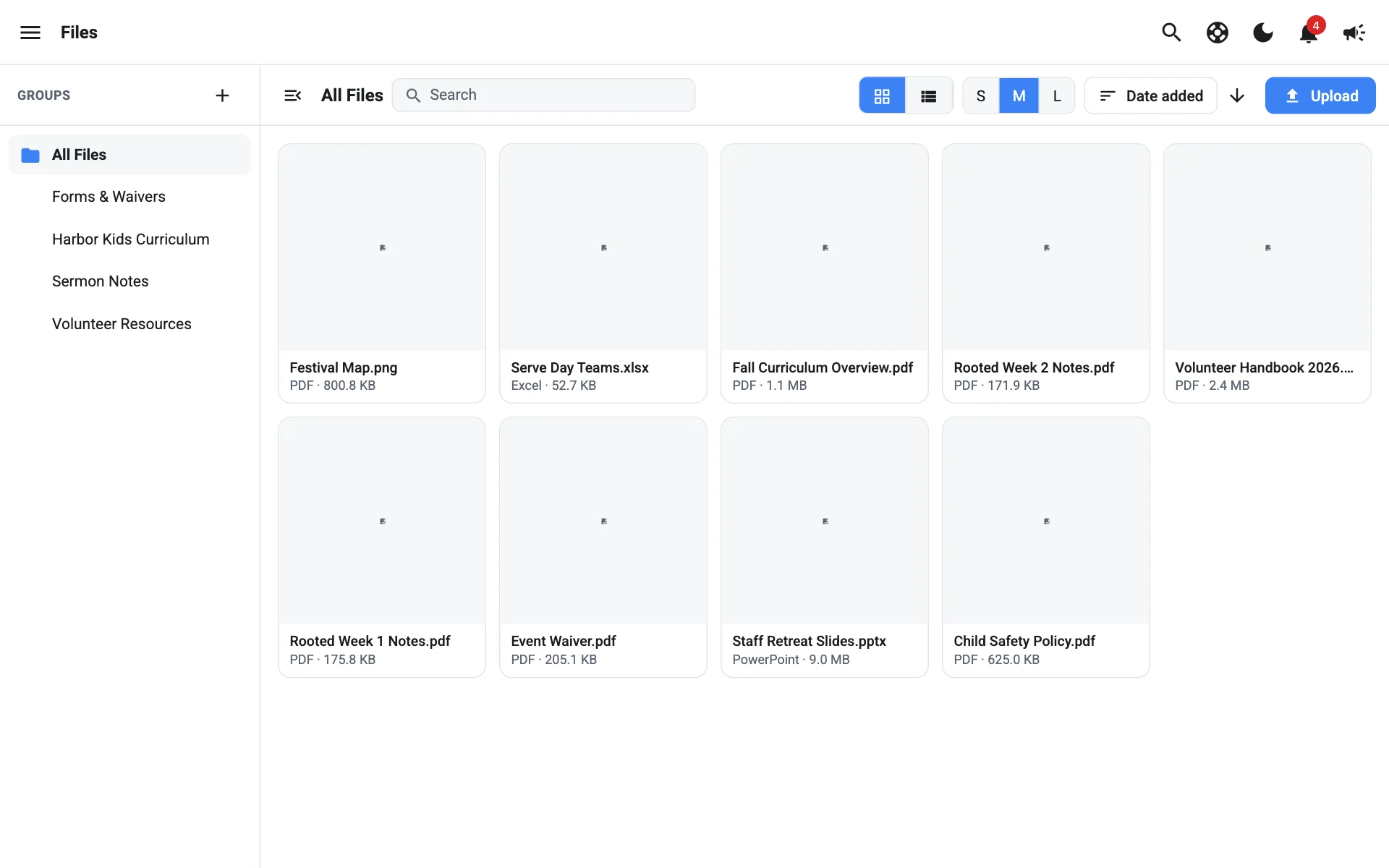
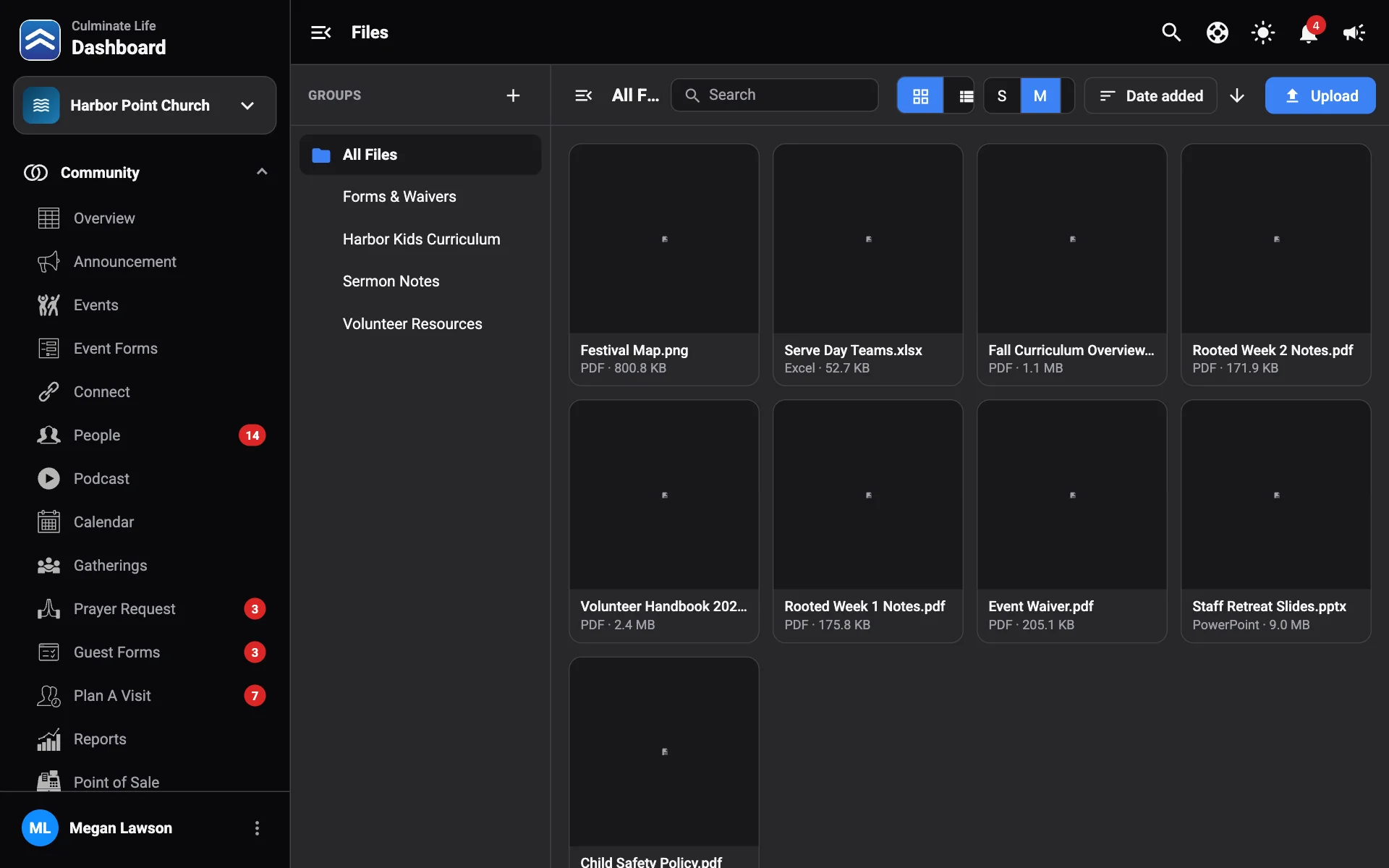
Files is your organization’s file library. Upload a file once, then attach it to events, connects, and notifications.
Open Organization → Files.
Upload a file
Select Upload and choose the file. It appears under All Files.
Organise with groups
Groups work like folders. Select New group, give it a Name and an icon, and select Create. Use a file’s Move to group or Remove from group to organise it.
Work with a file
Select a file to preview it (PDFs open in the viewer). You can:
- Download it.
- Copy URL to share a link.
- Delete it.
The list shows each file’s Name, Type, and Size.
Attach a file
When you add a file to an event, a connect, or a notification, the file library opens. Pick a file and select Use file.