
Point of sale
Orders
See every point of sale order, look one up by number or card, and download orders.
Open Community → Point of Sale and select the Orders tab.
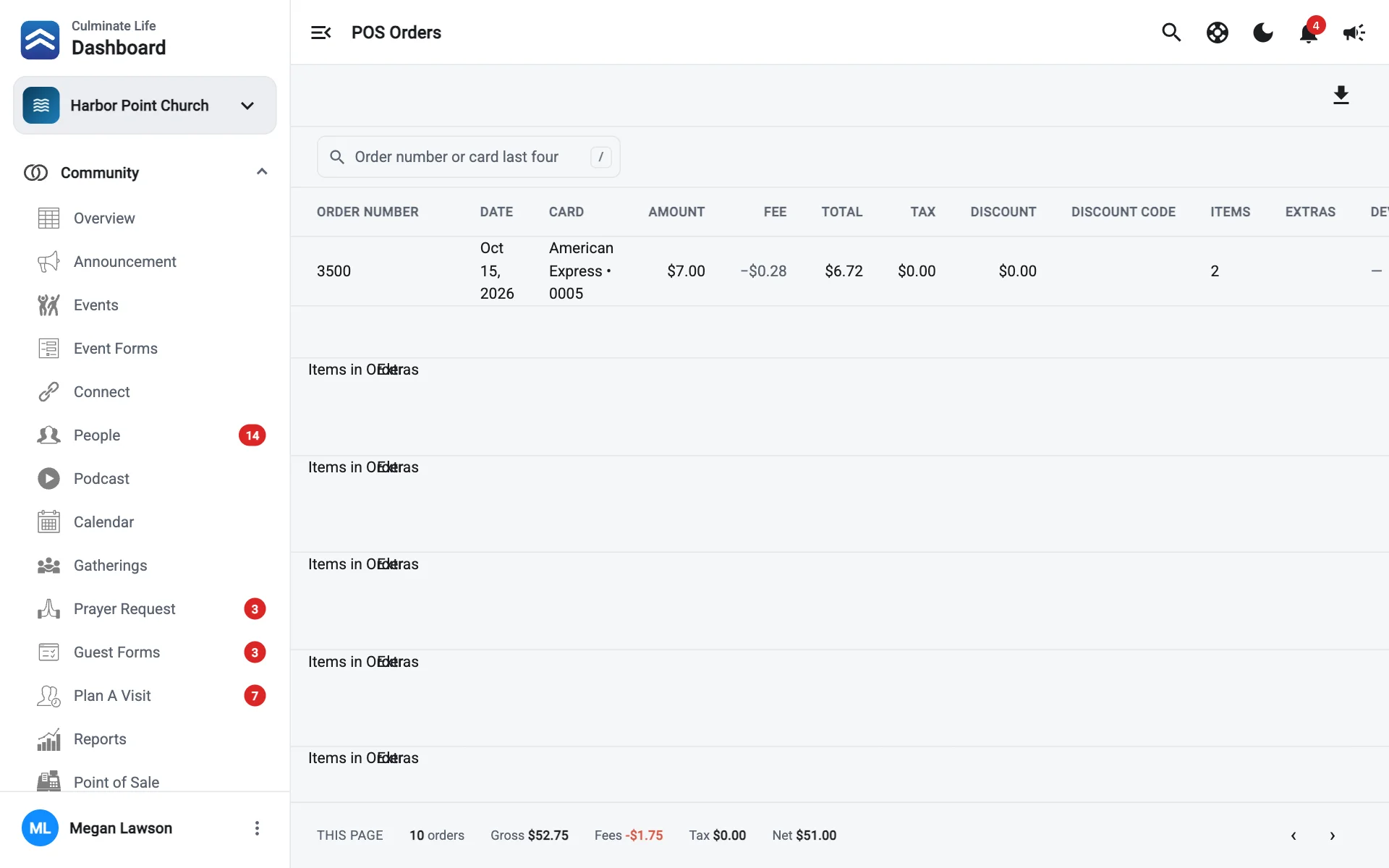
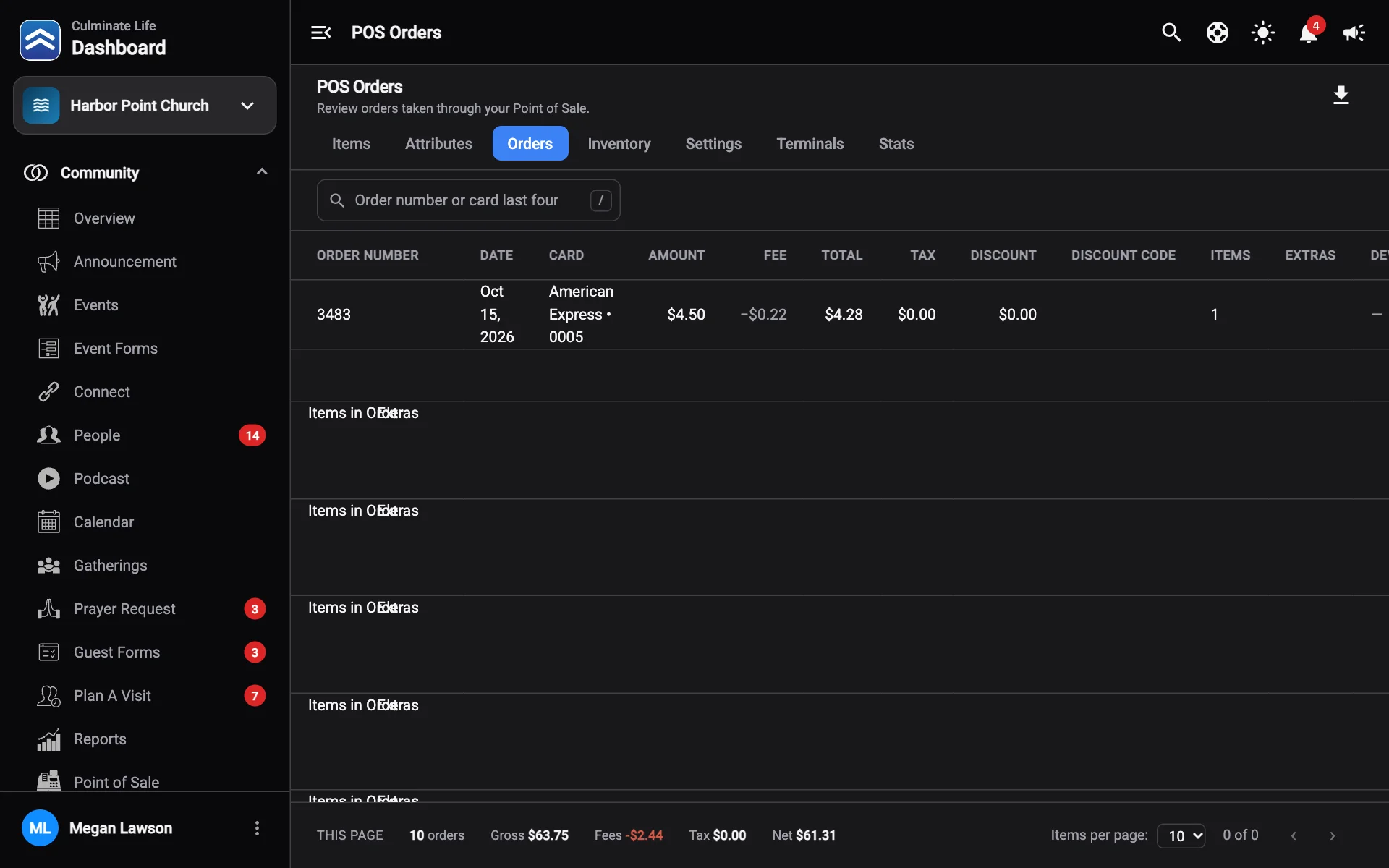
Each order shows its Order Number, Date, Card, Amount, Fee, Total, Tax, Discount and Discount Code, plus whether it used Extras, a Reward, a Gift Card, was Tax Exempt, or included Giving, and the Device and Source.
Select an order to see the Items in Order and any gift card applied.
The totals at the bottom show Gross, Fees, and Net for the page.
Find an order
Search by order number or the last four digits of the card. When you open an order from a link, you’ll see Showing one order; select Show all orders to go back.
Download orders
Select Download orders, pick the Dates, and select Download to save a CSV file.
For totals by item or by day, use Stats or the Point of sale orders and Item sales reports.