
Groups
Groups overview
Attendance, capacity, engagement, and the groups that need your attention.
Open Groups → Overview and pick the Dates at the top. Download all group members saves every member of every group as a CSV file.
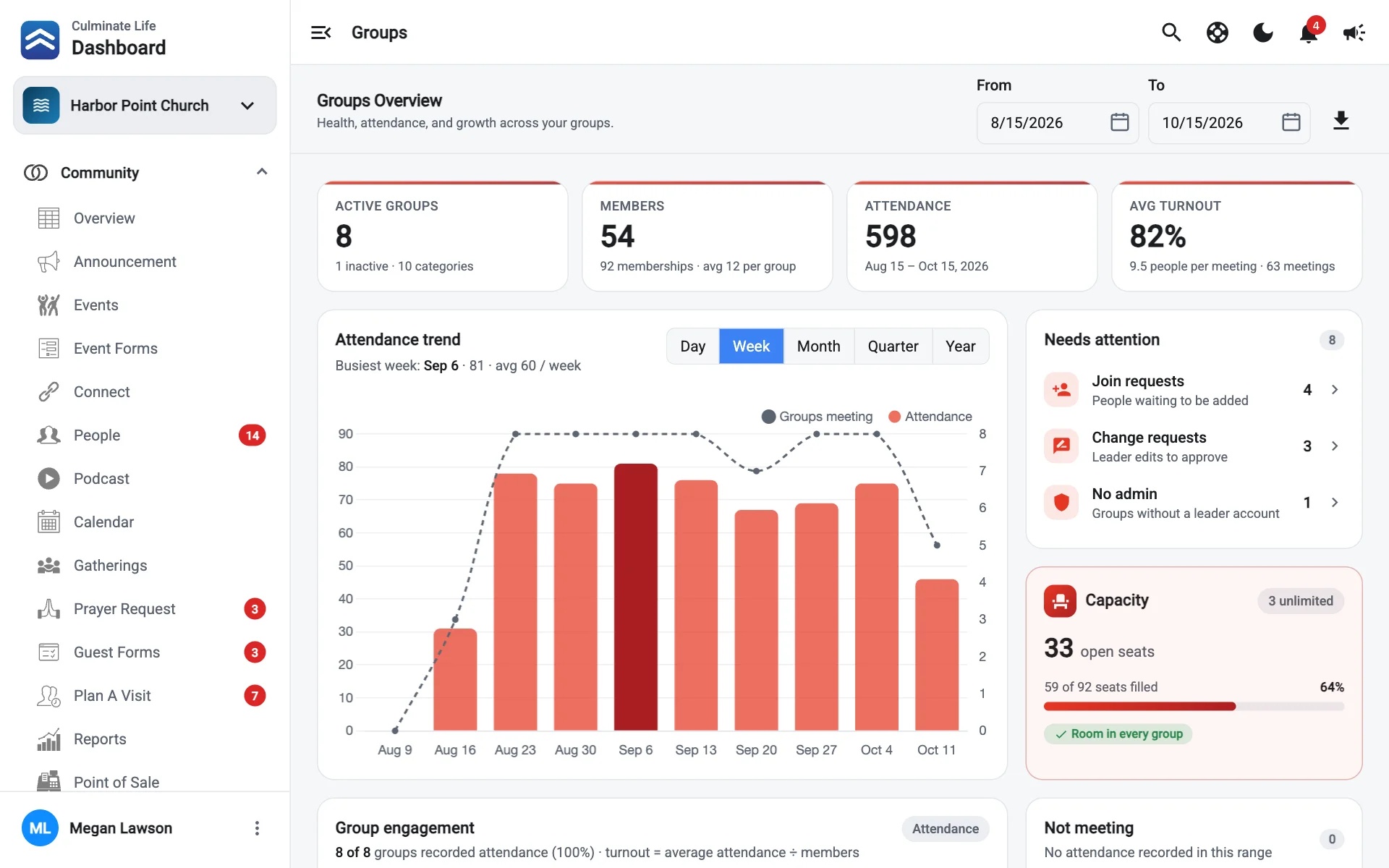
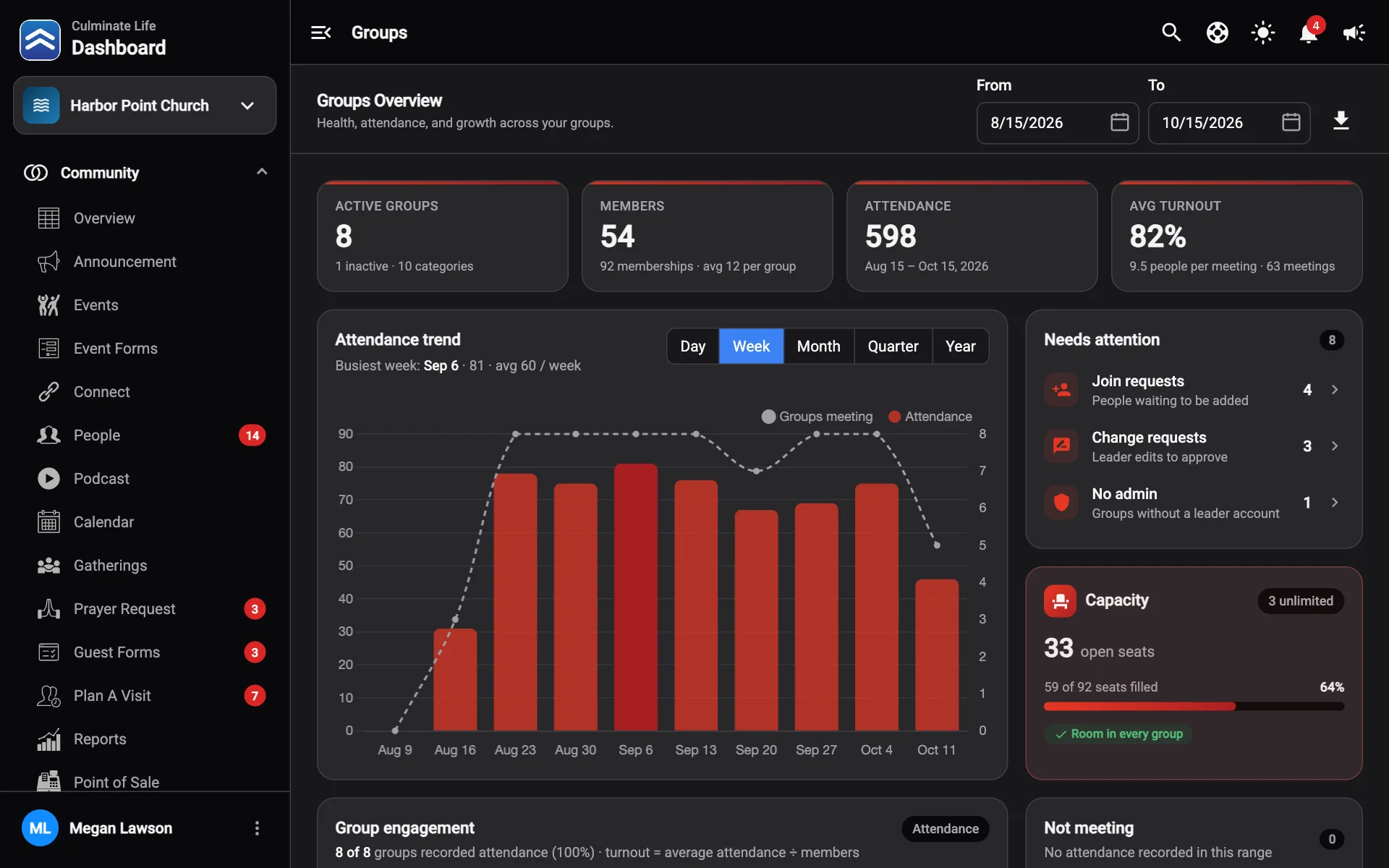
| Card | What it shows |
|---|---|
| Active Groups | How many groups are active, inactive, and how many categories. |
| Members | Total memberships and the average per group. |
| Attendance | People in attendance, compared with the period before. |
| Avg Turnout | People per meeting and how many meetings. |
| Attendance trend | Attendance and groups meeting over time, with your busiest period. Record attendance jumps to Attendance. |
| Needs attention | Join requests waiting and groups that aren’t fully set up. All caught up when there’s nothing. |
| Capacity | Open seats, groups that are full or almost full, and groups with no limit. |
| Group engagement | Each group’s meetings, average per meeting, Turnout (average attendance ÷ members), and when it last met. Groups Not meeting in the range are listed too. |
| Groups by category | How many groups are in each category. Manage opens Settings. |
| Group sizes and Members by age | How big groups are, and who’s in them. |
| When groups meet | Busiest days and times of day, from listed meeting times. |
| Listing quality | How complete your group listings are. Complete listings are easier to find and join in the app. |
| Most viewed groups | Groups people look at most in the app, and how many joined. |
| Newest groups | Recently created groups. New group starts one. |