
Videos
Podcast videos
Add a video version of a podcast episode.
A podcast video is the video version of an episode, like the recording of Sunday’s message. In the app, people can switch between listening and watching.
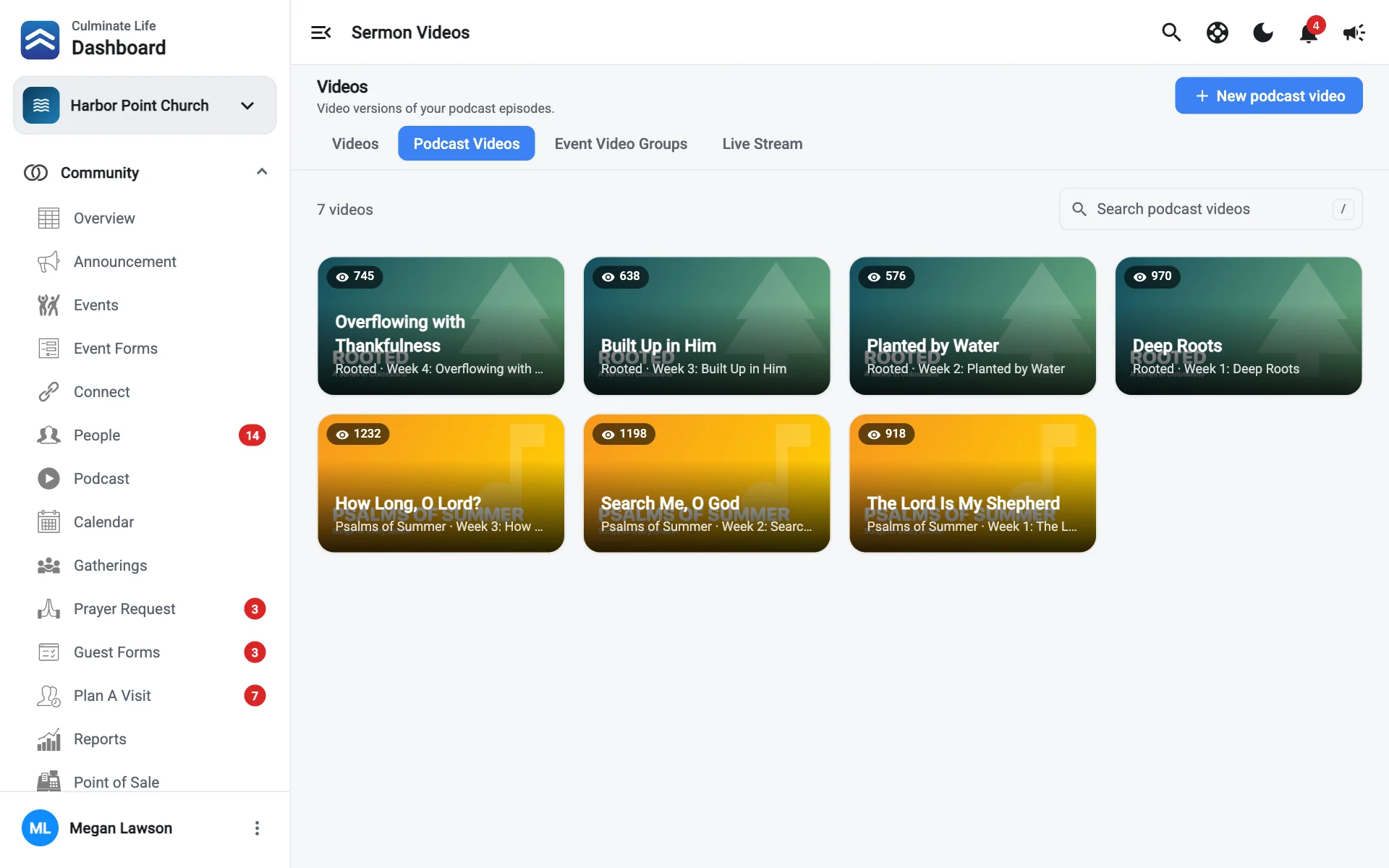
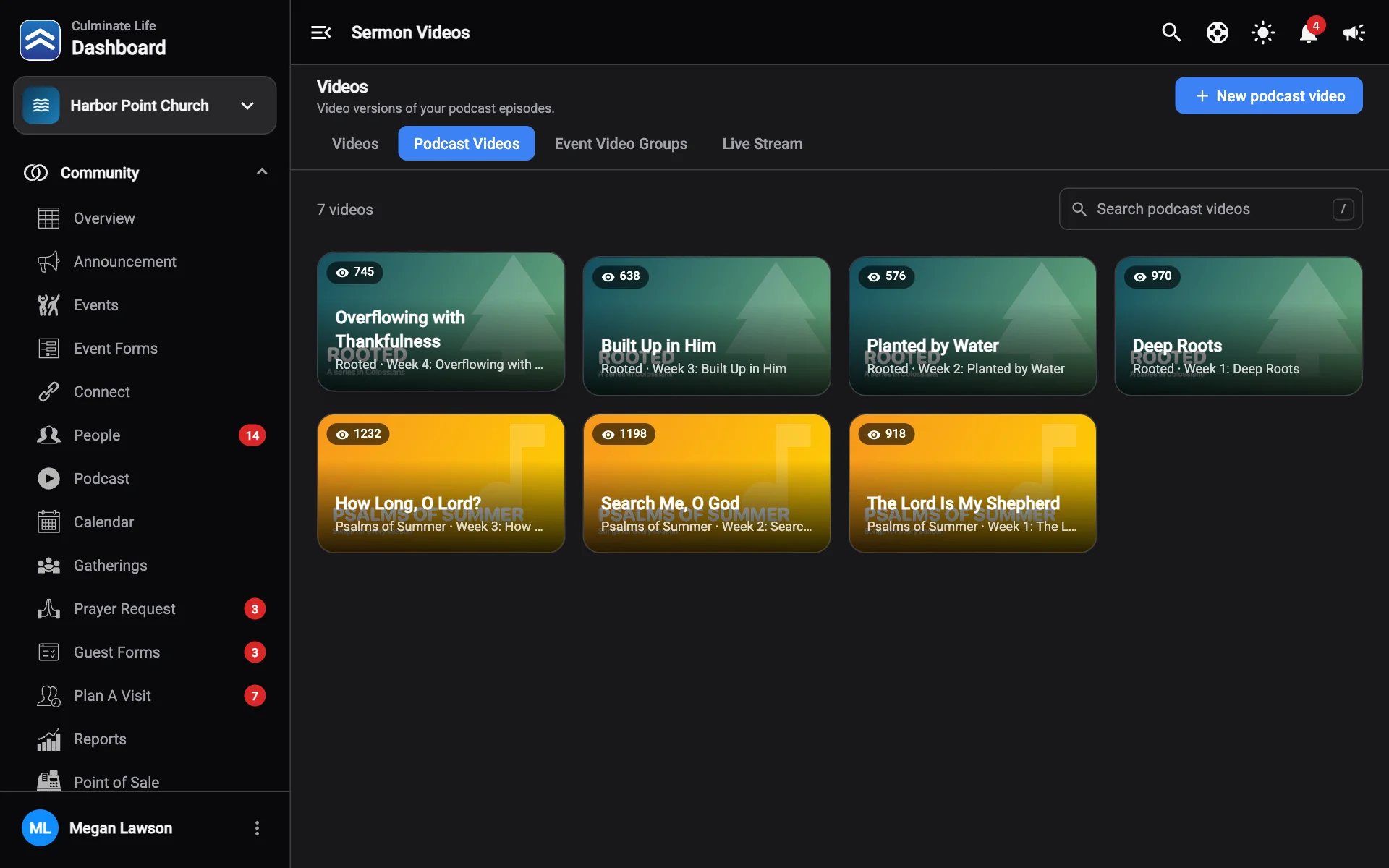
- Go to Organization → Videos and select the Podcast Videos tab.
- Select New podcast video.
- Enter a Title and add a Thumbnail.
- Select Choose MP4 for the Video file. It’s optional; you can add it later. It uploads in the background after you create it.
- Choose the Podcast episode this video belongs to.
- Select Create.
If you stream your service with Culminate Live, choose Save as the podcast episode’s video and the recording is added for you.
Edit a podcast video
Select a podcast video to change its Thumbnail, Video file, Title, or Podcast episode, then select Save. Delete is at the bottom of the window.
Add captions
Once the video file has finished processing, use Captions in the edit window to generate captions automatically from the audio or upload a .vtt or .srt file. Captions are saved right away, separately from Save. See Captions.