
Connect
Connect members
See and manage who belongs to each connect.
Open Community → Connect and select the Members tab. Pick a connect on the left. Connects that take attendance are marked Attendance tracking on.
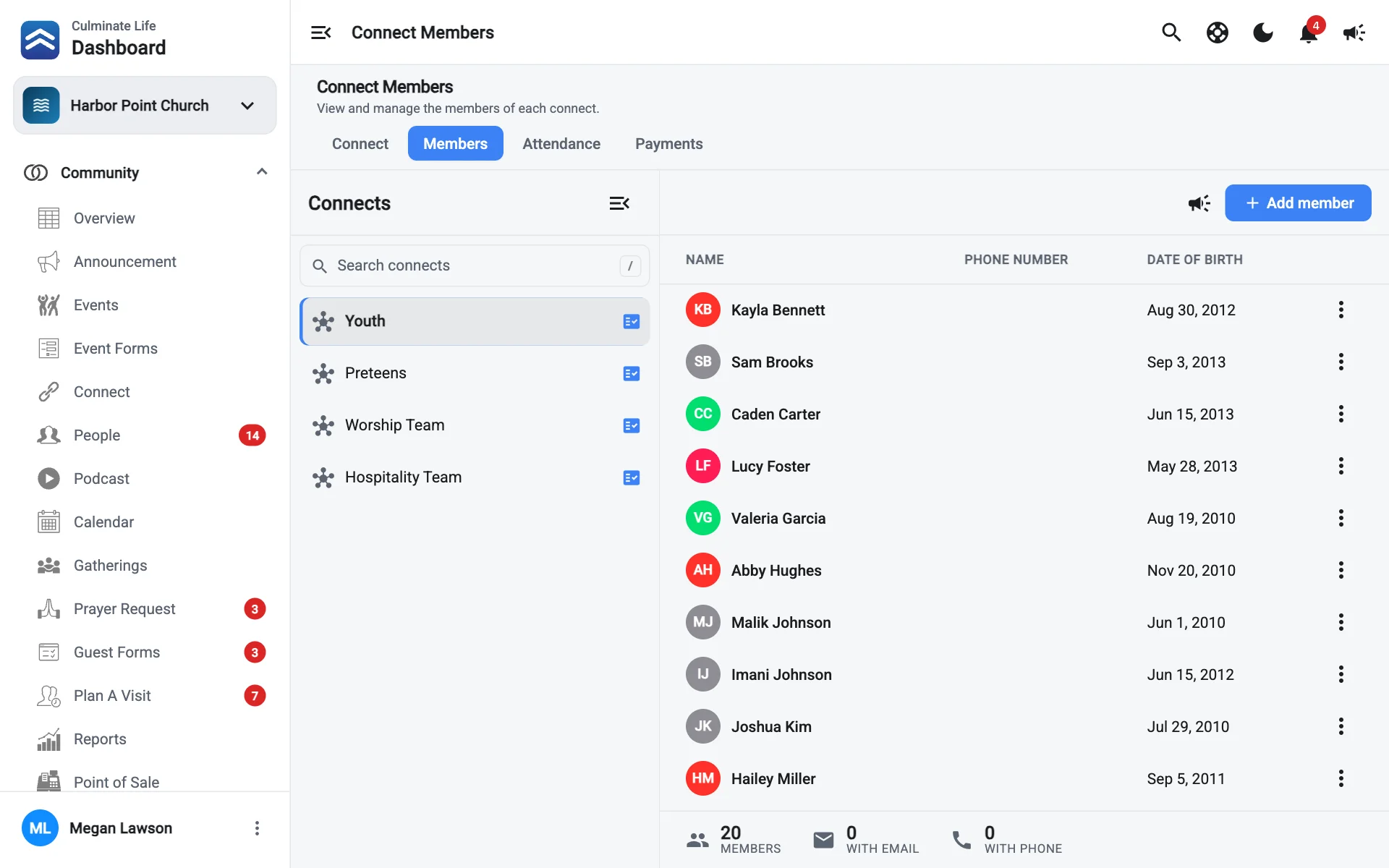
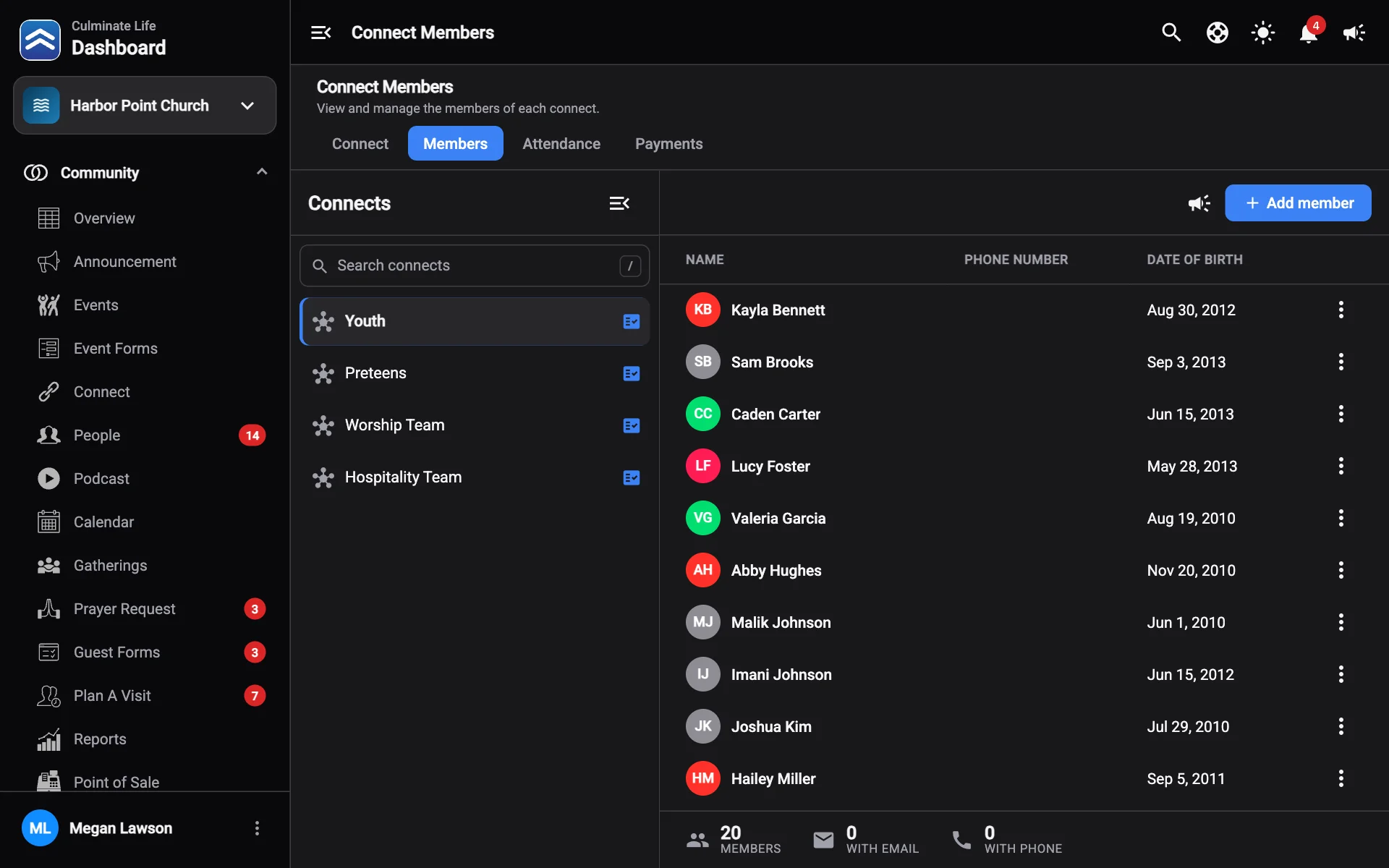
The totals show Members, how many have an email (With email), and how many have a phone (With phone). Each member shows their Name, Phone Number, and Date Of Birth. Sort by last name, phone, or birthday.
Add a member
- Select Add member.
- Search for the person, or create them with a first name, last name, date of birth, and optional email and phone.
- Select Add member.
Remove a member
Select Remove on the member’s row.
Message members
Select Send connect notification to message everyone in the connect.