
Point of sale
Stats
Sales, payment types, discounts, gift cards, best sellers, and your busiest hours.
Open Community → Point of Sale and select the Stats tab.
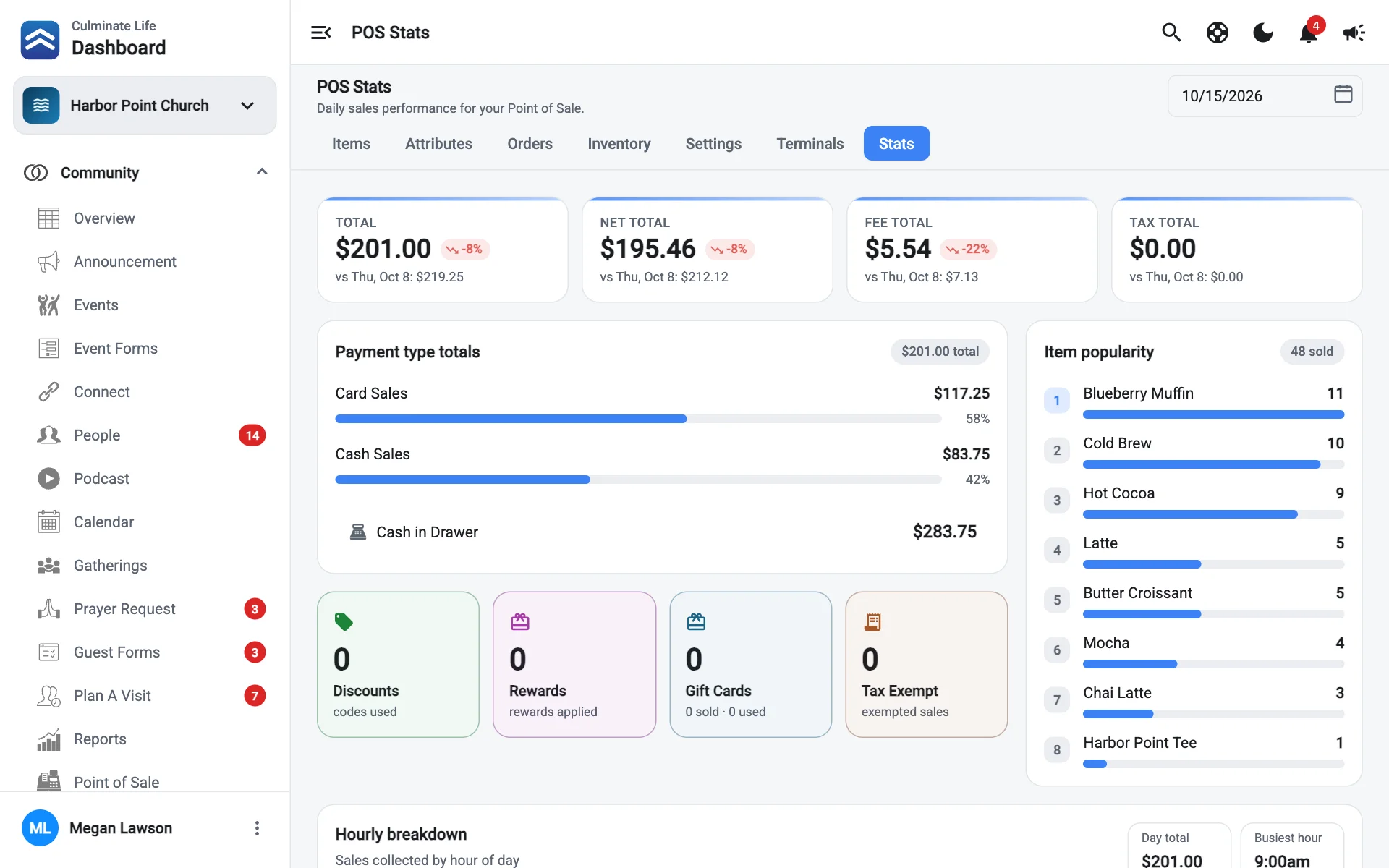
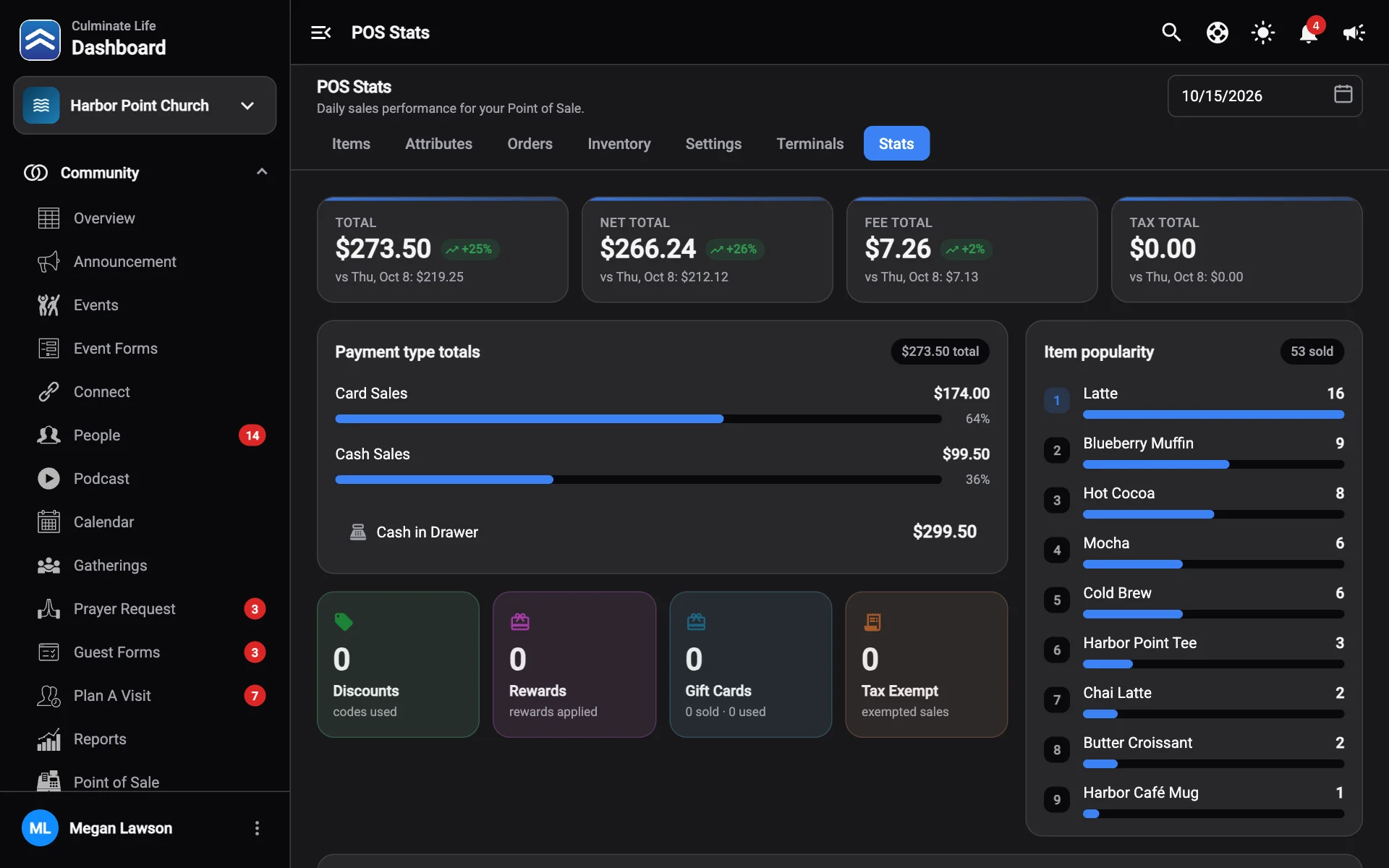
| Card | What it shows |
|---|---|
| Sales | Total sales, compared with the period before. |
| Payment type totals | Sales by card, cash, and more, plus Cash in Drawer. |
| Discounts | How many codes were used. |
| Rewards | How many rewards were applied. |
| Gift Cards | Cards sold and used. |
| Tax Exempt | Exempted sales. |
| Item popularity | Best sellers and how many sold. |
| Hourly breakdown | Sales by hour of the day, with the Day total and Busiest hour. |
For exports, use the Point of sale orders and Item sales reports.