
Groups
Group attendance
See each group’s meetings and who came, take attendance, and message absent members.
Leaders usually take attendance in the app at each meeting. This page shows the results, and lets you take or fix attendance from the dashboard.
Open Groups → Attendance and pick a group on the left.
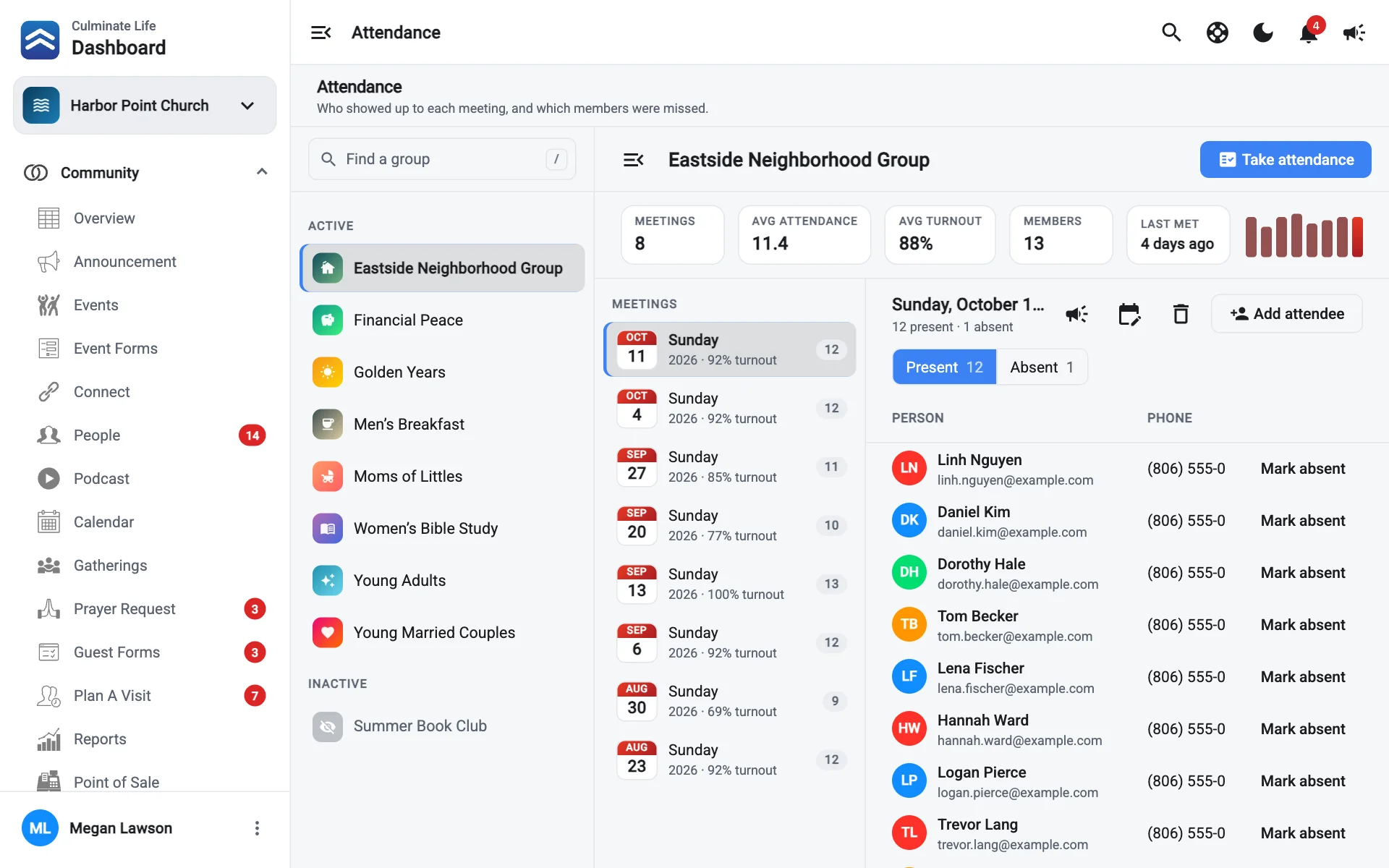
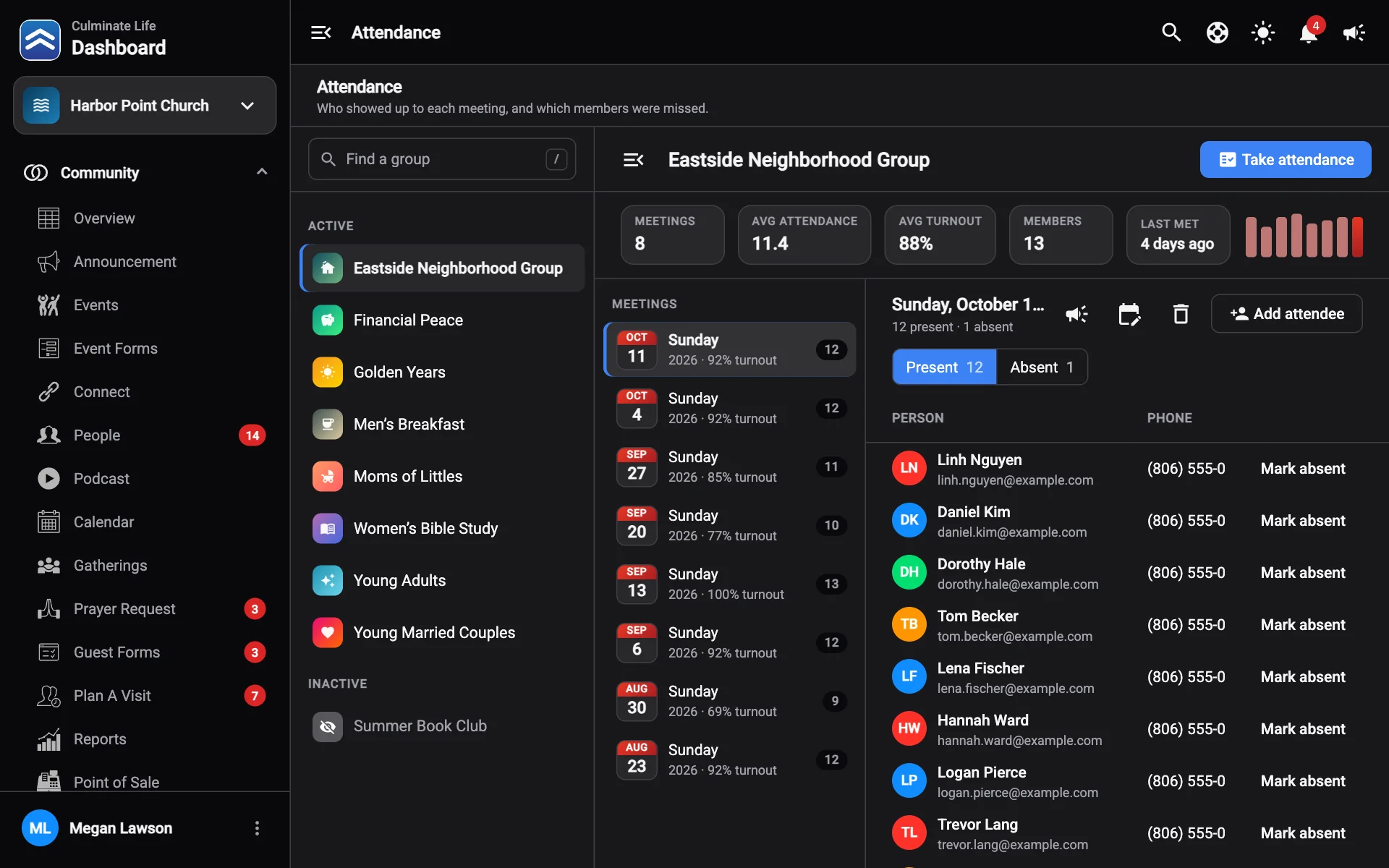
The numbers
Meetings, Avg attendance, Avg turnout, Members, and when the group Last met. Recent meetings shows each meeting’s date, how many were present, and the turnout.
A meeting
Select a meeting to see the Roster: each Person, their Phone, and Status (Present, Absent, or Guest). Visitors counted in the app show too.
- Mark present or Mark absent to fix someone’s status.
- Add attendee adds someone who isn’t a member.
- Change meeting date fixes the date.
- Delete meeting removes it.
- Notify attendees or Notify absent members sends them a message, like “We missed you!”.
Take attendance
- Select Take attendance.
- Pick the Meeting date.
- Check Who was there? You can search members.
- Save.
Add a weekly schedule to each group (in its details) so the app reminds leaders to take attendance.