
Search everything
Universal search finds people, members, children, groups, events, gifts, and every page and setting in the dashboard. It’s the fastest way to get anywhere.
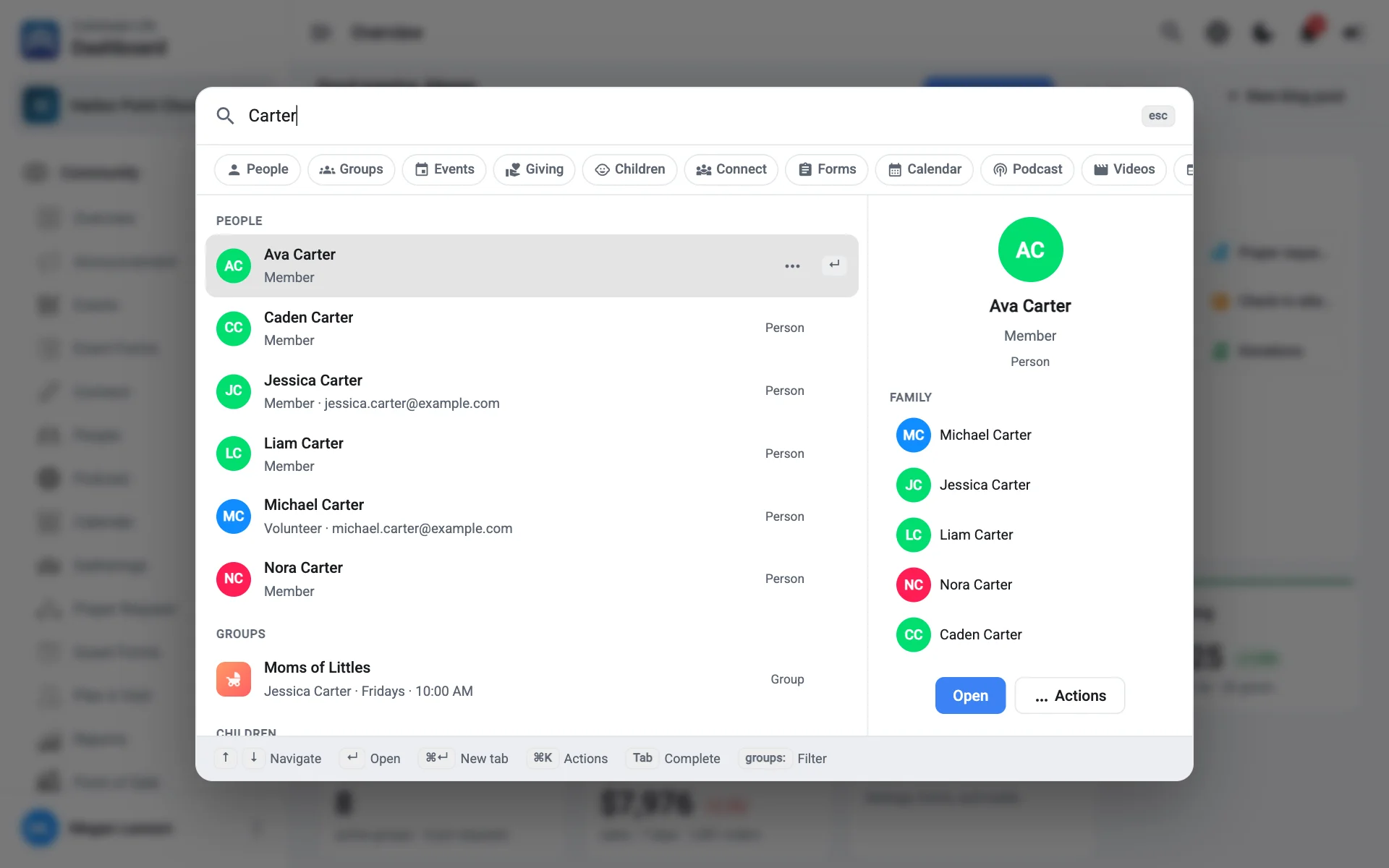
Open search
Press ⌘Ctrl K (⌃Ctrl K on Windows), or select Search in the top bar.
Before you type, you’ll see your recent searches and a few suggestions, like People, Events, and Create event.
What you can search for
| Type | Examples |
|---|---|
| People | A name, email, or phone number |
| Records | Groups, events, connects, children, gifts |
| Pages | “Donations”, “Check-in settings”, “Audit log” |
| Settings | “Billing”, “Users & permissions”, “Email templates” |
| Actions | “Create event”, “Import checks”, “New blog post”, “Send notification” |
| Reports | “Top givers report”, “Birthdays report”, “Not checked out report” |
| Utilities | “Dark mode”, “Hide menu”, “Sign out” |
| Guides | “Promote grades”, “Pair a kiosk”, “Refund a ticket”. Opens the guide in Help |
Search uses common names too. “Members”, “directory”, “sermons”, and “kids” all find what you’d expect.
Move through results
- Use the arrow keys to move and ↵ to open.
- Select Show all under a group of results to see more of that type.
- Select a filter chip, like a section or a date range, to narrow the results. Remove a filter with its ×.
- Press ⇥ to complete a suggestion.
- Press Esc to close.
Search across organizations
If you belong to more than one organization, turn on All my organizations. Results from another organization are labelled, and opening one switches you to that organization.
Only see what you can open
Search only shows pages, settings, and records your role can open. If you’re sure something exists but it doesn’t appear, check your permissions on your profile.