
Guest forms
Build your guest form
Choose the questions first-time guests answer, and the welcome message they see.
Your organization has one guest form. Keep it short: name, contact details, and one or two questions are usually enough for a first visit.
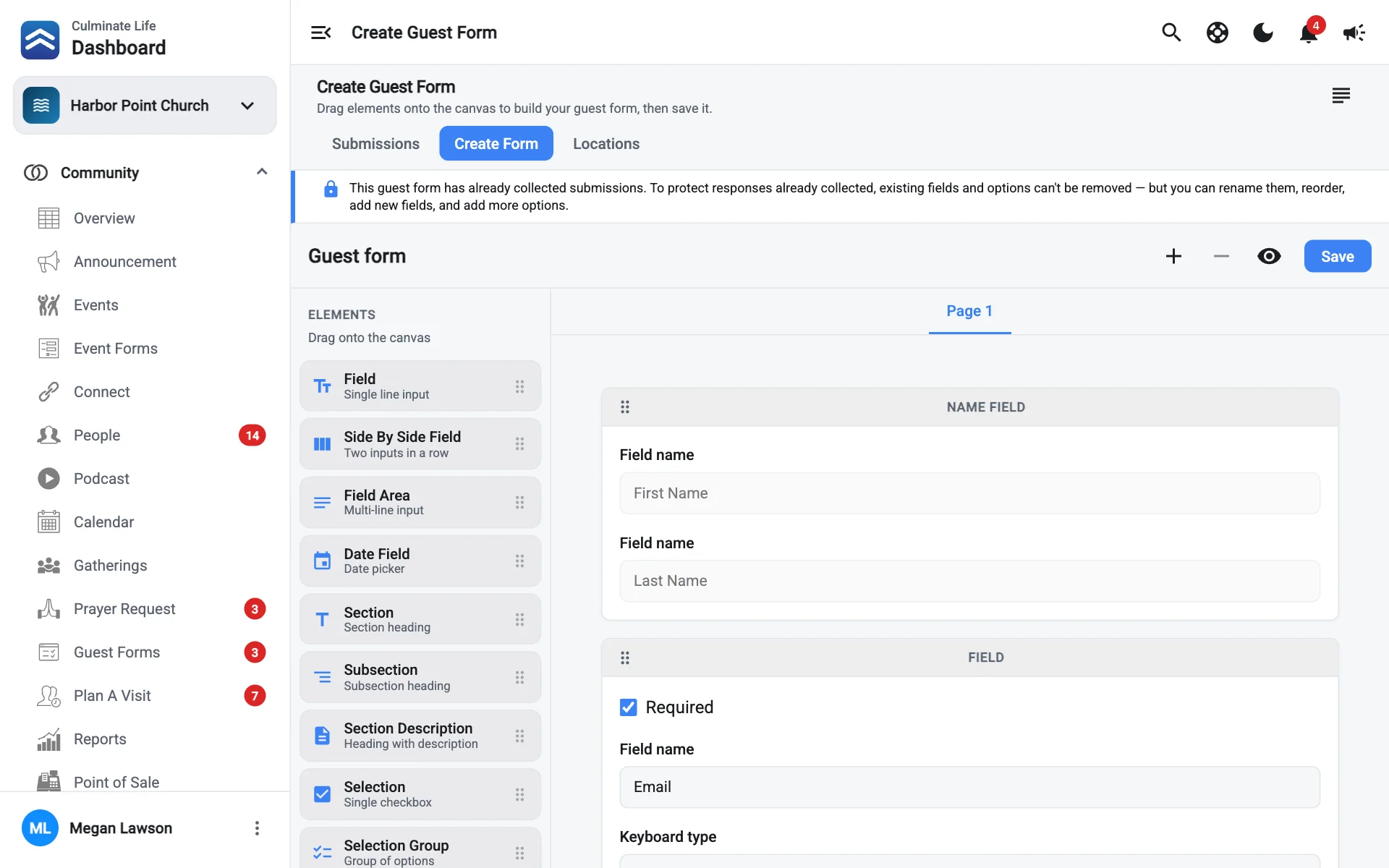
Open the builder
Go to Community → Guest Forms and select the Create Form tab.
Write the welcome message
Select Guest form message and write what guests see at the start, like “Welcome! We’re so glad you’re here.” Select Save.
Add your questions
Start with the Name Field (it’s required), then drag in anything else. The elements are the same as the event form builder. Turn on Required for must-answer questions, and use Add page for a second page.
Preview and save
Select Preview form, then Save.
Once the form has collected submissions, you can still rename, reorder, and add fields and options, but you can’t remove existing ones. That protects answers already collected.