
People
People groups
Make your own lists of people, like greeters or the worship team, to message and download.
People groups are lists you make for your team’s own use, like Greeters, Worship team, or Board members. They’re not visible in the app. (For small groups people join in the app, use Groups.)
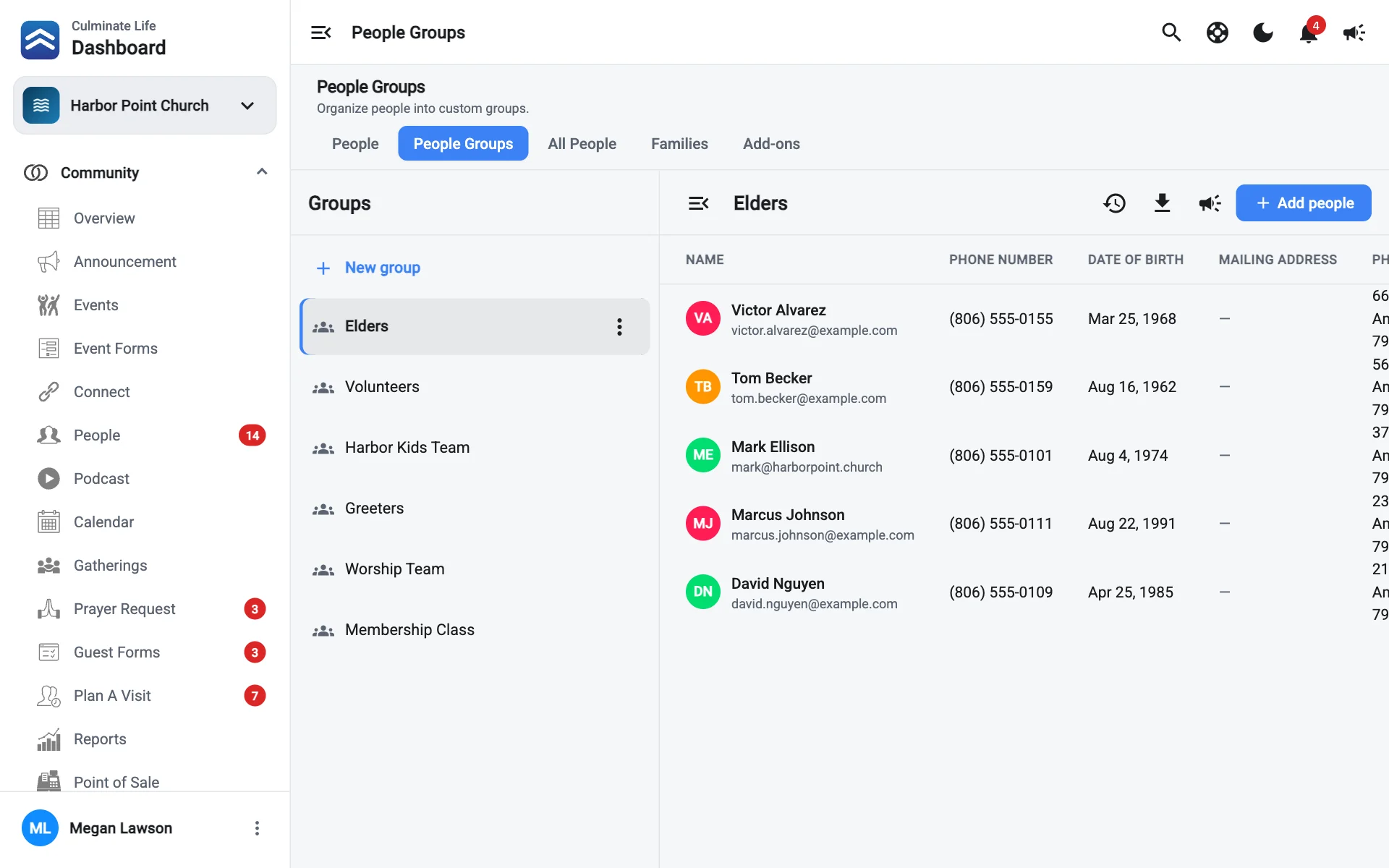
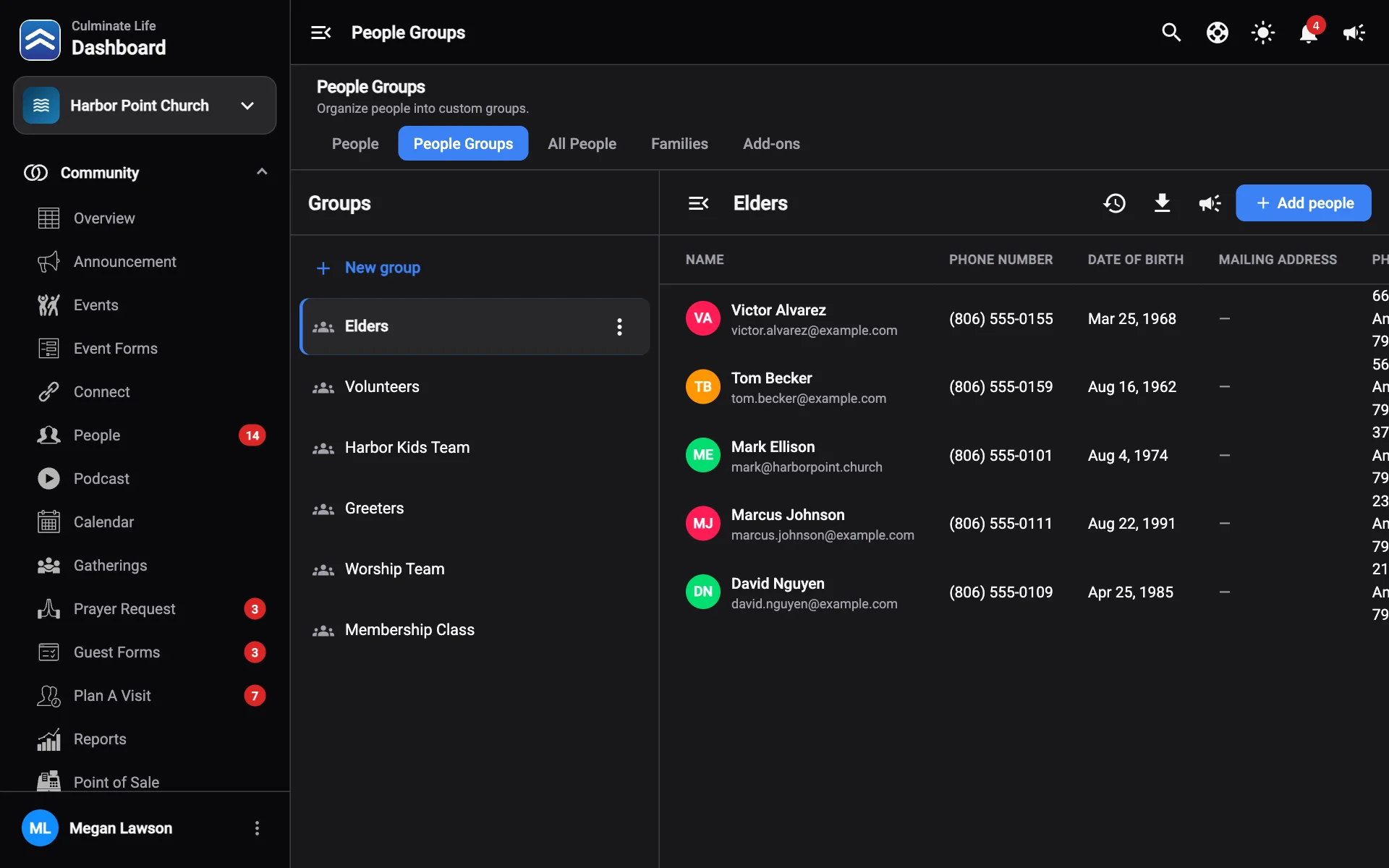
Open Community → People and select the People Groups tab.
Create a people group
Select New group, enter a Title, and save.
Add and remove people
- Pick a group on the left.
- Select Add people, search by name, email, or phone, check the people you want, and select Add.
- To take someone out, use their ⋮ menu and select Remove.
You can also add someone to a people group from their profile, under People groups.
Message or download a group
- Send notification: message everyone in the group.
- Download people: save the group as a CSV file.
Rename or delete a group
Use the group’s Group options menu and select Edit or Remove.