
Groups
Group admins
Choose who can manage each group in the app, and find groups without one.
Group admins manage their group in the app: they accept members, take attendance, post in the chat, and can suggest changes to the group’s details.
Open Groups → Groups and select the Admins tab.
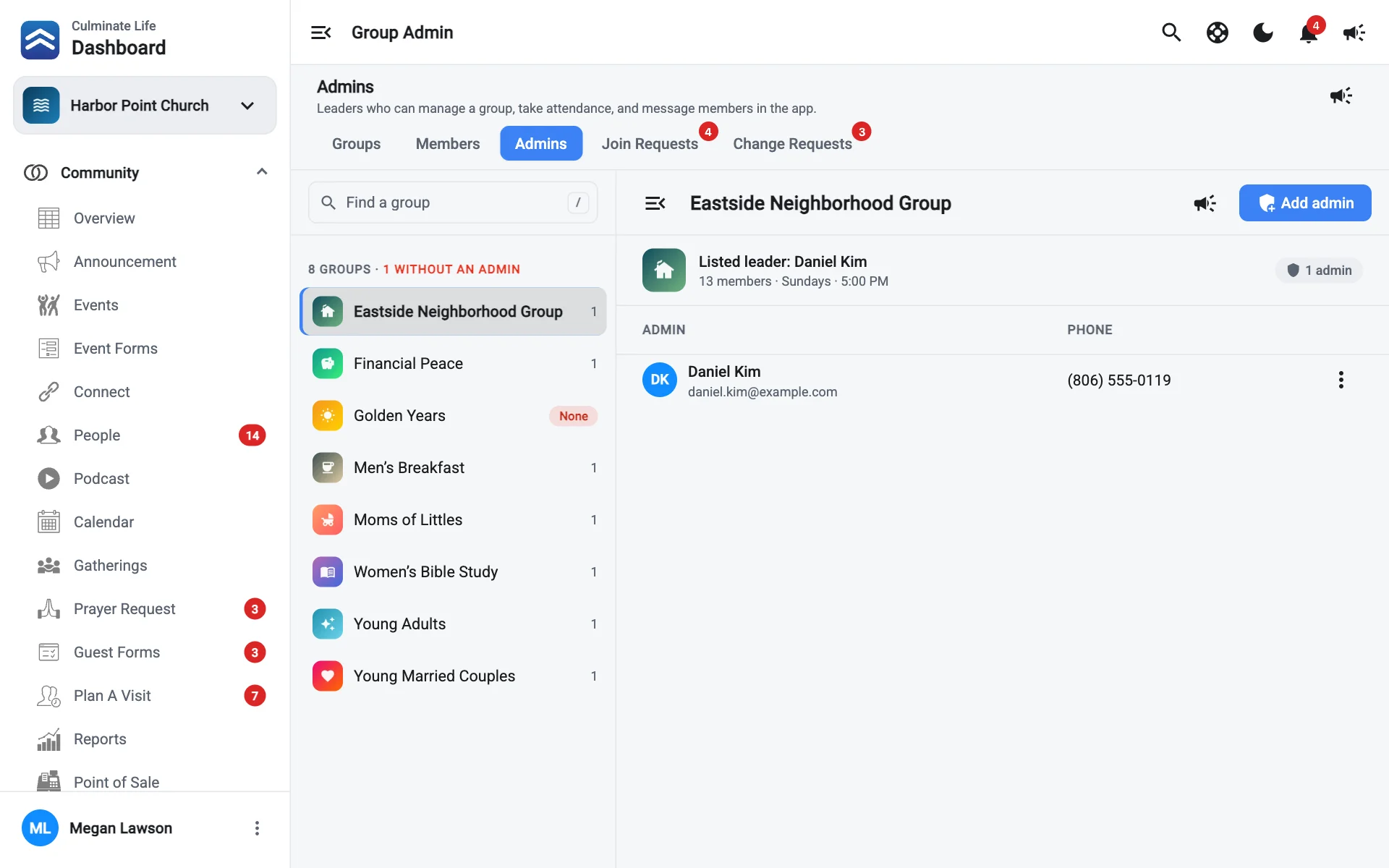
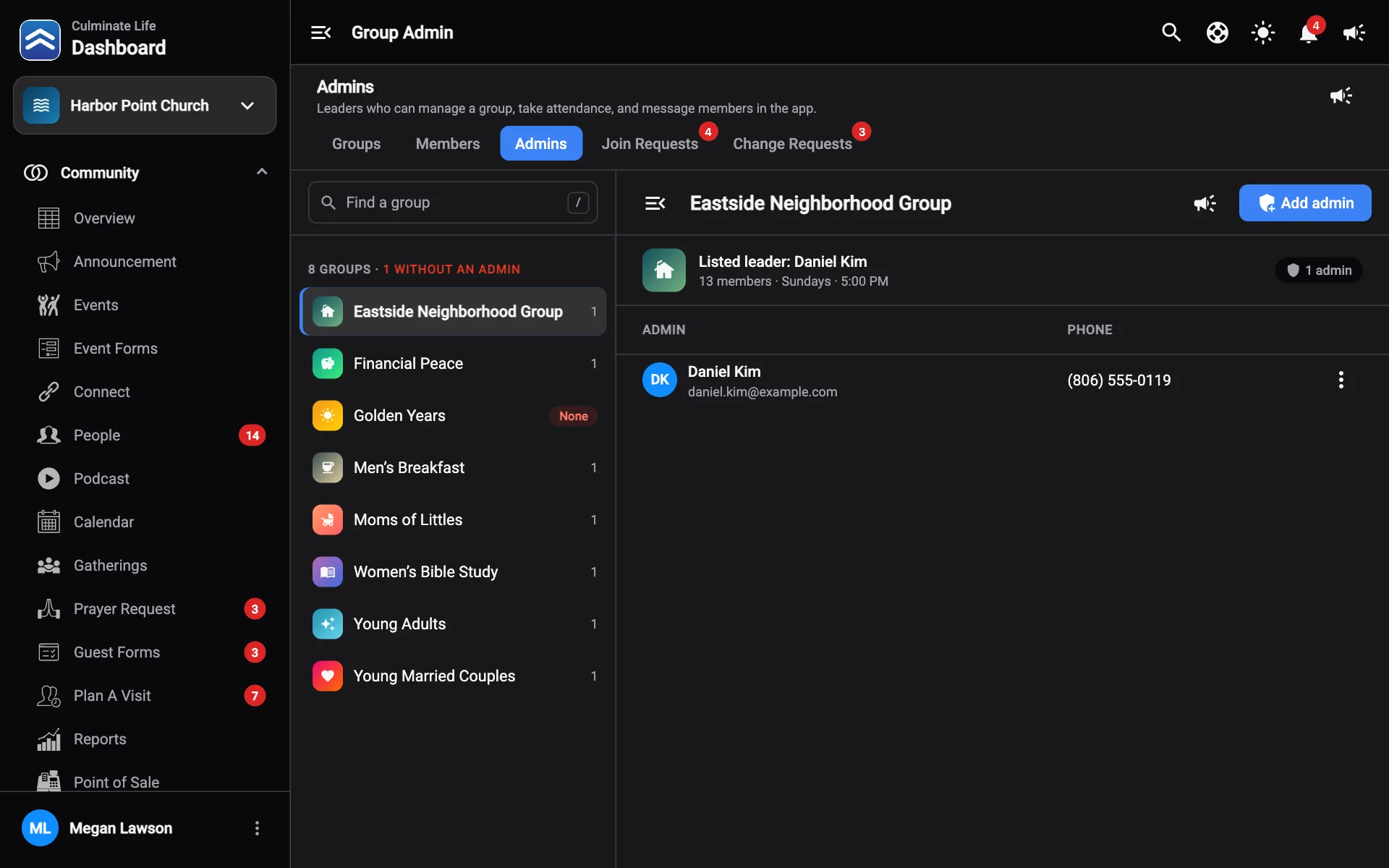
The list on the left shows every group, how many admins it has, and flags groups without an admin. Each group shows its listed leader and member count.
Add an admin
- Pick the group.
- Select Add admin and choose a member.
Remove an admin
Use the admin’s menu and select Remove admin. They stay in the group as a member.
Message admins
- Notify this group’s admins: message the admins of one group.
- Notify every group admin: message all group admins at once, like before a leader training night.