
Community Portal
About the Community Portal
[object Object]
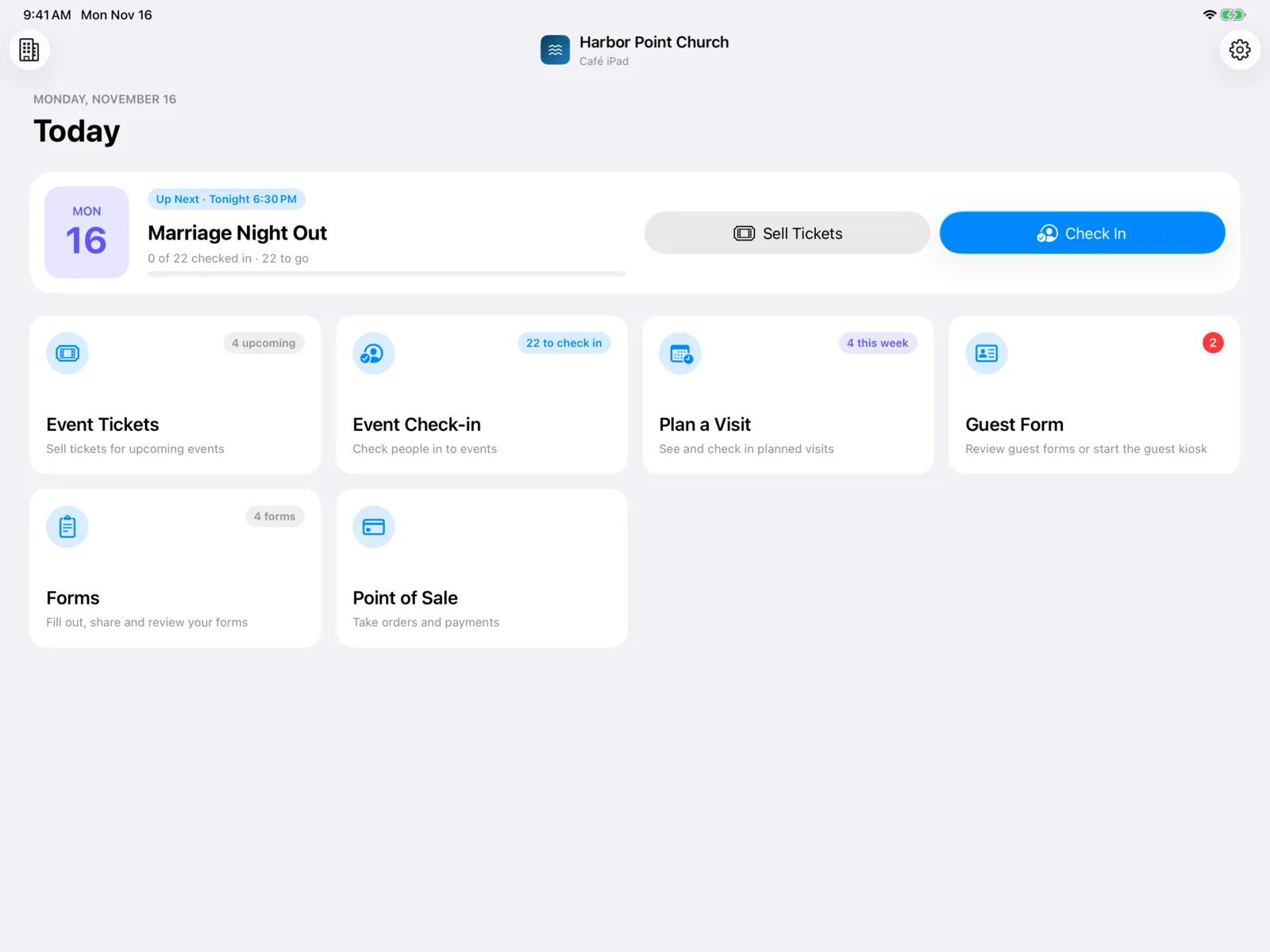
The Community Portal is the app your team runs on iPads and iPhones wherever you meet people in person. Check people in at the door of an event, sell tickets and collect balances, welcome first-time guests, and run your café register, all from one device.
What it does
| Feature | What your team does with it |
|---|---|
| Event Check-in | Scan or look up tickets at the door, check in a whole group at once, and see who still owes a balance. |
| Event Tickets | Sell tickets in person, with deposits, payment plans, and discount codes. |
| Plan a Visit | See who’s planning to visit this week, and mark them checked in when they arrive. |
| Guest Form | Run a welcome kiosk for first-time guests, and read what they filled out. |
| Forms | Fill out your organization’s forms for someone, or share a form’s QR code and link. |
| Point of Sale | Run your café or bookstore: take orders, charge cards, cash, and gift cards, and see today’s sales. |
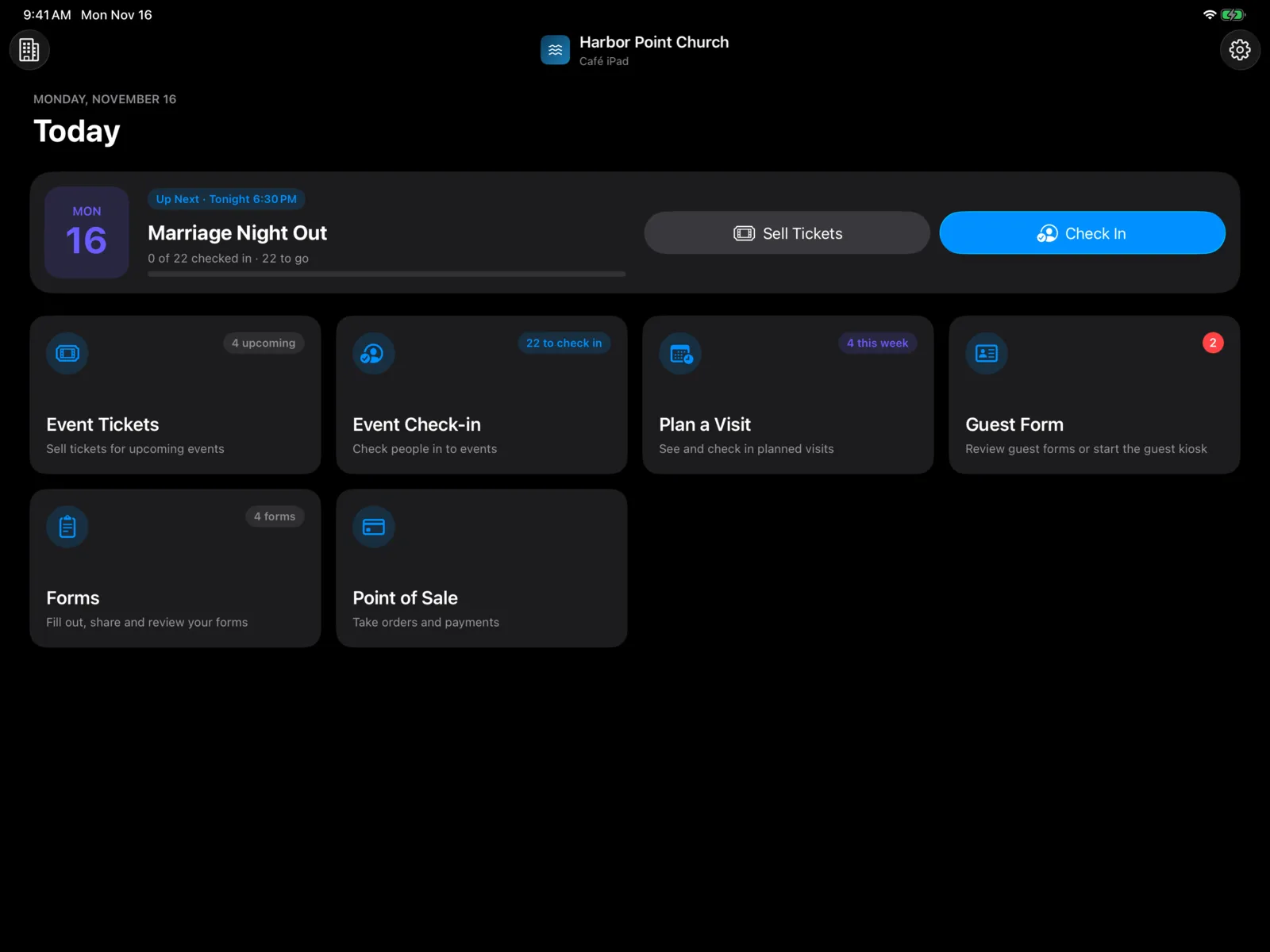
Each feature has a tile on the home screen, with a live count of what needs you, like how many people are left to check in today.
What you need
- An iPad or iPhone for each station. Everything works on both.
- The device code from the dashboard, to pair the device. See Set up a device.
- A card reader (optional) to take card payments, or Tap to Pay on iPhone. See Card readers.
- An Epson receipt printer (optional) for café receipts and a cash drawer. See Printers.
- A barcode scanner (optional) for faster ticket scanning. See Scanners.
- Your events, forms, and store set up in the dashboard. See Events, Guest forms, Forms, and Point of Sale.
How it fits with the Check-in Portal
The Check-in Portal is for kids check-in and connect attendance. The Community Portal is for everything else at the front of house: events, guests, and the café. Many churches run both, on different devices.