
Today and starting cash
Today’s Summary shows how the day is going: sales, tips, the cash drawer, your busiest hours, and what sold.
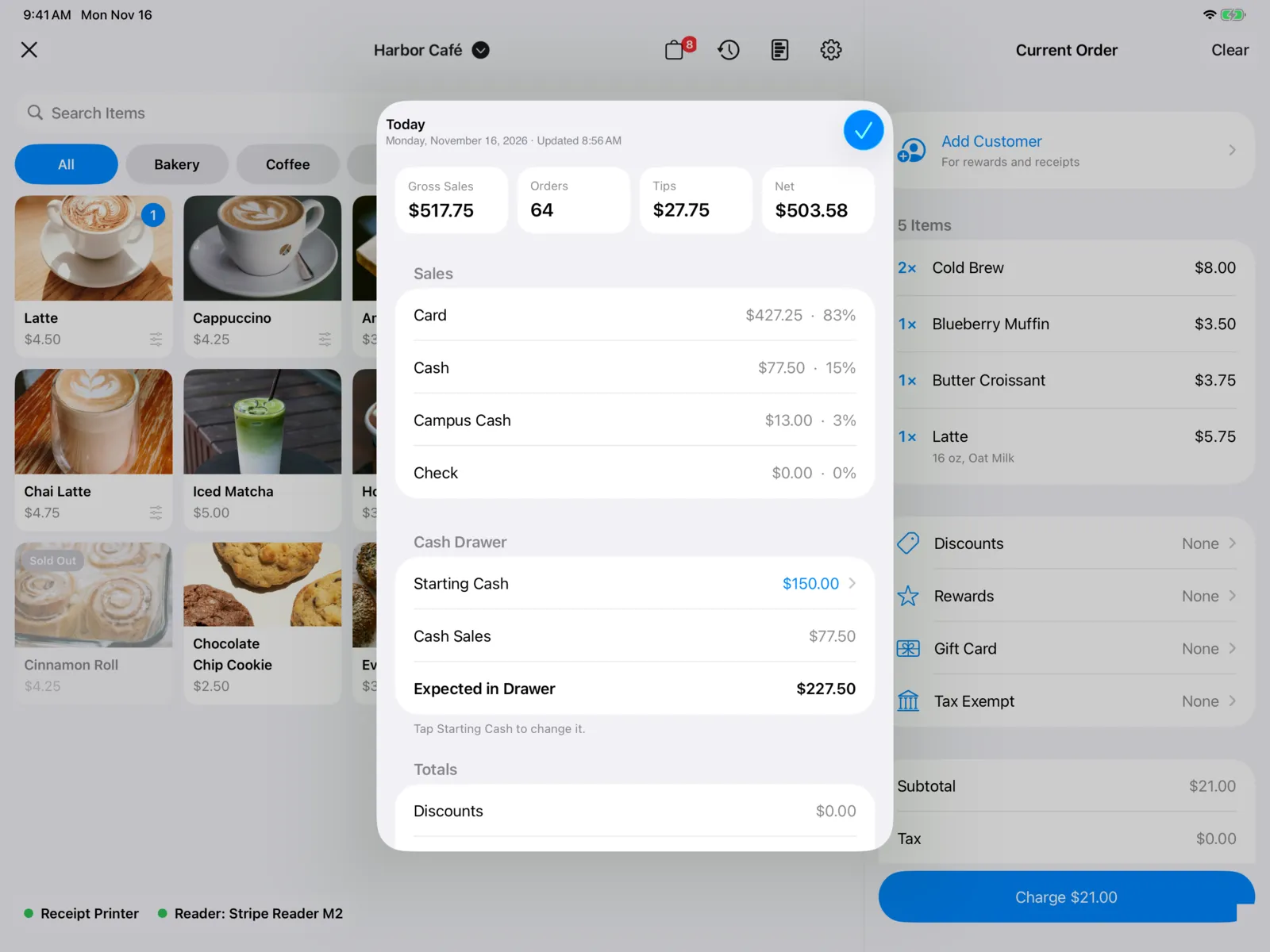
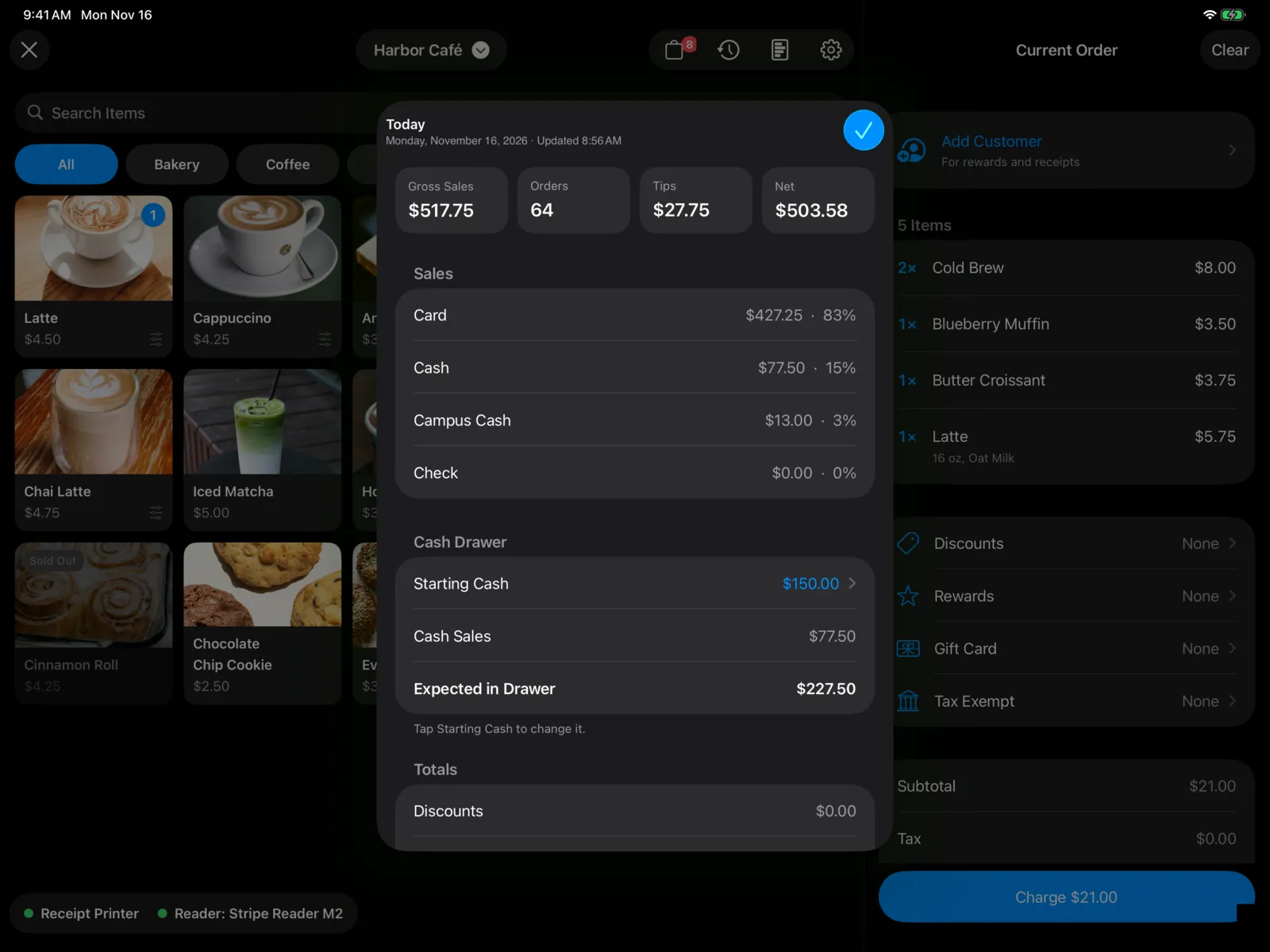
On the register, select Today’s Summary (the chart button). On iPhone, it’s in the ⋯ menu.
The title shows today’s date and when it was last updated. Pull down to refresh, and select Done to close it.
What you’ll see
| Section | What it shows |
|---|---|
| Tiles at the top | Gross Sales, Orders (how many), Tips, and Net (after card fees). |
| Sales | Sales by Card, Cash, and each of your other payment types, like Campus Cash, with each one’s share of the total. |
| Cash Drawer | Starting Cash, Cash Sales, and Expected in Drawer (the two added together). |
| Totals | Discounts, Tax, and Card Fees. |
| By Hour | A bar for each hour, from your first sale until now. The busiest hour is the darkest. |
| Items Sold | Each item, best seller first, with how many sold, the amount, and a bar comparing it with the top seller. |
Use Expected in Drawer to check the drawer at the end of the day.
For other dates and comparisons, use Stats in the dashboard.
Starting cash
Starting cash is the money in the cash drawer at the start of the day. It’s how Expected in Drawer is worked out.
The first time anyone opens Point of Sale each day, it asks for the Starting Cash. You only enter it once a day for your organization.
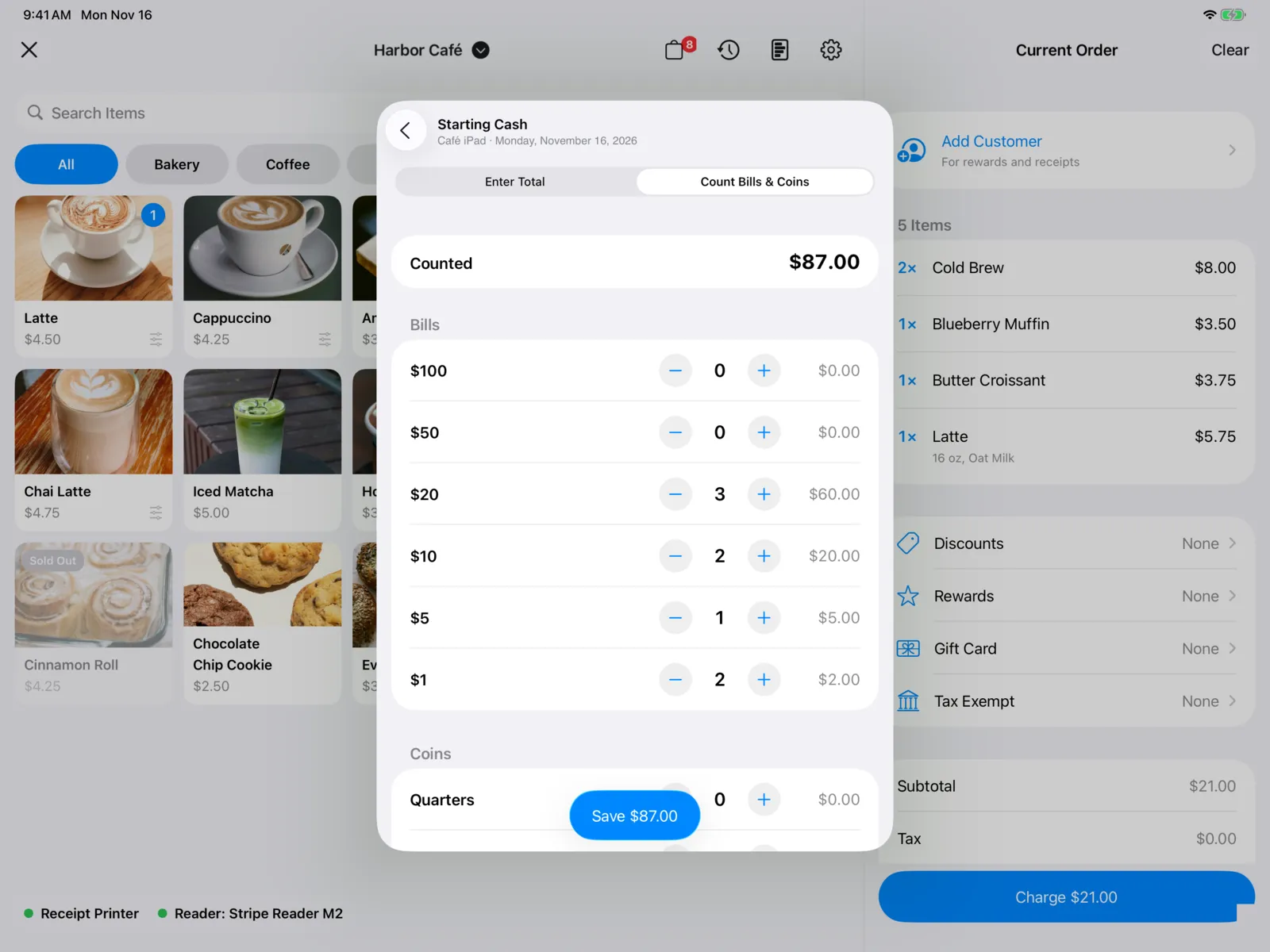
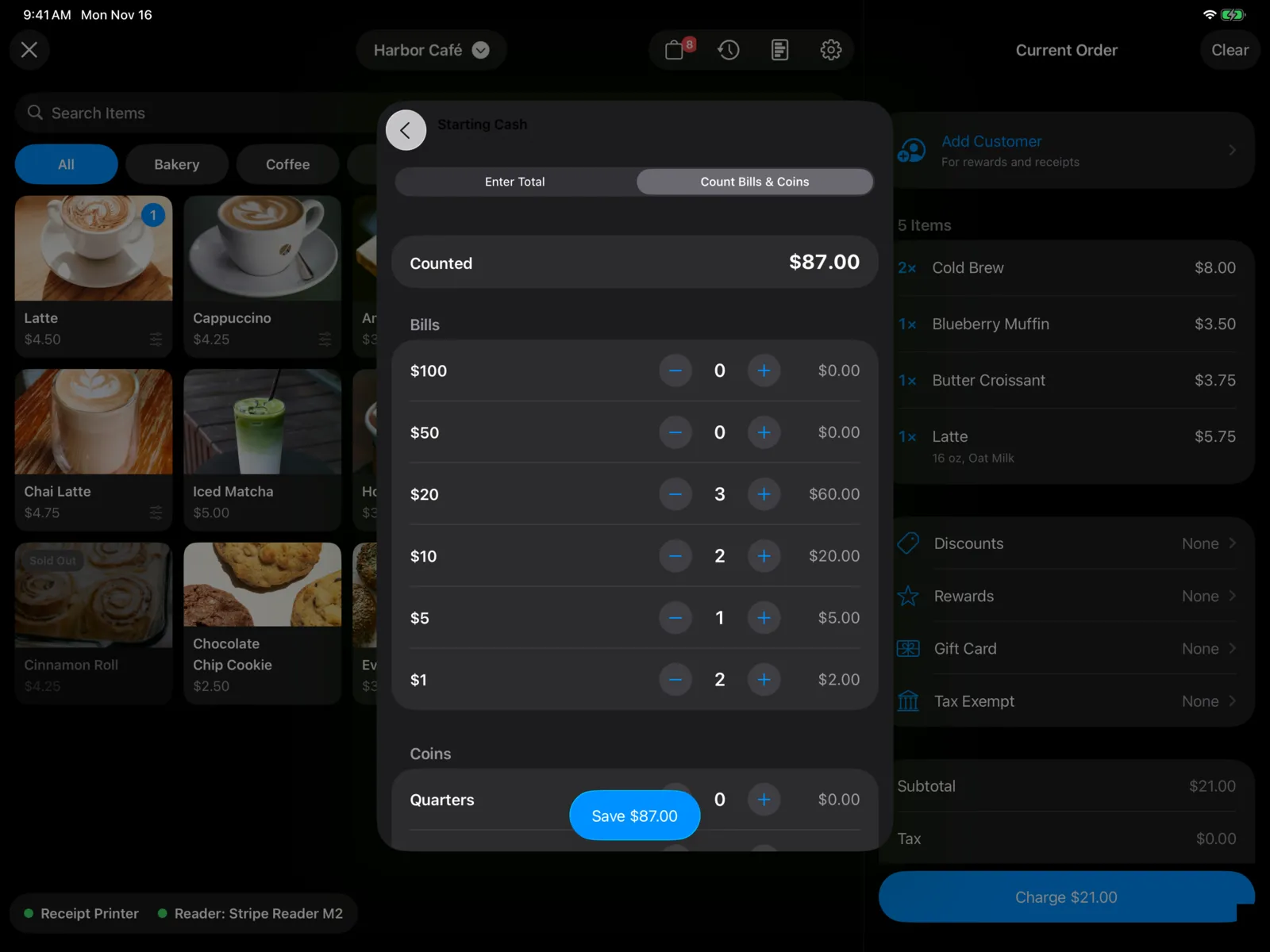
Choose how you want to enter it:
- Enter Total: type the amount on the keypad and select Save $150.00.
- Count Bills & Coins: use − and + to count each bill ($100 down to $1) and coin (Quarters, Dimes, Nickels, and Pennies). Each row shows what it adds up to, and Counted shows the total. Select Save $150.00.
If you count, then switch back to Enter Total, the count carries over as the total. Only the total is saved, not the count.
Fix today’s starting cash
- Open Today’s Summary.
- Under Cash Drawer, select Starting Cash. If nobody entered it today, it says Enter.
- It opens at today’s amount. Type or count the right amount, then select Save.
This changes today’s amount rather than adding another, and Expected in Drawer updates.