
About the Check-in Portal
The Check-in Portal is the app you run on iPads and iPhones at your check-in stations. Families check their kids in, labels print, and your team checks kids out at pickup. It also takes attendance for connects, like a class or ministry.
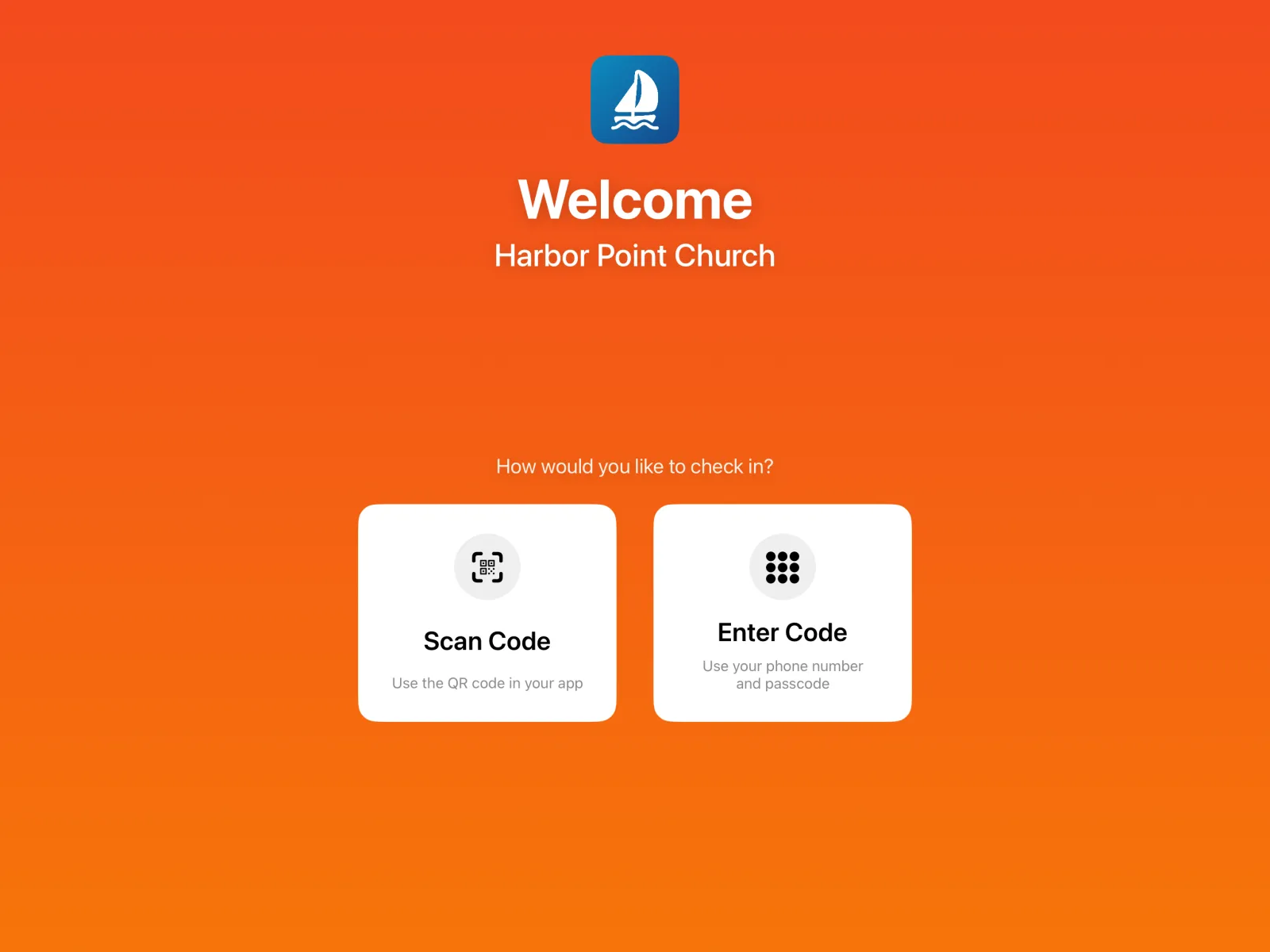
Two ways to run a device
| Mode | Who uses it | What it does |
|---|---|---|
| Self Service | Families | A kiosk. Parents scan the check-in pass in their app, or type their phone number and passcode, then pick which children are here. |
| Admin | Your team | A welcome desk. Check children in for parents, add walk-in families, see who’s checked in, and check kids out. |
You choose a device’s mode when you set it up, and can change it later in Settings.
What you need
- An iPad or iPhone for each station. Self-service kiosks need a camera to scan passes, unless you add a scanner.
- A Brother QL label printer on the same Wi-Fi network, if you print name tags. See Printers and labels.
- A Bluetooth barcode scanner (optional) for faster scanning. See Scanners.
- Check-in groups set up in the dashboard, so each child has a room. See Check-in settings.
How a Sunday works
Families get ready in the app
Parents add their children and a 4-digit passcode in the Culminate Life app. That gives them a check-in pass.
They check in at a kiosk
They scan their pass, or type their phone number and passcode, and tap the children who are here.
Name tags print
Each child gets a name tag with a short code, plus any allergies and medications. Parents get a pick-up pass in the app (and by email), plus a printed check-out tag if they want one.
Your team checks kids out
At pickup, scan the parent’s pick-up pass or check-out tag. The code matches the child’s name tag.