
Check-in
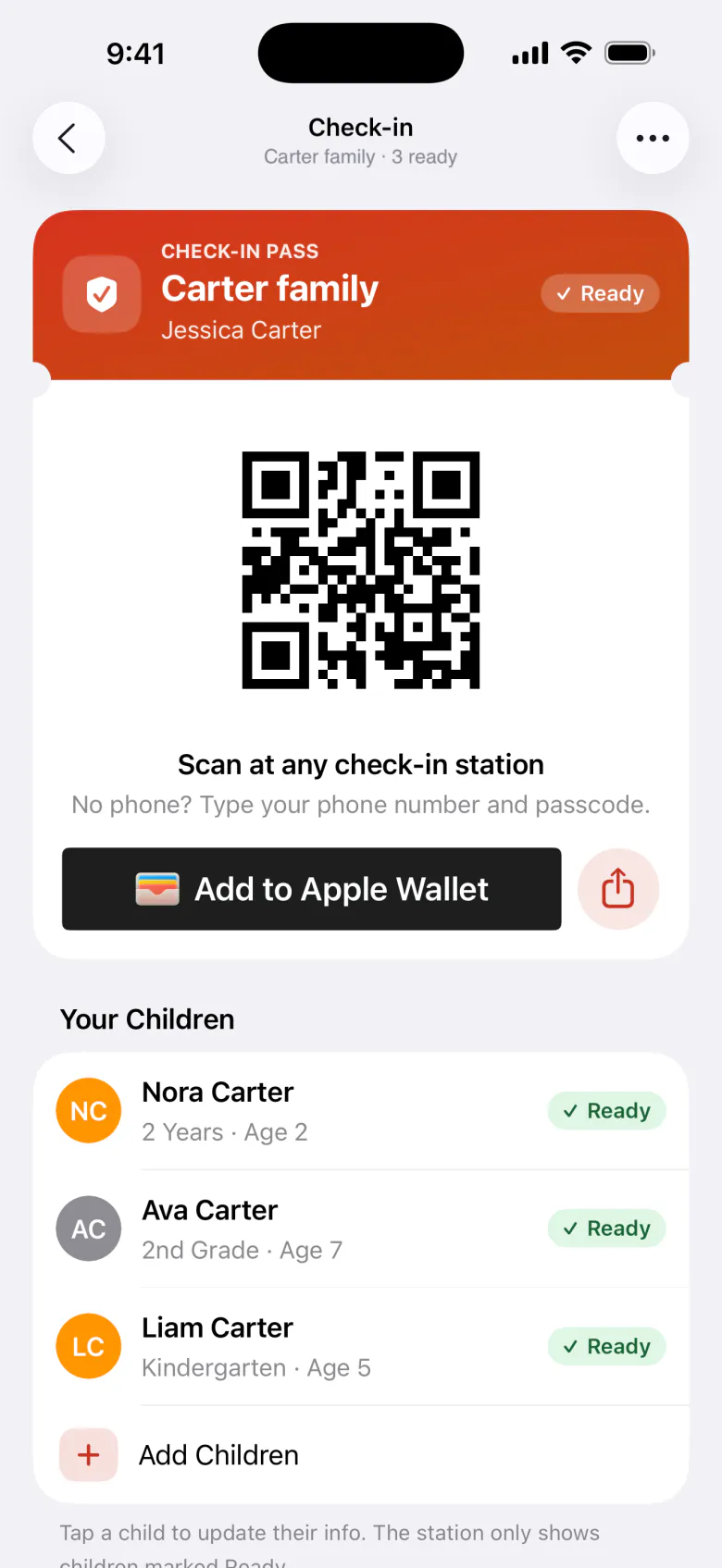
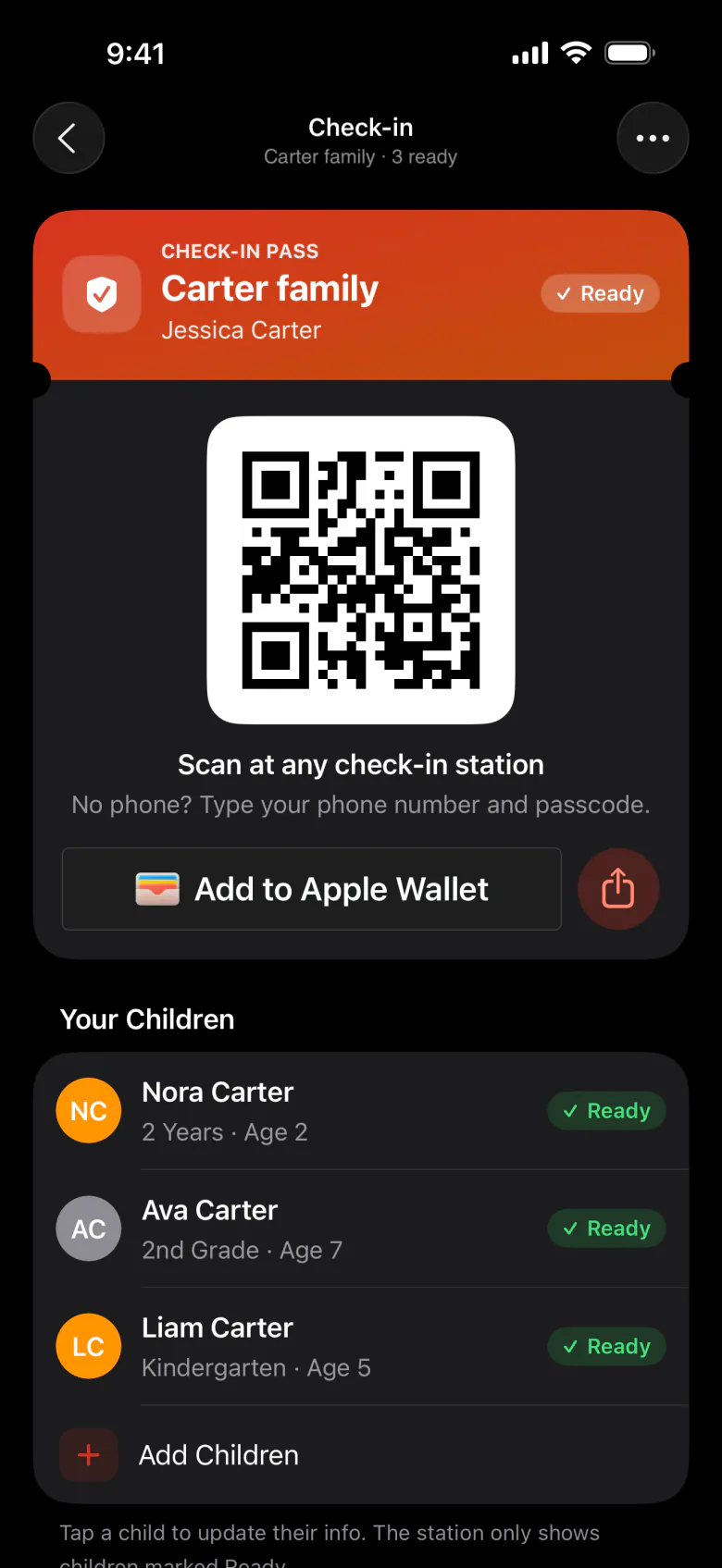
Parents set up check-in once in the app. After that, checking in at a Check-in Portal kiosk takes a few seconds.
Set up check-in
Parents need a family first, with their children in it. Then, from Profile → Check-in (or Set Up Check-in on Home):
Your phone number
It’s how the kiosk finds their pass if they forget their phone. It’s saved to their profile.
Create a passcode
Four digits, entered twice. They’ll type it at the kiosk with their phone number if they don’t have their phone.
Who will you check in?
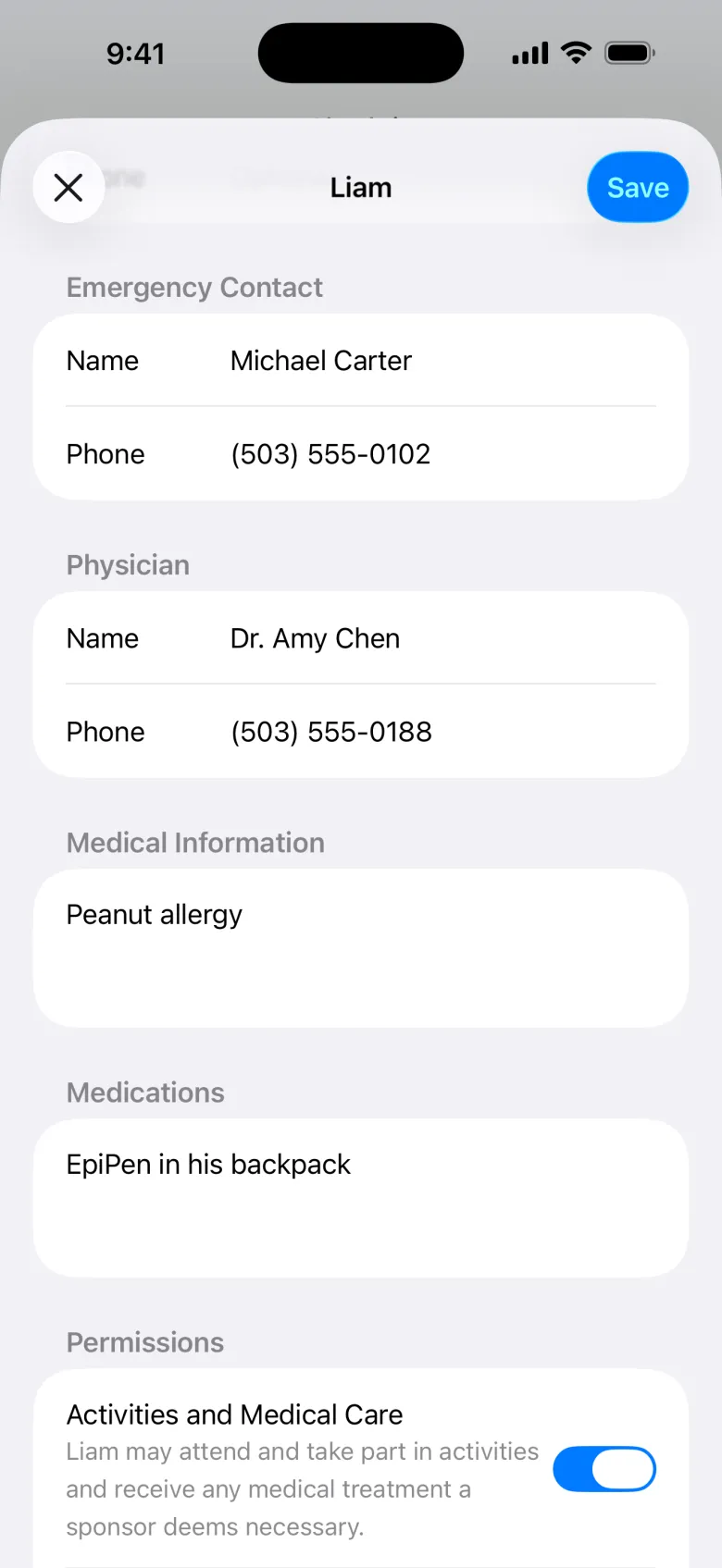
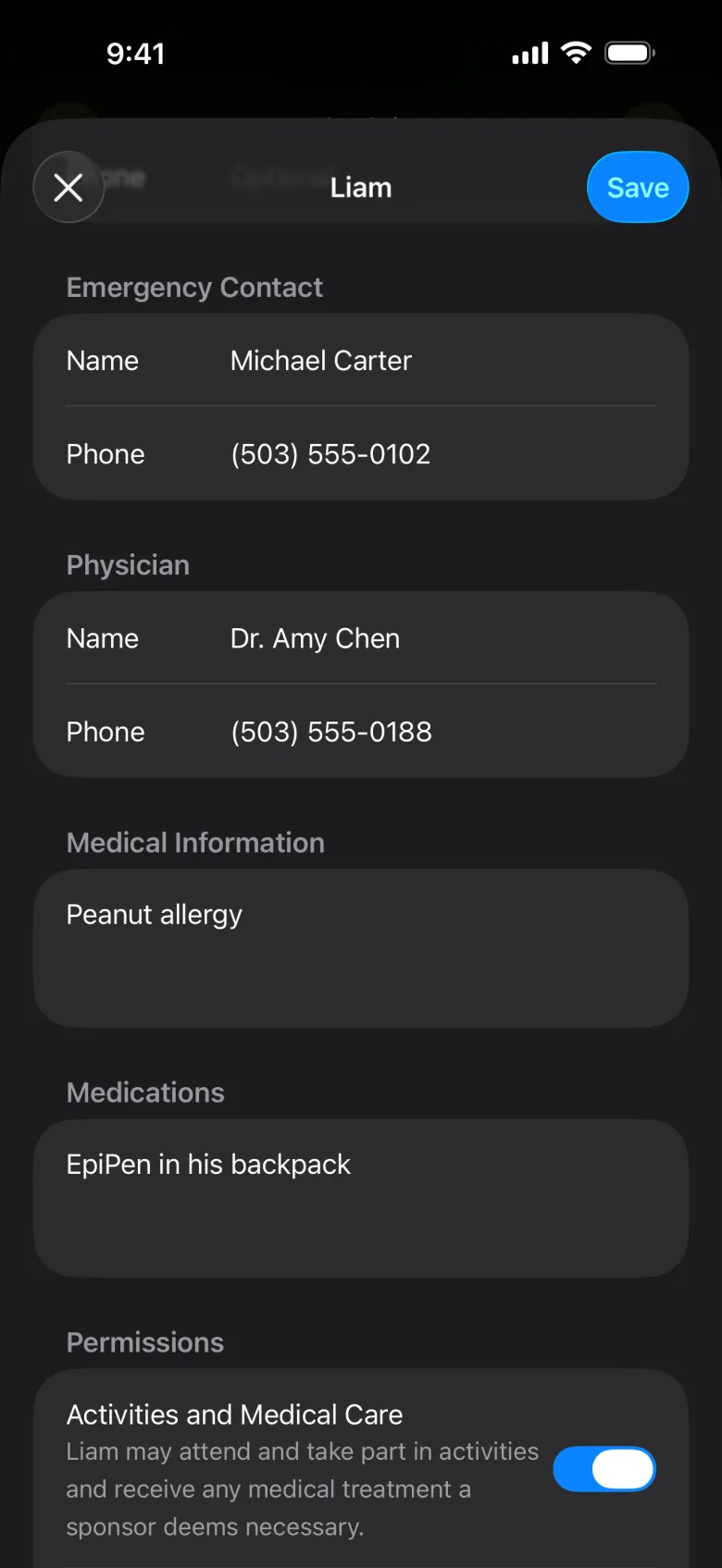
They pick children from their family, then fill in each child’s details: grade, birthday, gender, an emergency contact and phone, a physician (optional), medical information and medications, and permissions (activities and medical care, and photos).
Children with missing details are marked Needs Info. The kiosk only shows children marked Ready.
Check in
At a kiosk, parents tap Scan Code and hold up their Check-in Pass, then pick who’s here. No phone? They tap Enter Code and type their phone number and passcode.
To drop off a sibling later the same day, they scan the same pass again. The sibling is added to today’s pick-up pass.
Pick up
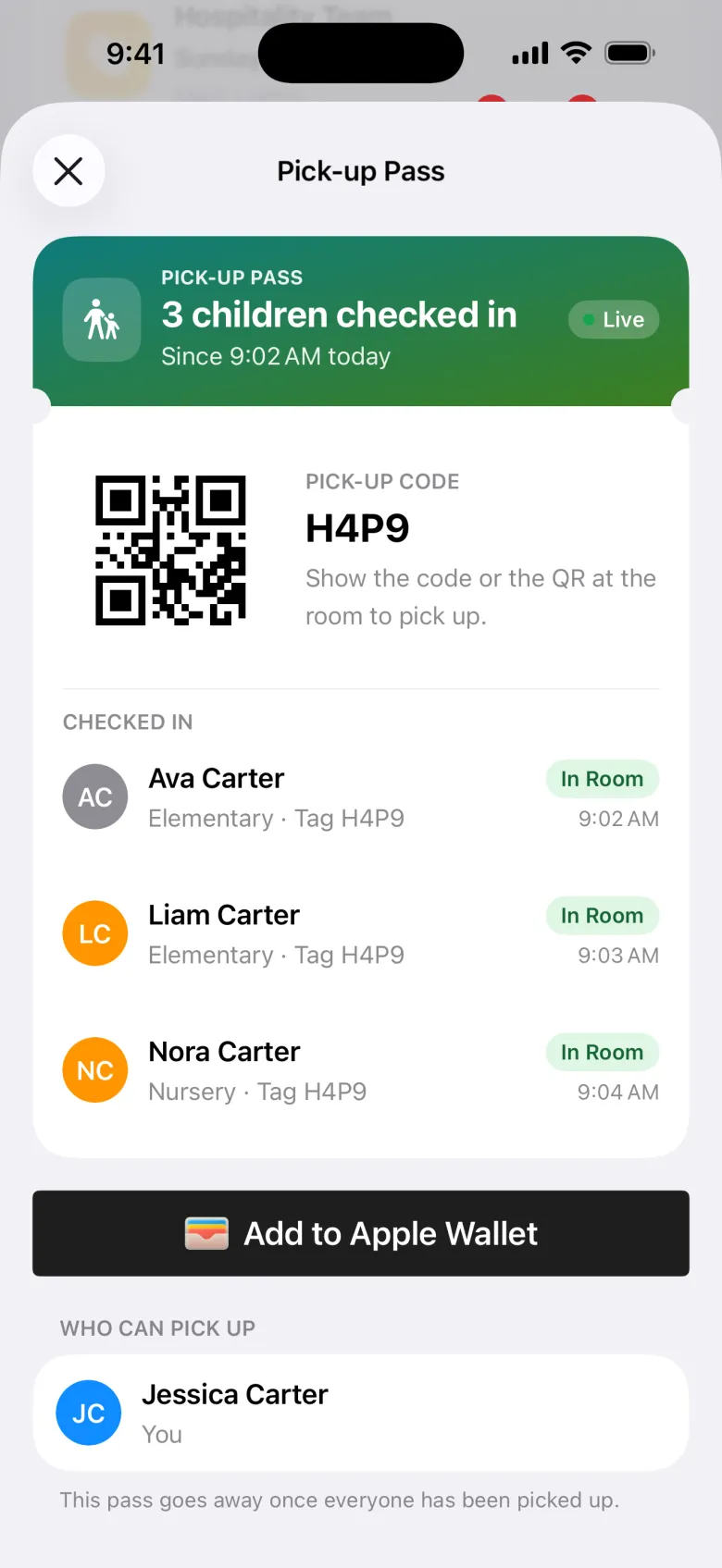
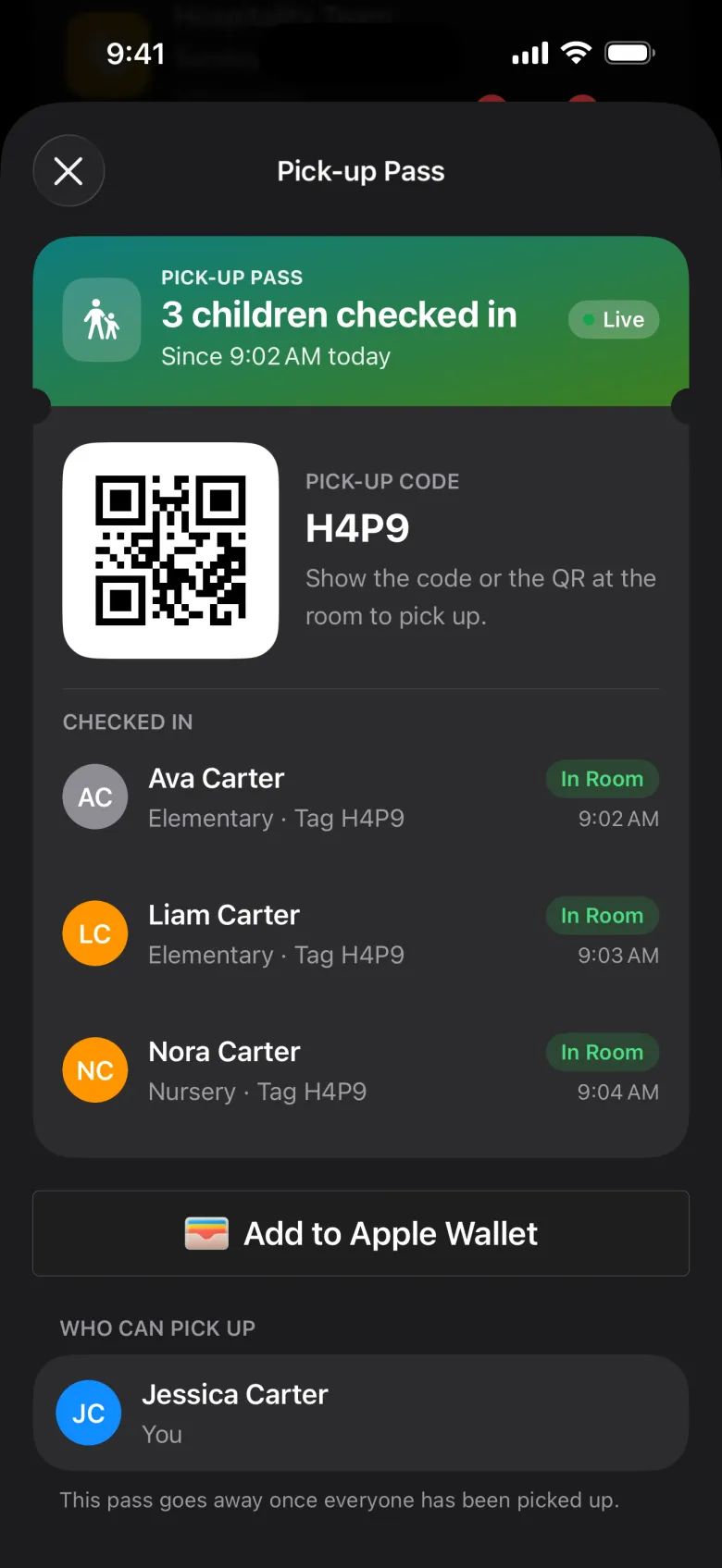
As soon as their children are checked in, a Pick-up Pass appears in the app (and by email). It’s good for the day. Its code matches the code on each child’s name tag. At pickup, they show the pass, and your team scans it. See Check-out.
Every parent in the family gets their own copy, so either can pick up. The pass shows each child as In Class Now or Picked Up, and goes away when everyone’s picked up.
Share check-in
- Share Your Check-in Pass: from the ••• menu, parents can give someone they trust, like a grandparent or sitter, their check-in pass on their own phone. That person needs an account with the email they enter.
- Share One Child: for carpools and playdates, another family can check one child in alongside their own.
Shared children and passes show under Shared With You. Only the child’s family can change their info.
Offline
If the phone is offline, the pass still works: the kiosk looks it up, not the phone.
Past check-ins
Past Check-ins shows each day, who came, and who picked them up.