
About the Culminate Life app
The Culminate Life app is where your people meet everything you set up in the dashboard. They register for events, give, check their kids in, join groups, listen to podcasts, and hear from you. Everything you turn on in Features shows up in the app automatically.
You can use the Culminate Life app, or have your own branded app with your name, icon, and colours. See Your own branded app.
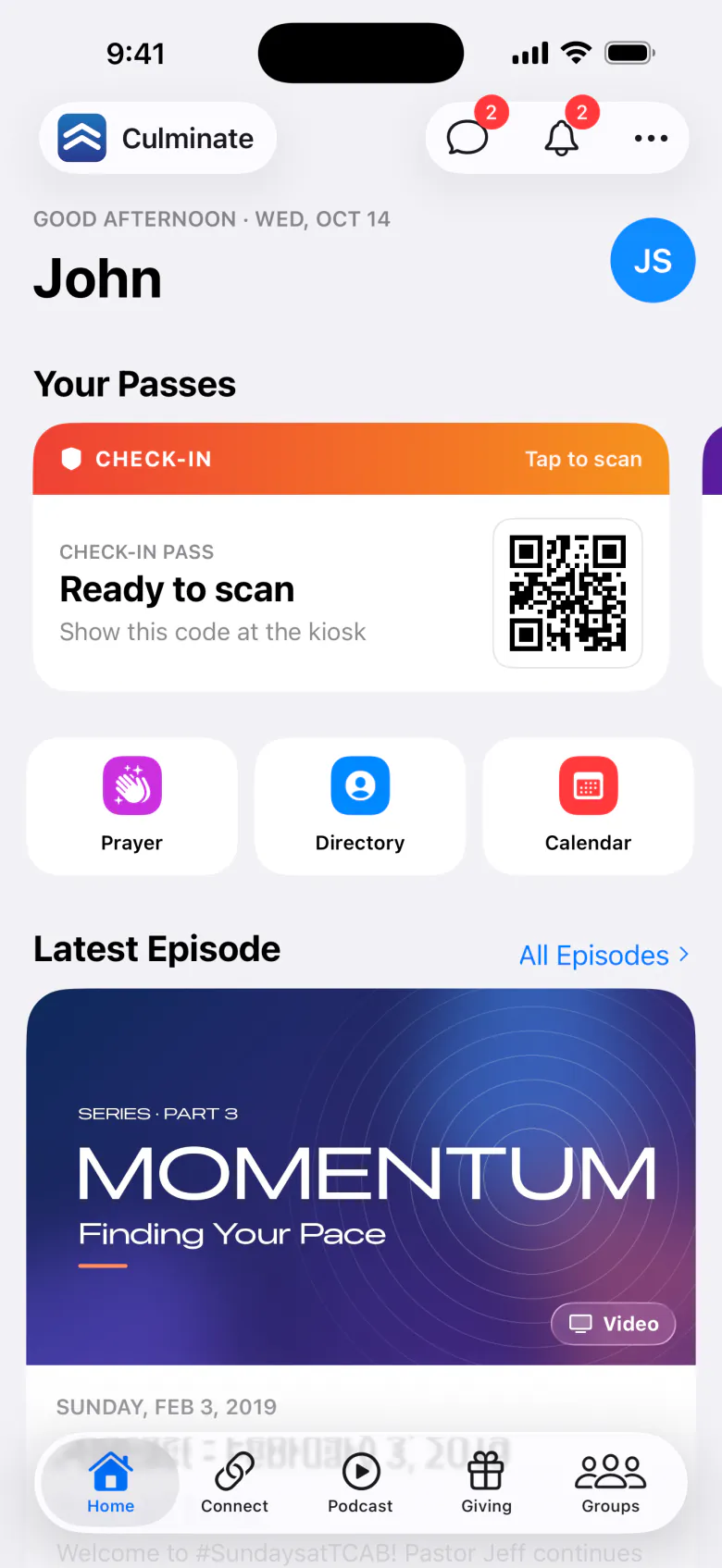
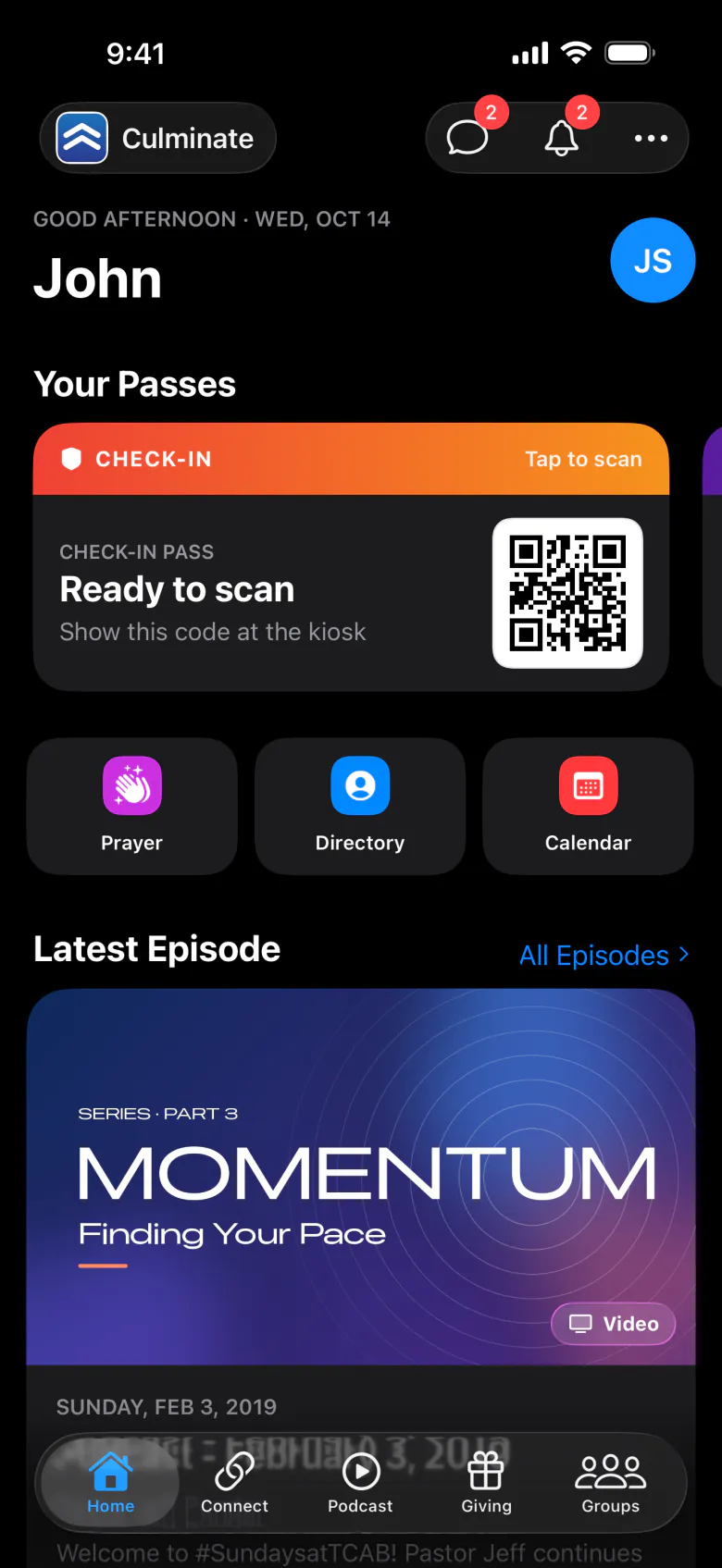
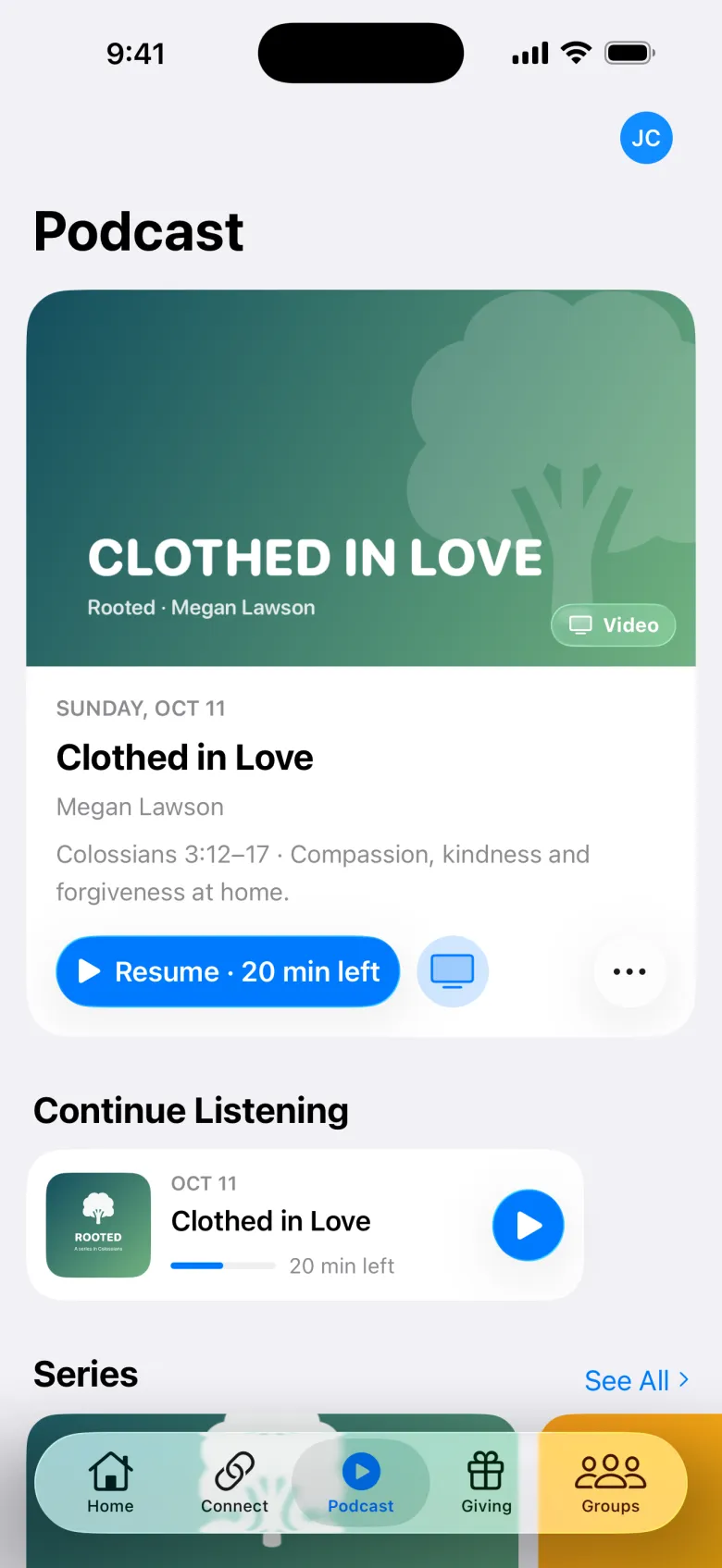
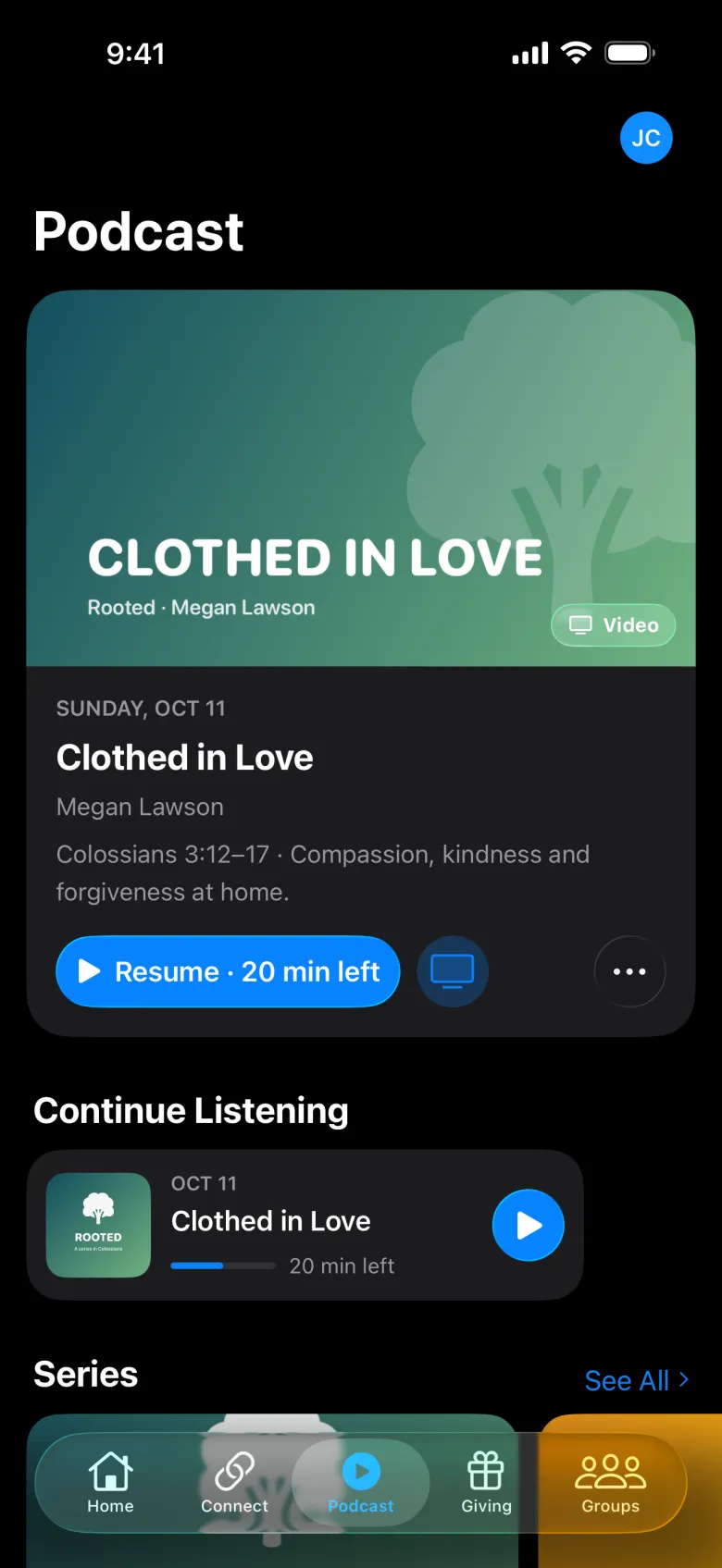
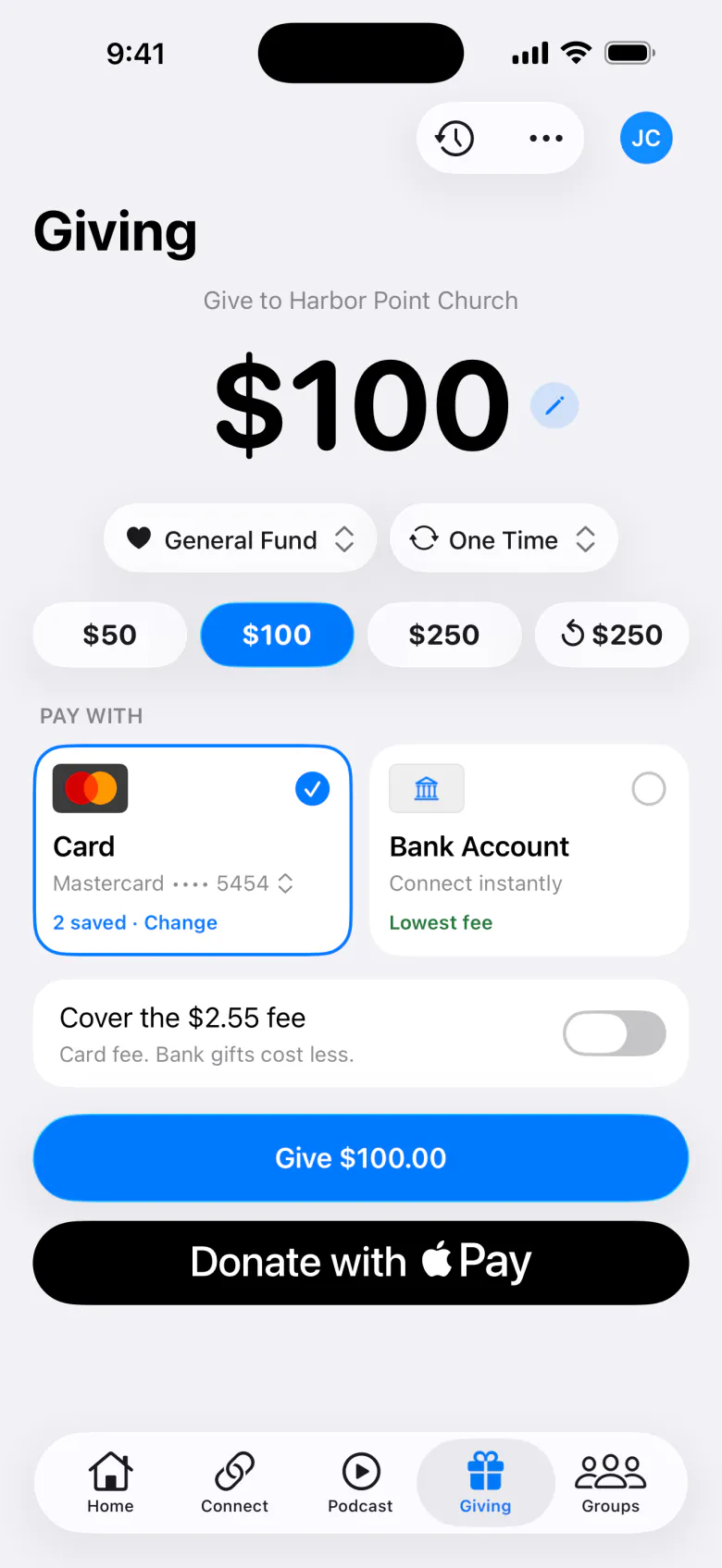
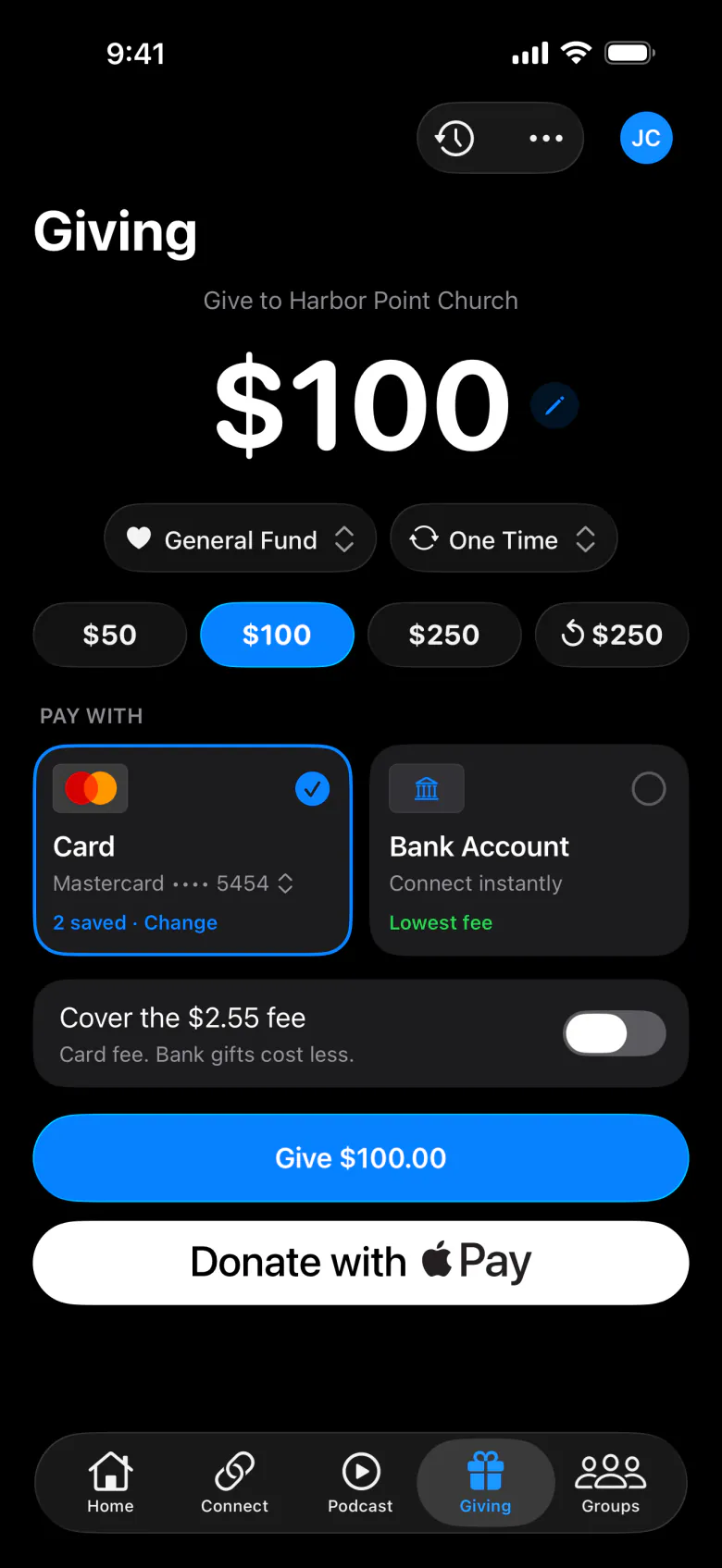
The tabs
| Tab | What people do there |
|---|---|
| Home | See what’s happening: live streams, this week’s events, announcements, passes, and suggestions. See Home. |
| Connect | Find ministries and classes and join them. See Connect. |
| Podcast | Listen to or watch episodes and series, take notes, and play the week’s worship songs. See Podcast, live streams, and notes. |
| Giving | Give once or on a schedule, and see their giving history and statements. See Giving. |
| Groups | Find a group, ask to join, chat, and run polls. See Groups and messages. |
| Store | Order ahead from your café or bookstore, and use rewards. See Store and rewards. |
Only the tabs for features you’ve turned on appear. On iPad, the tabs become a sidebar, with Messages, Notifications, Calendar, Tickets, Downloads, and Profile too.
Tapping your organization’s logo at the top opens About: your description, service times, location, leadership, and contact links.
Where to get it
The Culminate Life app is free on the App Store and Google Play. It runs on iPhone, iPad, and Android phones, with an Apple TV app for watching on the big screen.