
Podcast, live streams, and notes
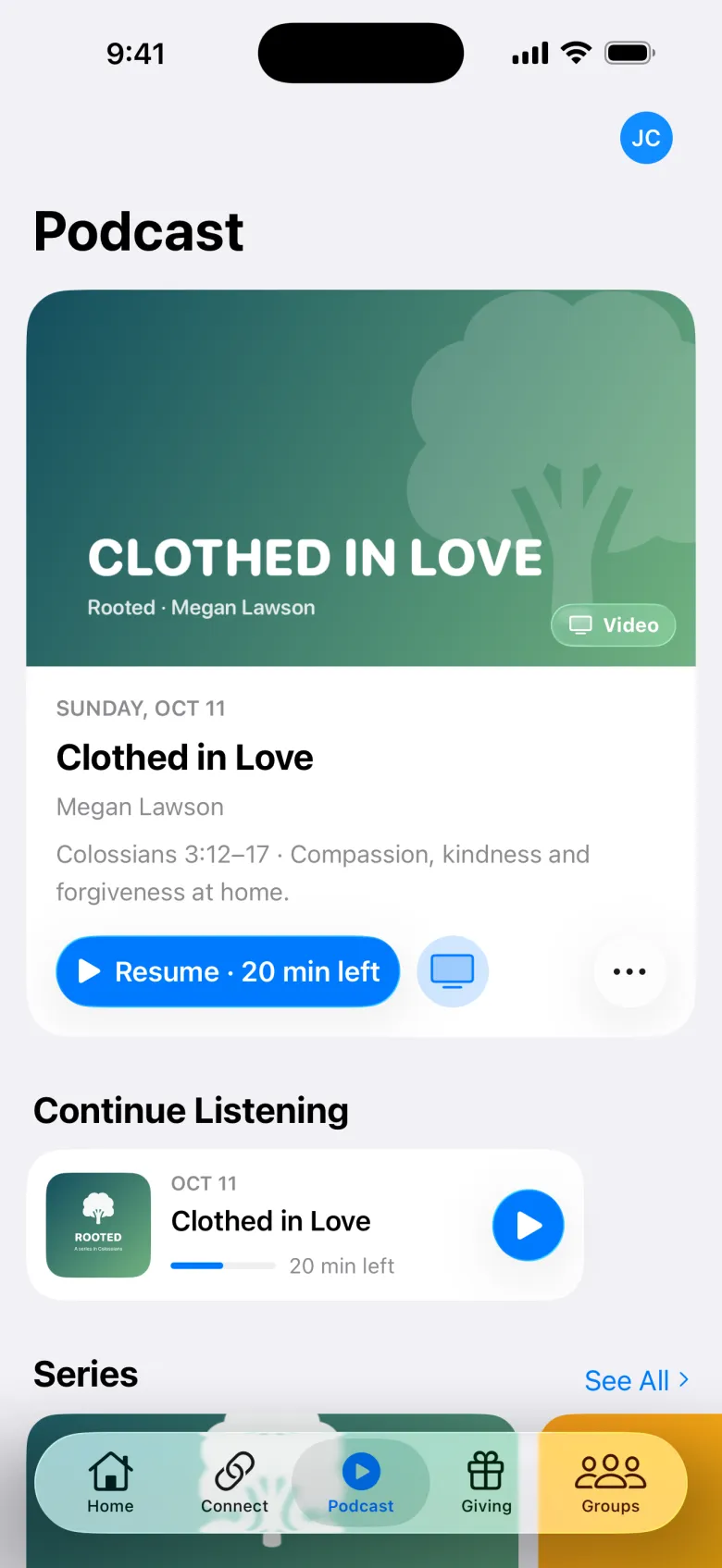
The Podcast tab has your episodes and series. It’s also where people watch live, take notes, and play the week’s worship songs.
Browse
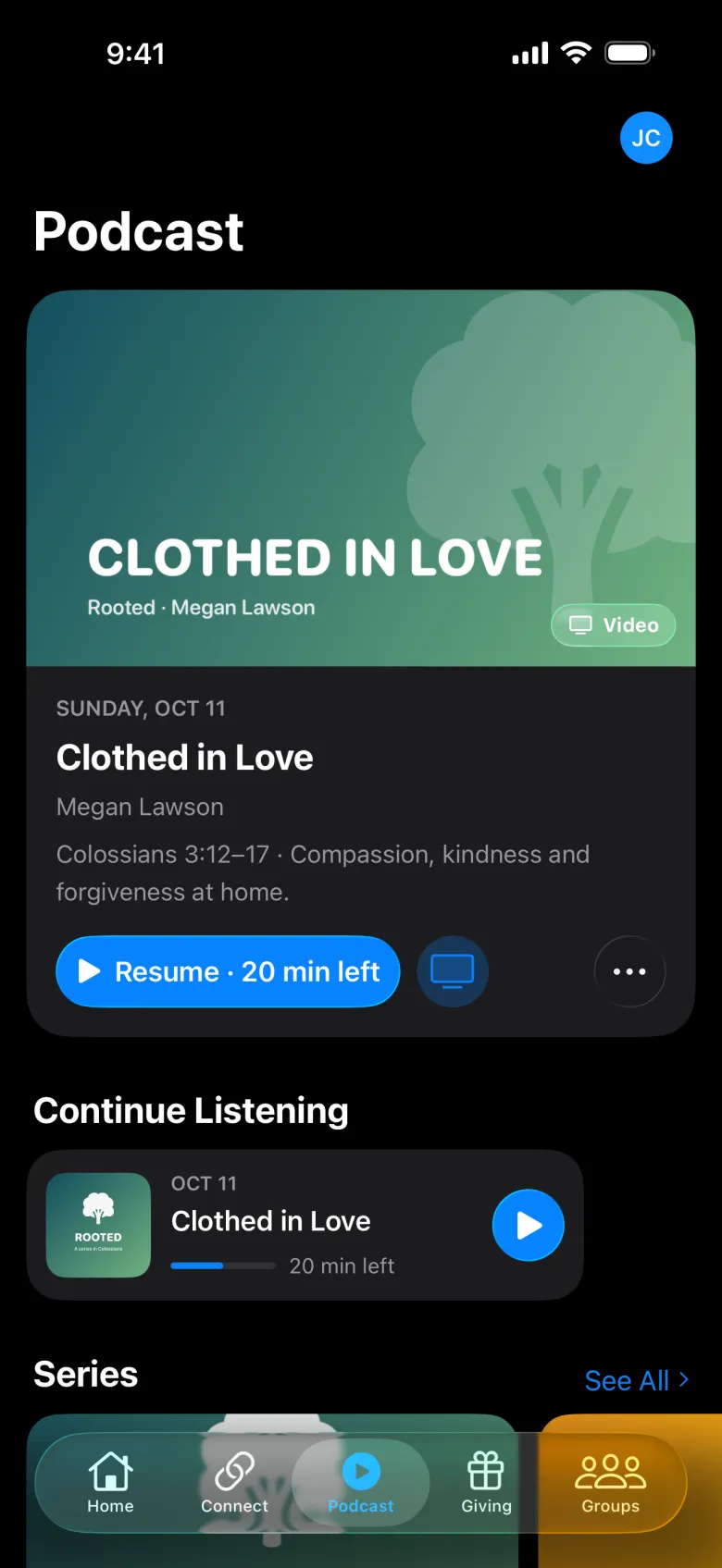
The tab shows Continue Listening, the Current Series, all Series, Worship, and Episodes. A series page plays the latest message or picks up where they left off.
The player
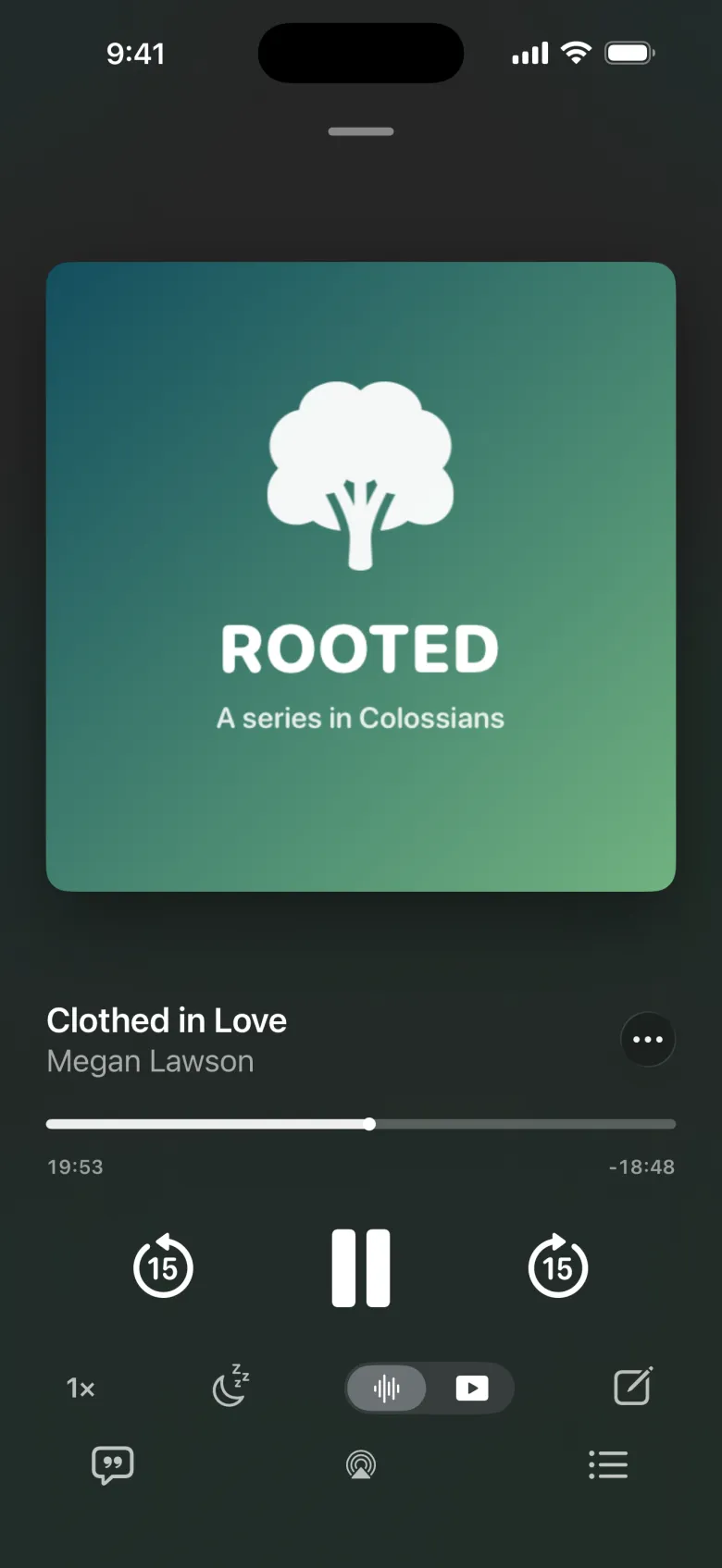
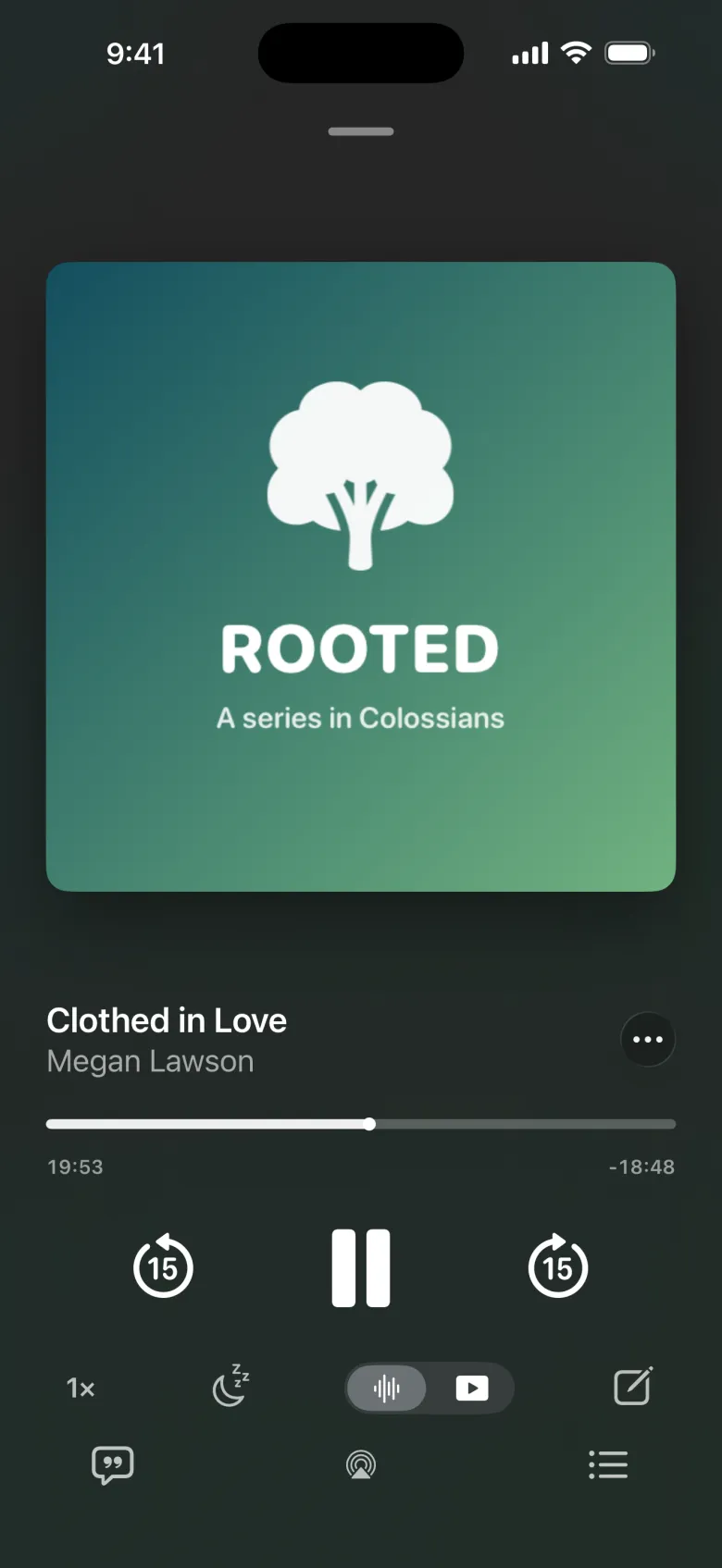
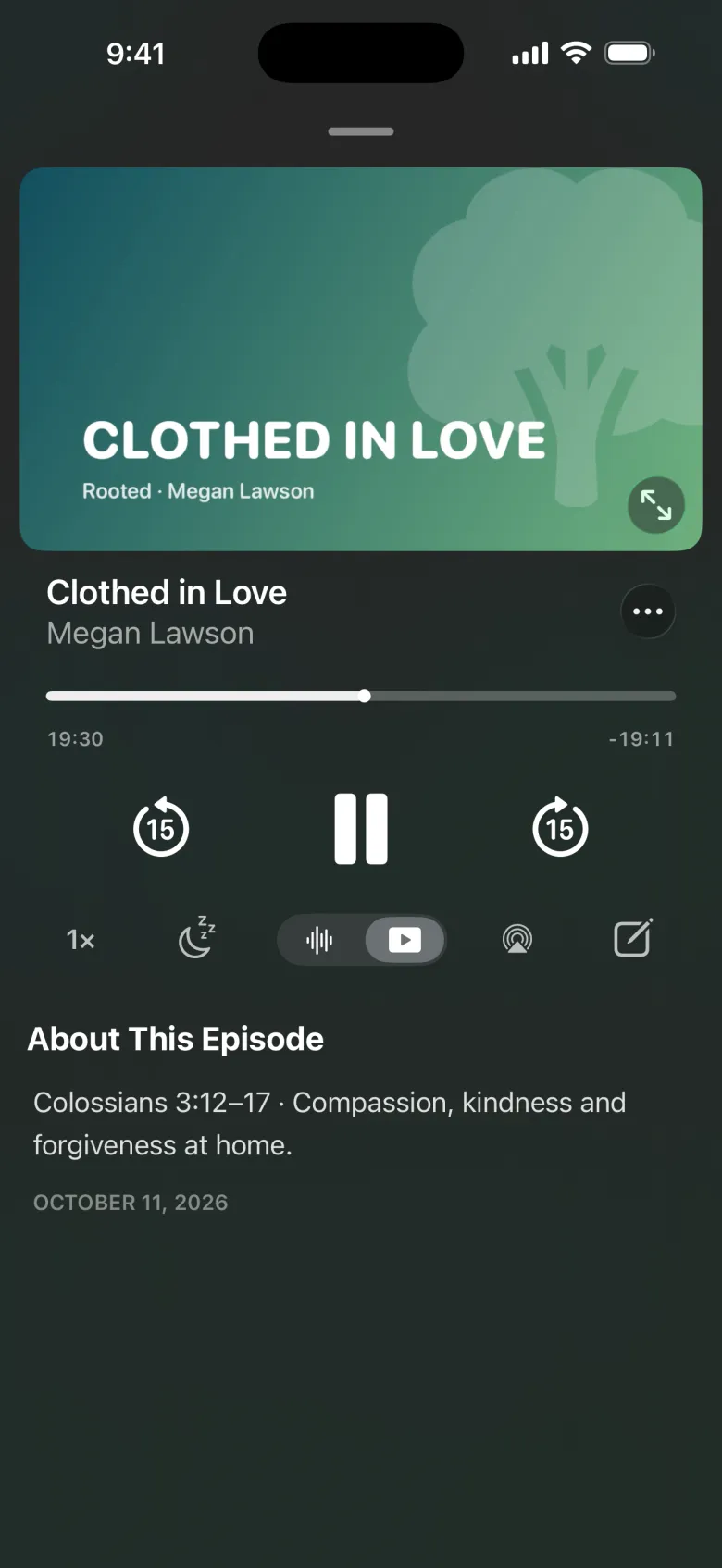
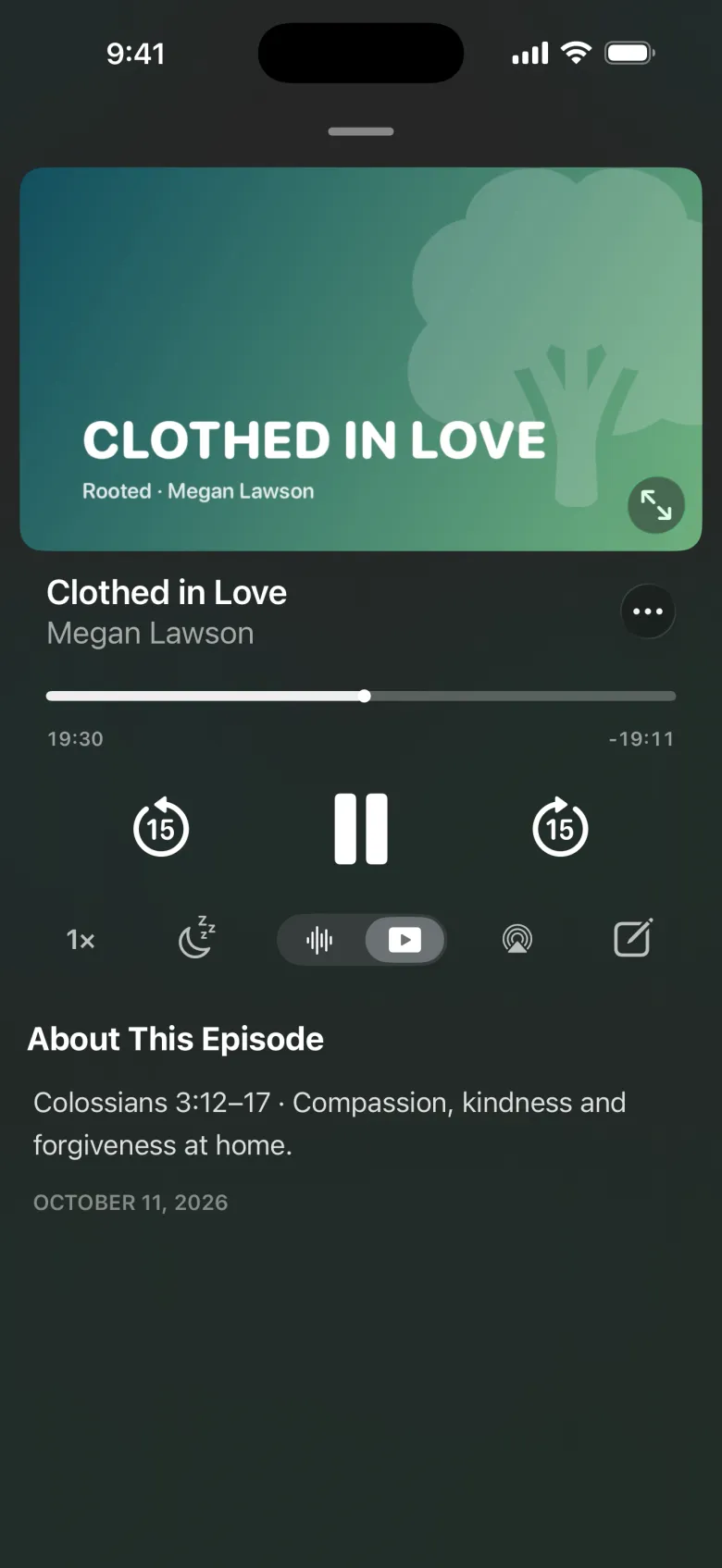
People can switch between Audio or Video (if the episode has a video), change Playback Speed, set a Sleep Timer, and turn on Play Next Automatically. Worship Songs shows the week’s set, ready to play (see Worship songs). A mini player stays at the bottom while they browse.
Worship songs
When an episode has a worship set, people can play its songs right in the app. They open the set from Worship on the Podcast tab, or from the Worship Set section on the episode’s page. The set lists each song, with Play and Shuffle.
The first time they play a song, the app asks how they want to listen:
| Choice | How songs play |
|---|---|
| Apple Music | Full songs in the app with an Apple Music subscription, or 30-second previews without one. |
| Spotify | Each song opens in the Spotify app. |
| Previews Only | 30-second previews in the app. No account needed. |
On Android, Apple Music songs open in the Apple Music app. Previews still play in the app.
While a set plays, the player shows the song’s artwork and title, skips to the previous or next song, and lists the set under Songs. Playing a song pauses the episode they were on. When the set ends, the episode picks up where they left off. They can change how songs play, and whether the episode picks back up, in Profile → Music.
Older sets that only have a playlist link show Open in Apple Music and Open in Spotify instead.
Downloads
Tapping Download saves an episode to listen or watch offline. Profile → Downloads manages them: remove played downloads automatically, and allow video downloads over cellular.
Comments
People can comment on episodes, reply, and vote. Your organization can pin comments. Anyone can report a comment, and hide someone’s comments for themselves.
Live streams
When you go live, Home shows the stream. People can watch, chat in Live Chat, use Picture in Picture or AirPlay, and set Remind Me for upcoming streams. Once it’s over, Watch Replay plays the recording if you saved one.
Notes
People can take notes on an episode, during a gathering, at an event session, in their group, or on their own.
- Use the Outline copies your notes outline in; Start Blank gives an empty page.
- Notes support headings, bold, highlights, lists, links, and timestamps that jump to that point in the episode once it’s posted.
- Notes taken during a gathering move onto the episode when it’s linked to that date.
- Share Notes shares them with people or groups, or sends a copy as text or a PDF.
All their notes are in Profile → Notes, filtered by Episodes, Groups, Events, Shared, and Personal.