
Your own branded app
With white-label, your organization gets its own app in the App Store and Google Play: your name, your icon, and your colours, running on Culminate Life. Your people download your app instead of the Culminate Life app, and everything in this guide works the same way.
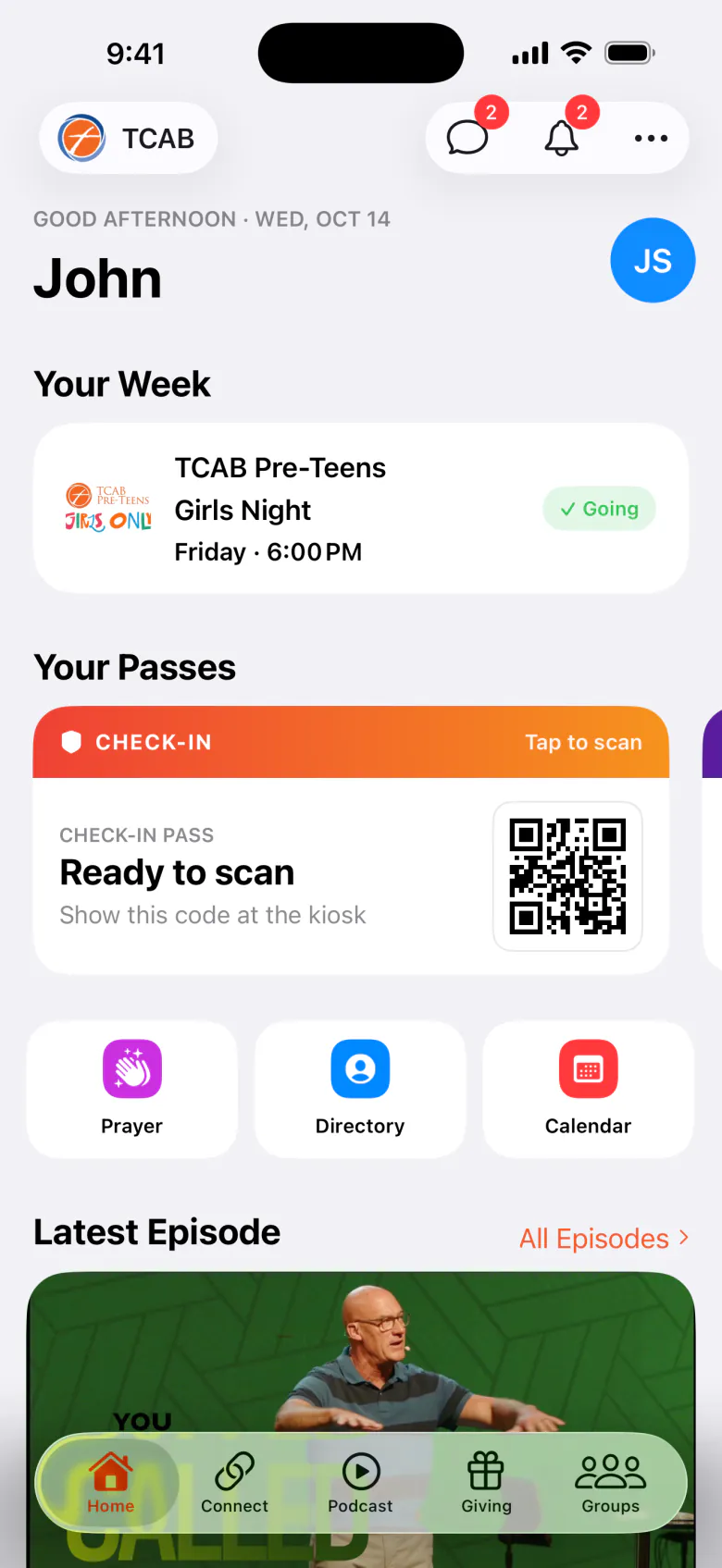
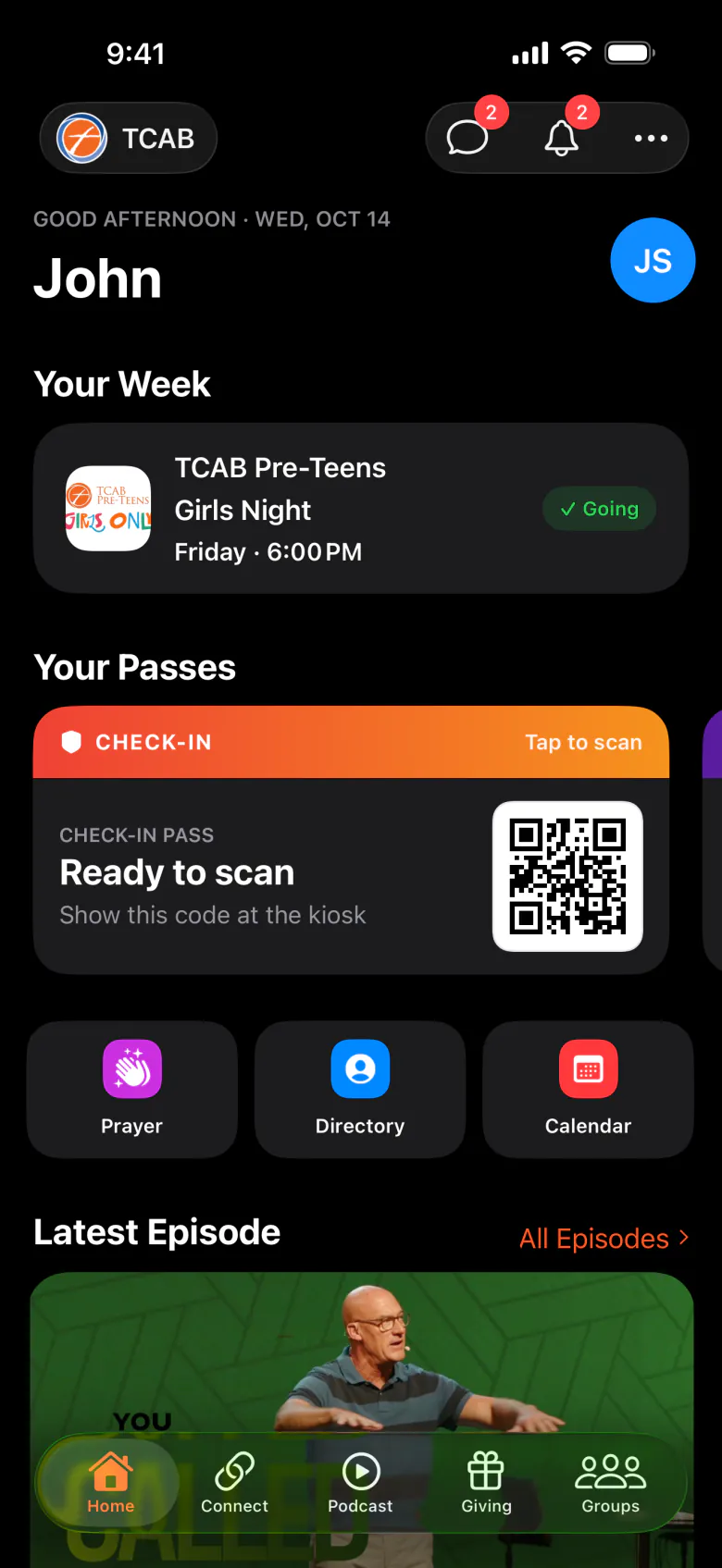
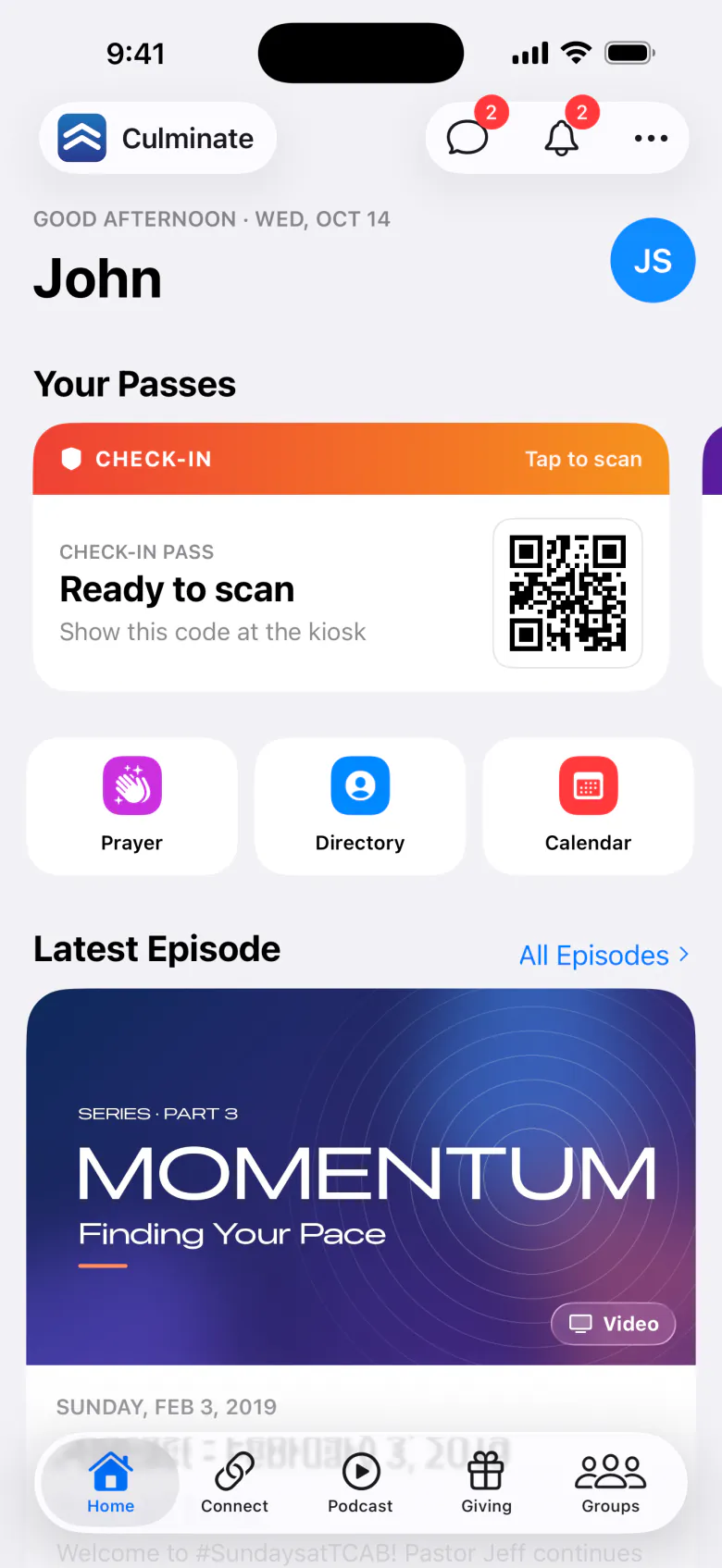
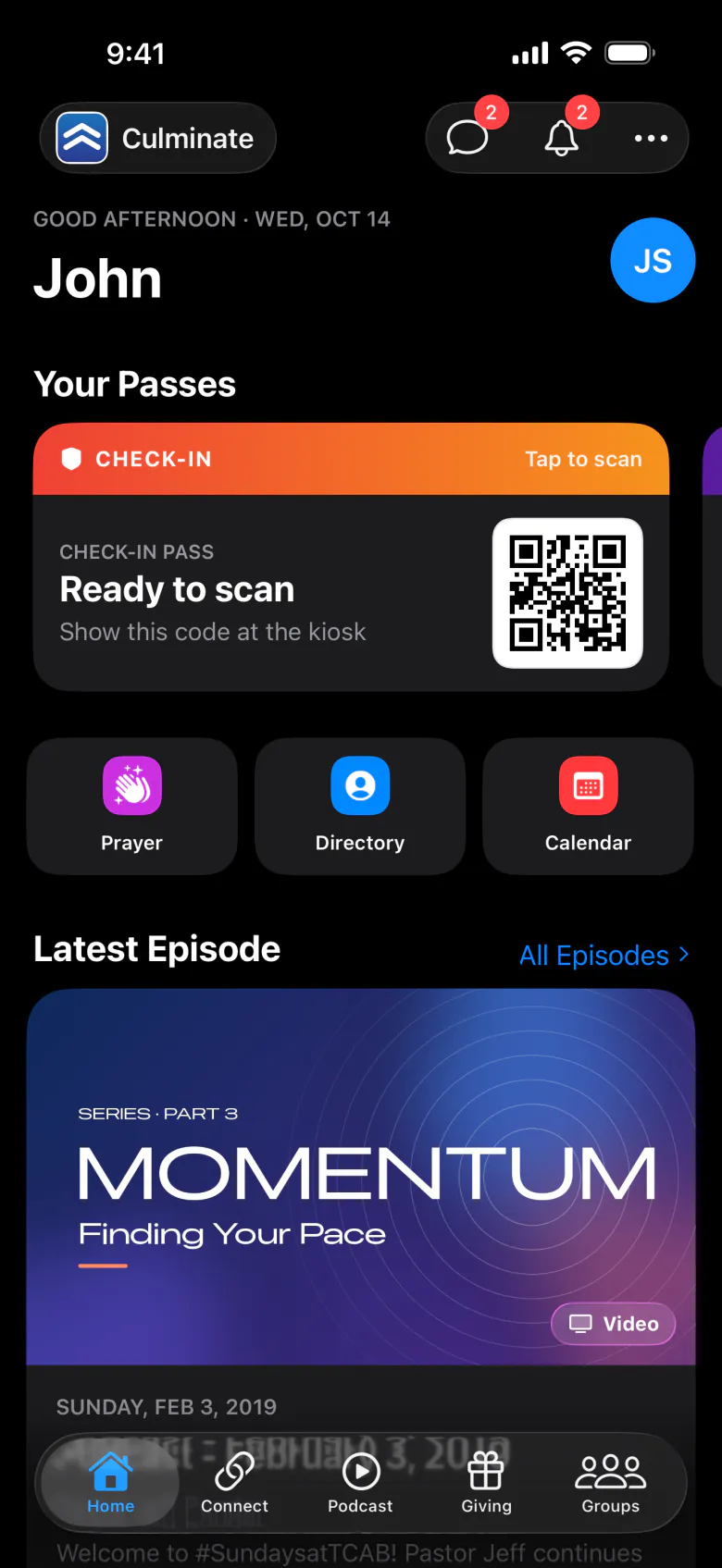
What changes in a branded app
| Culminate Life app | Your branded app | |
|---|---|---|
| Name and icon | Culminate Life | Yours, in the App Store and Google Play |
| Colours | Culminate Blue | Your accent colour, in light and dark |
| Organization | People find and pick yours | Opens straight to your organization |
| Welcome screen | Find your organization | Welcome to your name, with Create Account, Sign In, and Look Around First |
| Tabs | Every tab you turn on | The tabs you choose, in your order |
| Store tab name | Store | Your own name, like “Café” or “Shop” |
What stays the same
- Accounts. People sign in with a Culminate Life account. If they already use the Culminate Life app, the same email and password work in yours.
- Your dashboard. You run everything from the same dashboard. Nothing changes for your team.
- Features. Your app is built from the same app as Culminate Life, so it has the same features.
Get a branded app
White-label is an add-on. See add-on pricing or contact us to get started. You’ll choose:
- Your app’s name, as it should appear in the stores.
- Your icon (a square image) and your brand colour.
- Which tabs to show, in what order, and what to call the Store tab.
Once your app is live, see its versions, store listing, and developer accounts in the dashboard under Organization → App & Web → App. See Your app.
If your organization is suspended
If Culminate suspends your organization, your branded app (on phones and Apple TV) shows only your logo and Your name isn’t available right now. People stay signed in. The app checks again each time it opens, so once your organization is reactivated, it goes straight back in.
In the Culminate Life app, a suspended organization doesn’t appear in search, and people who had picked it are asked to find their organization again.