
Home
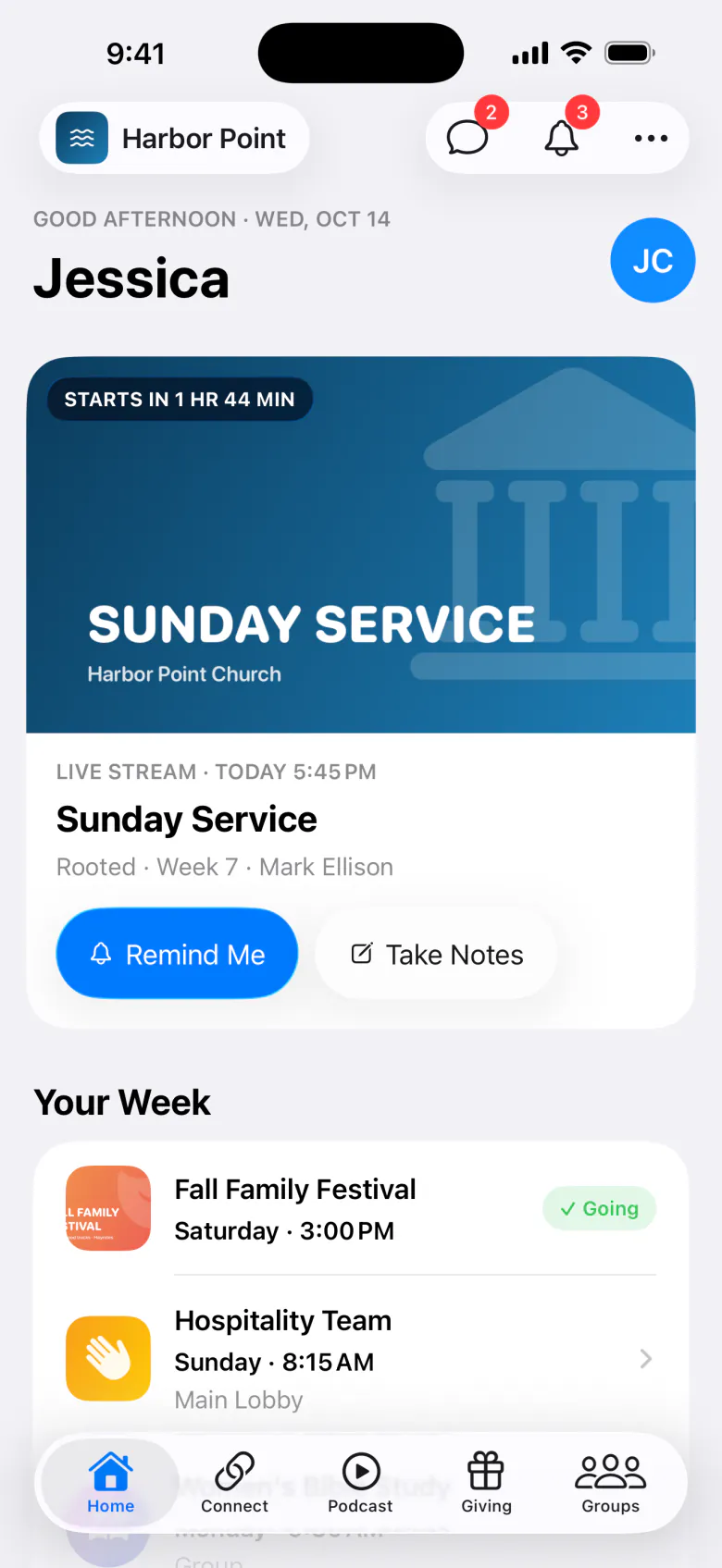
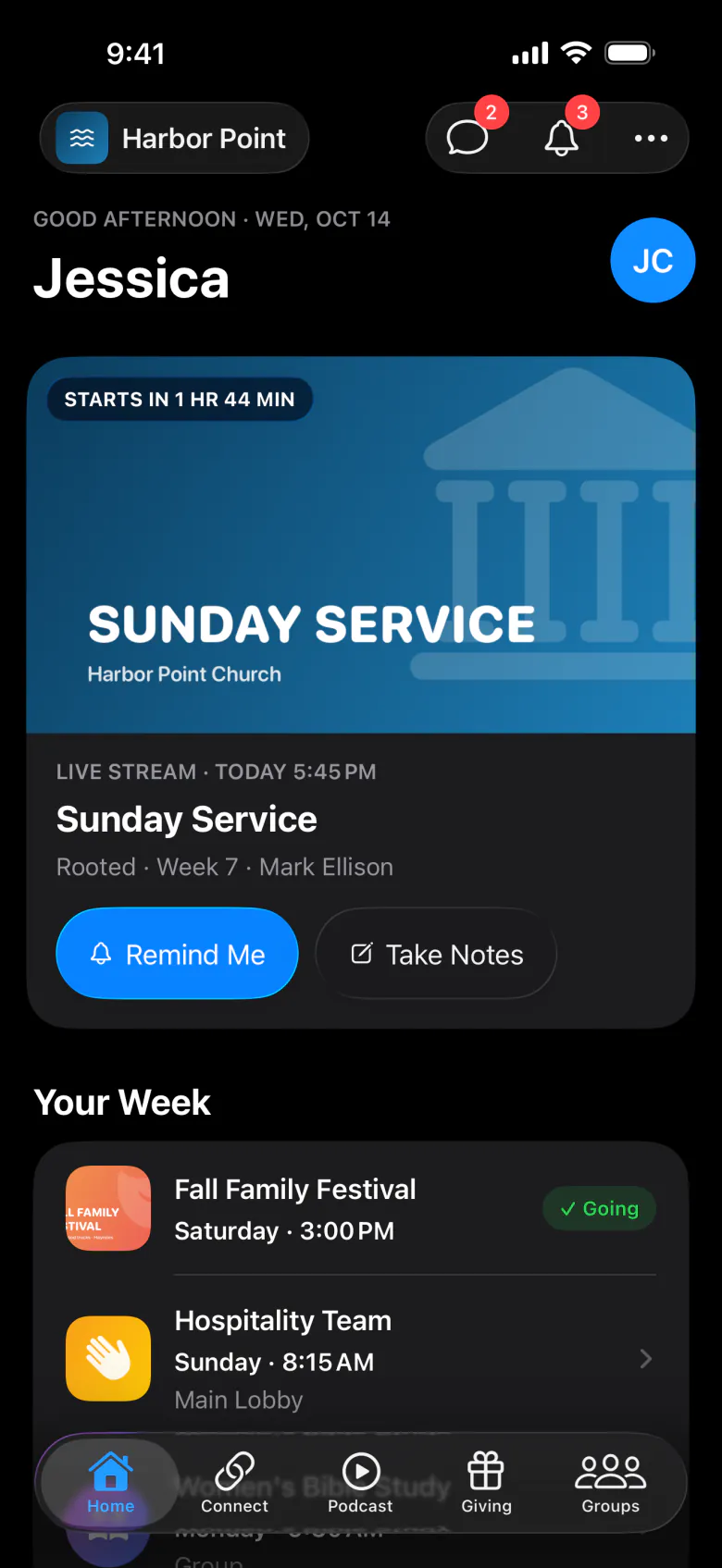
Home is the first tab. It changes through the week to show what matters right now.
What’s on Home
| Card | When it shows |
|---|---|
| Greeting | “Good morning” (or afternoon, evening) with your organization’s name. |
| Get Started | For new people: create an account, add your family, find a group, and turn on notifications. They can Hide it. |
| Happening now | During a gathering, event, or group meeting, with Take Notes and, if you’re streaming, Watch Live. |
| Live stream | When a stream is live or coming up, with Remind Me and a countdown. |
| Your Week | Events they’re going to and have tickets for. |
| Your Passes | Their check-in pass, pick-up pass, event tickets, and rewards. |
| Your First Visit / Plan a Visit | For people who haven’t visited yet. |
| Latest Episode | Your newest podcast episode. |
| For You and Groups for You | Suggestions based on what they do. |
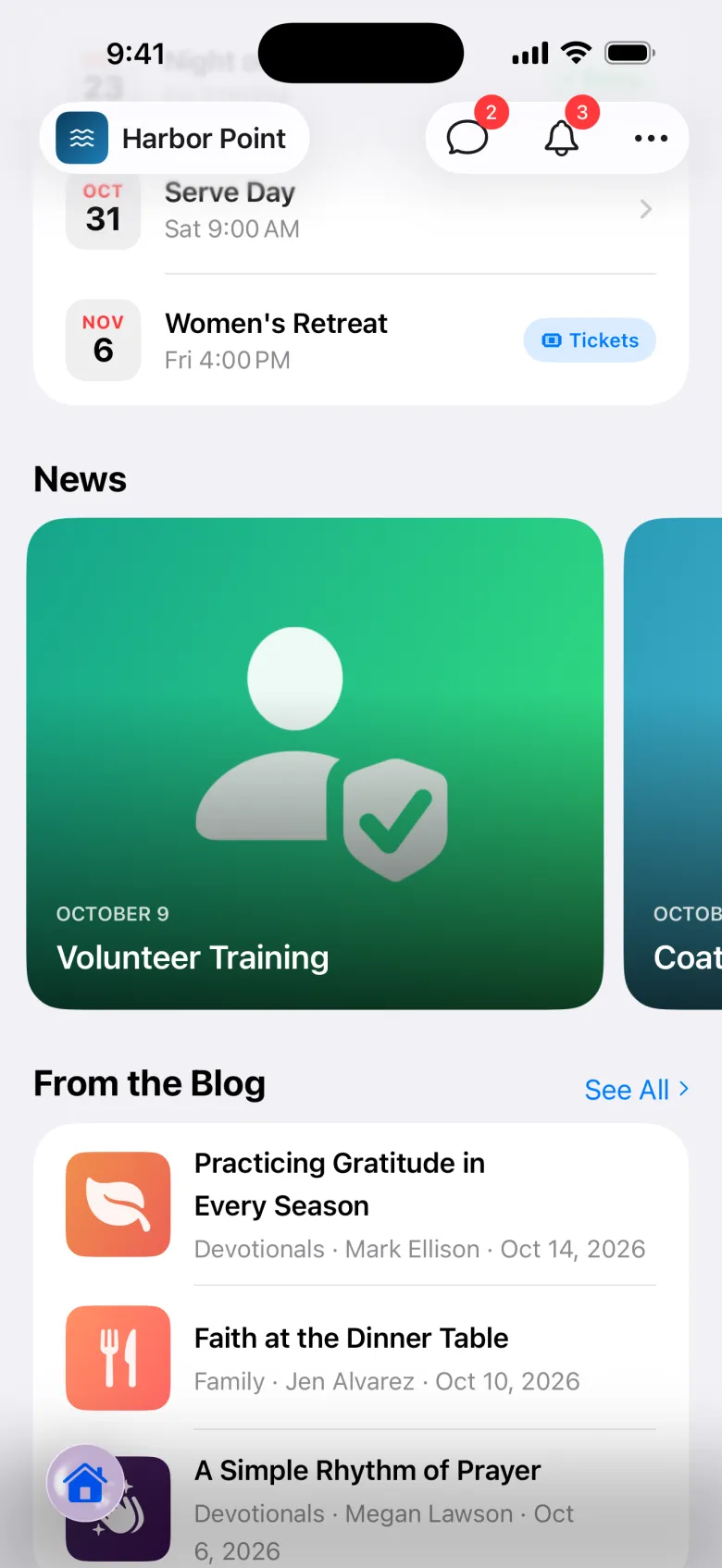
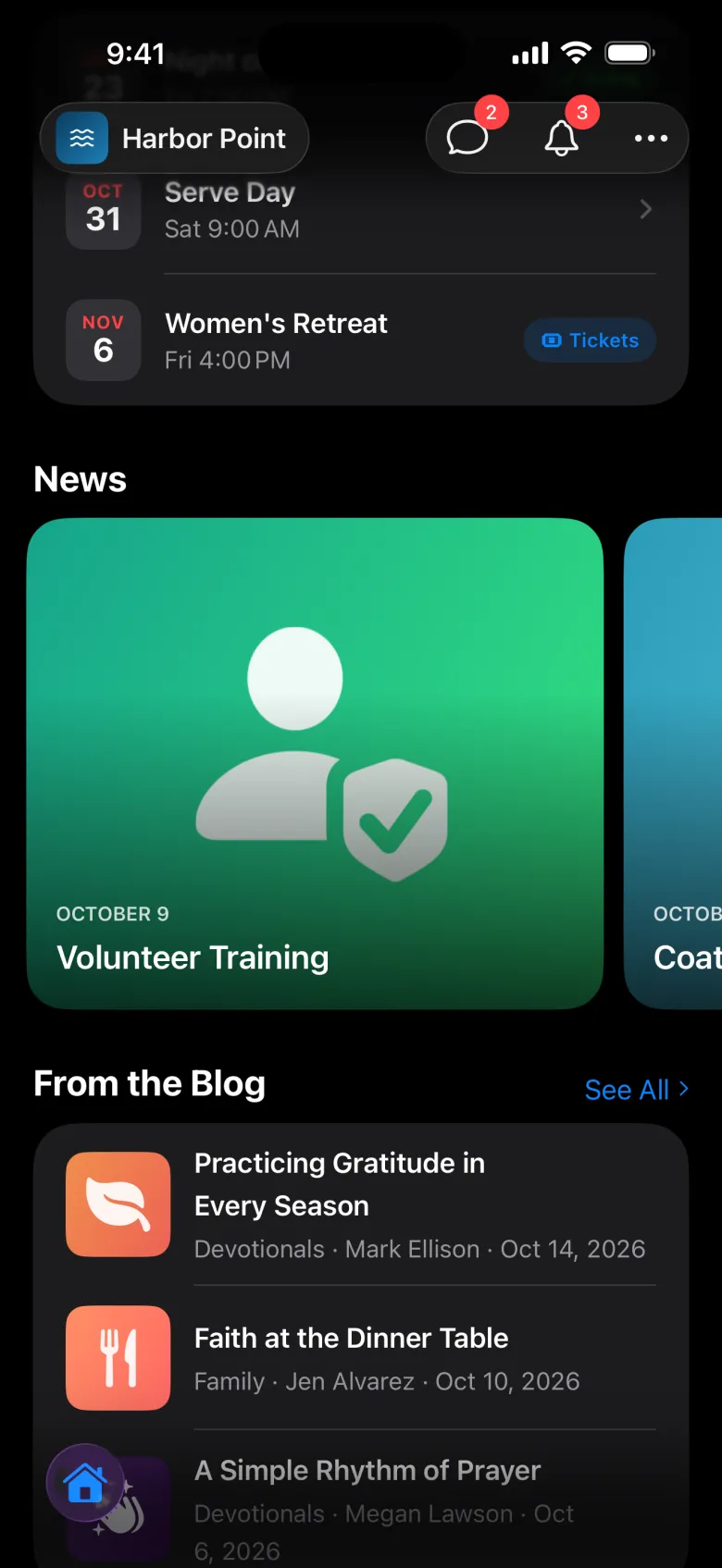
| Coming Up | Upcoming events. |
| News | Your announcements. |
| From the Blog | Your newest blog posts. |
If you have a landing page set to show in the app, people see it full screen when they open the app, then as a card on Home.
Alerts
When you post a warning, it shows as a coloured banner at the top of the app until the date you chose. People can tap it for Details, and hide it.
Announcements
Tapping an announcement opens its page, with any linked events, groups, connects, episodes, a video, and a button. If it has a form, people select Fill Out and send their answers.
Plan a visit
New people can tell you they’re coming. They enter their name, email, and phone, choose Text me before my visit and I’m bringing kids if they like, then pick a date and time and select Send. Your team sees it in Plan a visit.
Prayer requests
People send a private prayer request from the app. Only your prayer team sees it. Replies show up in Messages under Prayer. Your team reads and replies in Prayer requests.
Search and calendar
Search finds groups, events, connects, series, and episodes. The Calendar shows everything on your schedule, with Add to Calendar on each item.