
Store and rewards
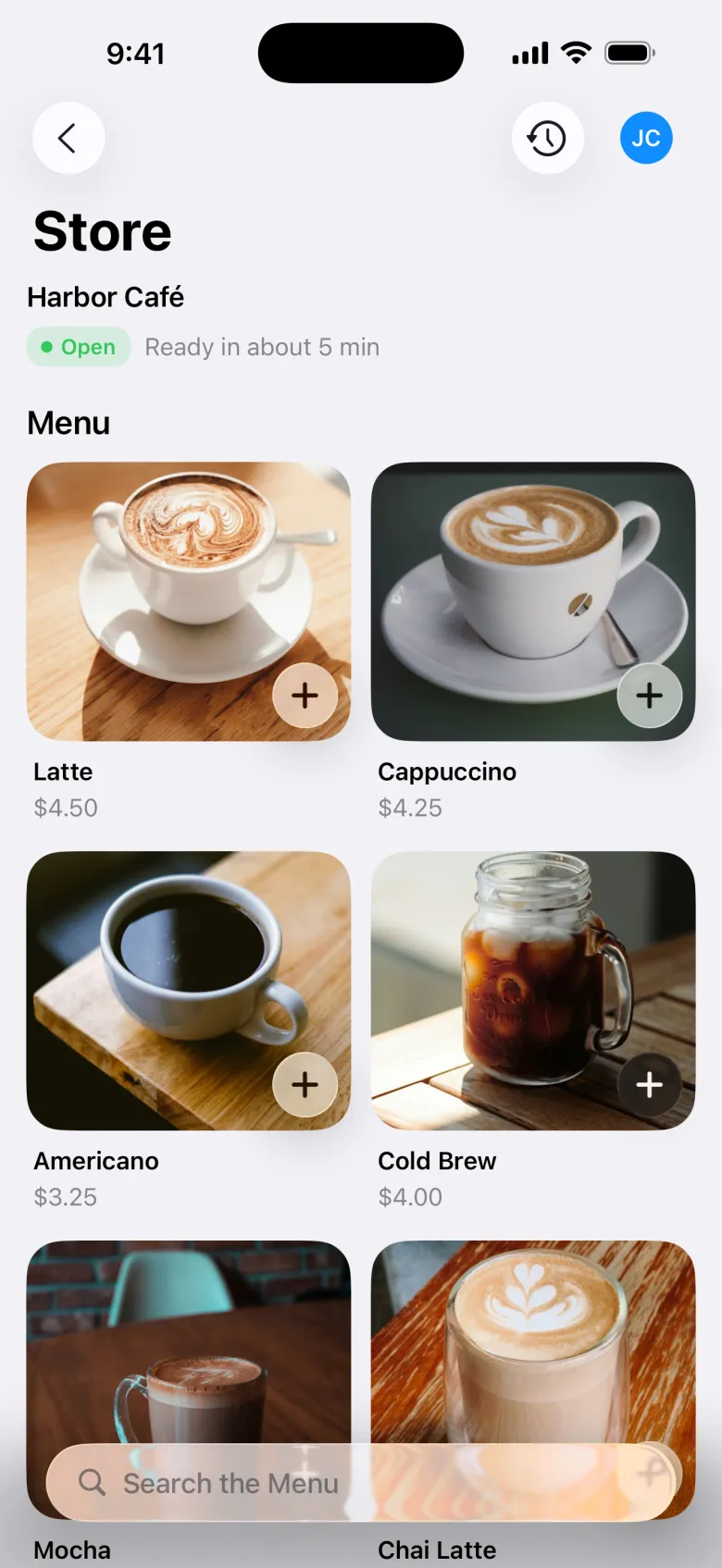
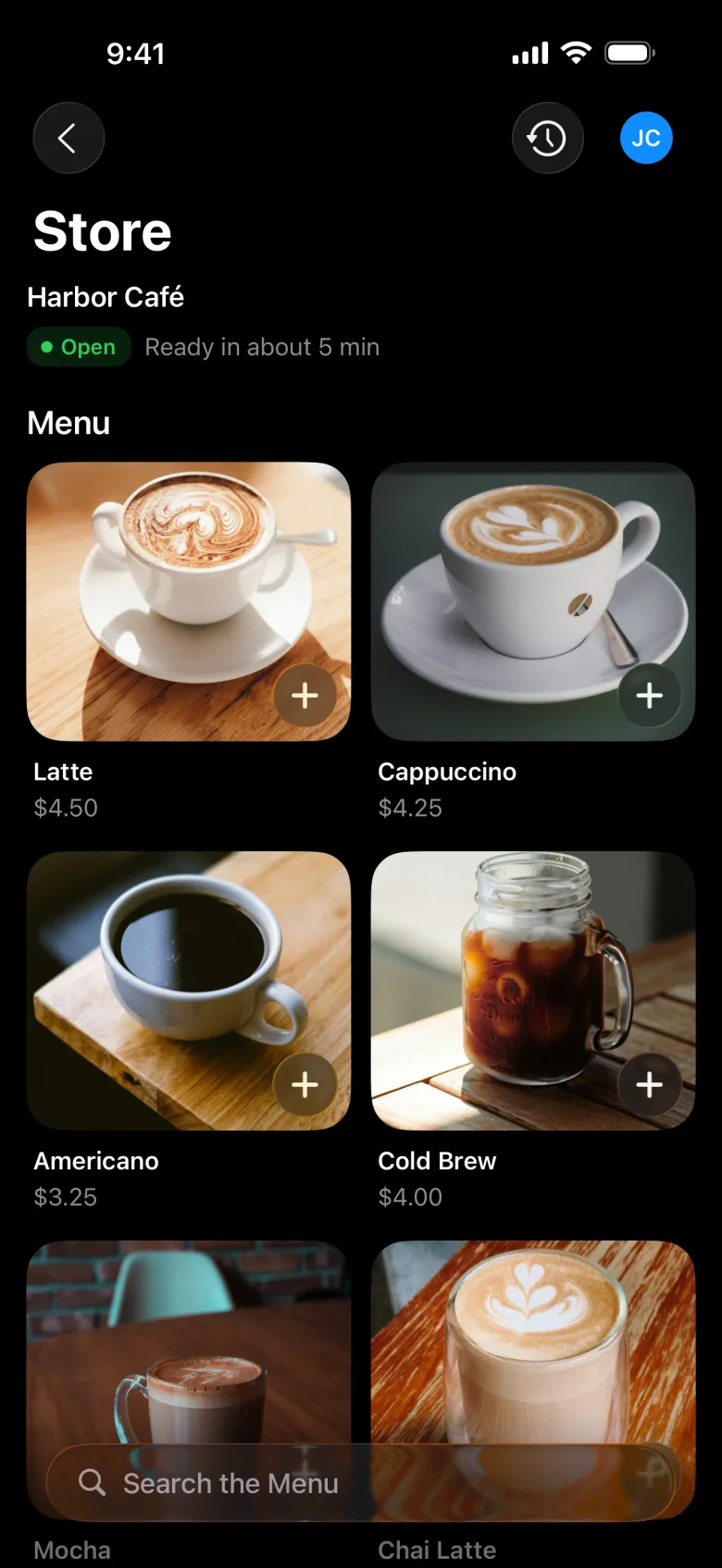
If you use Point of sale with online ordering, the Store tab lets people order ahead. In a branded app, you can call this tab something else, like “Café”.
Order ahead
Pick a store and items
If you have more than one store, they can switch between them. Each item shows sizes and options, and anything that’s Sold Out. The store shows its hours, and when it’s closed people can still look at the menu.
Review the order
They choose Pickup or Delivery, a pickup time if you offer them, and can add a note, a Discount Code, or a Reward (one per order).
Place Order
They pay by card. The order earns reward points if you use rewards.
Pick up
The order status moves from Received to Being Made to Ready. If you ask people to check in for pickup, they tap I’m Here, and enter their parking spot if you use spots, so your team can bring it out.
Order History has every order with its receipt, and Order Again.
Rewards
People earn points when they buy something and trade them for rewards.
- Show My Code: the barcode to scan at the register to earn points and use rewards. The screen brightens while it’s open.
- Ready to Use: rewards they can use now, at the register or on a store order.
- Redeem with Points: trade points for a reward.
- Add a Reward Code: scan or type a code from a flyer, receipt, or email.