
Giving
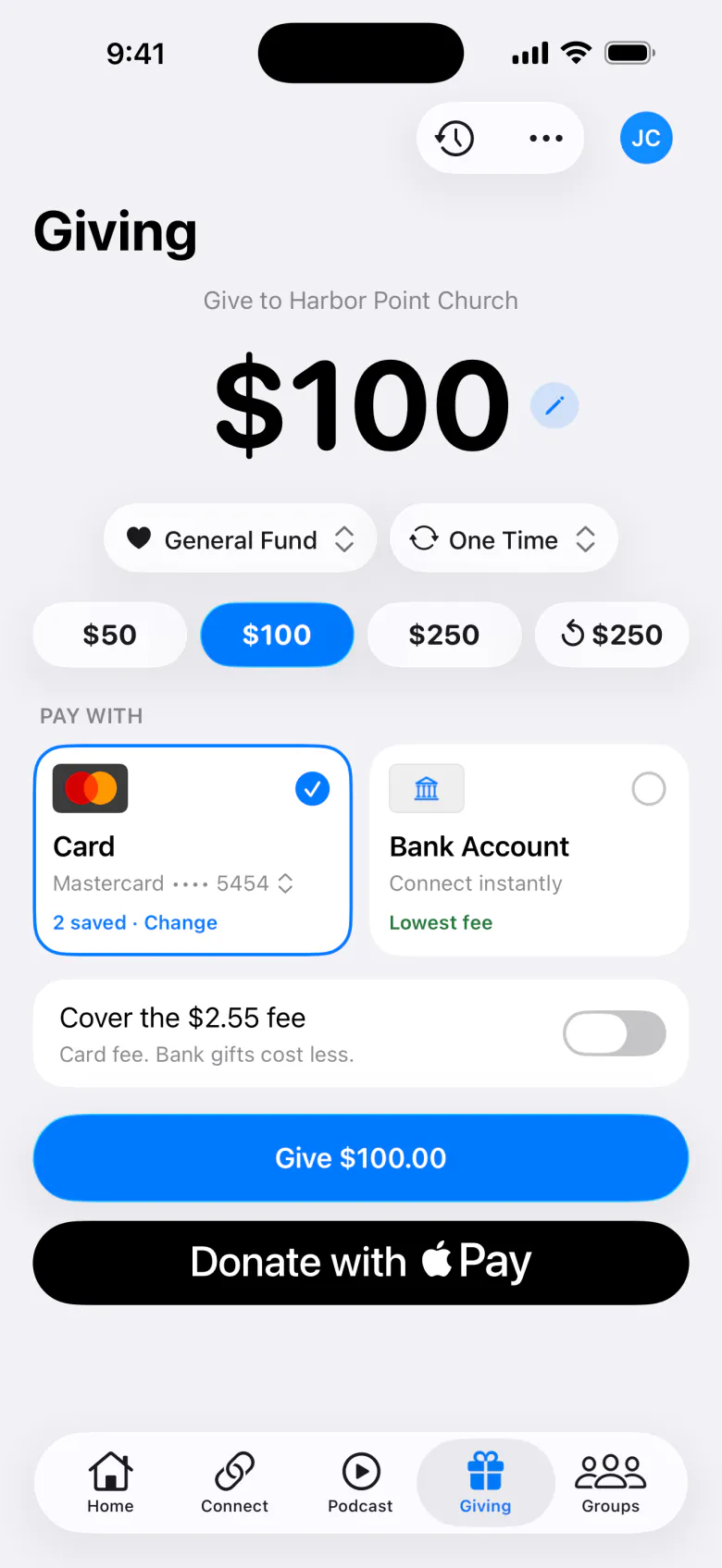
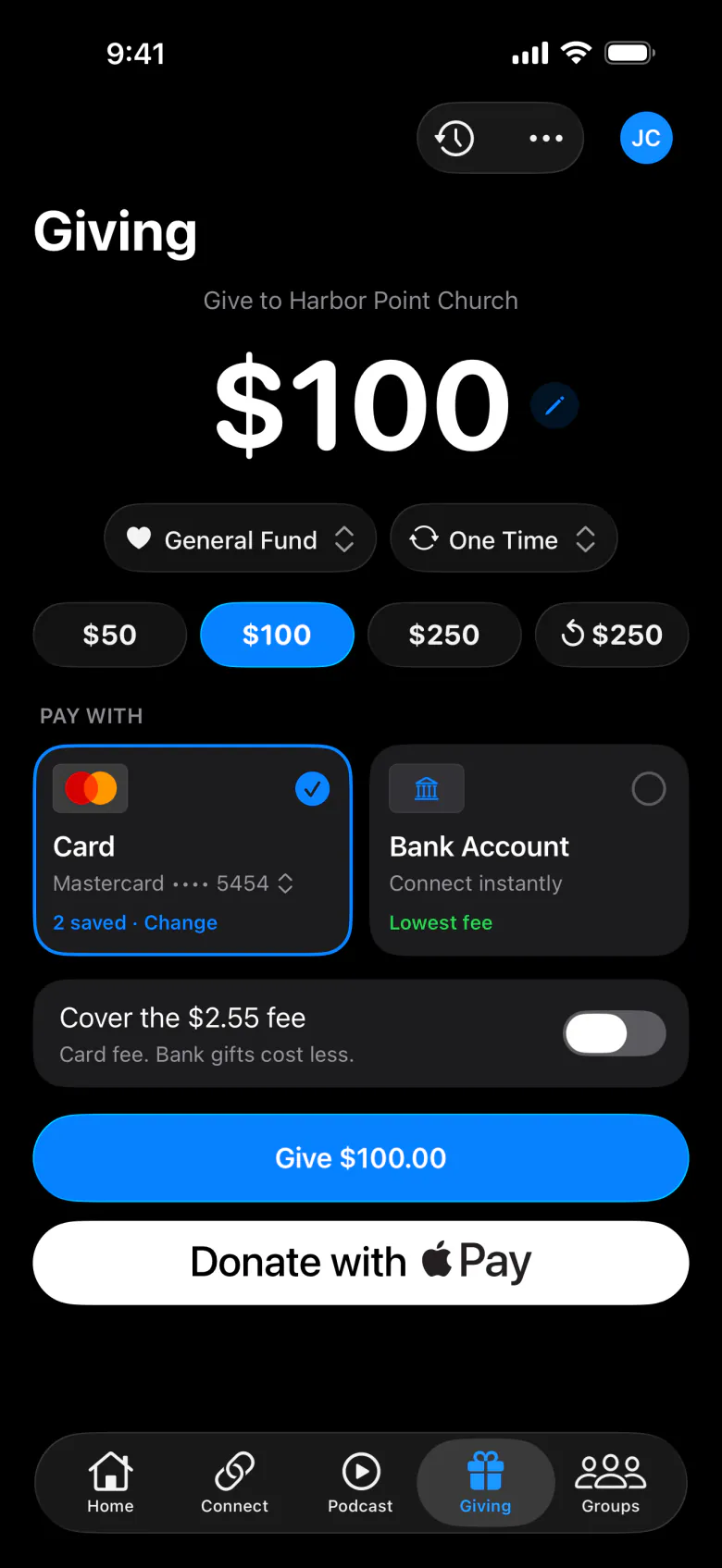
The Giving tab lets people give by card, bank account, or Apple Pay. To turn it on, connect Stripe and choose In the app in Features. If you choose External link instead, the tab shows a Give Now button that opens your giving page.
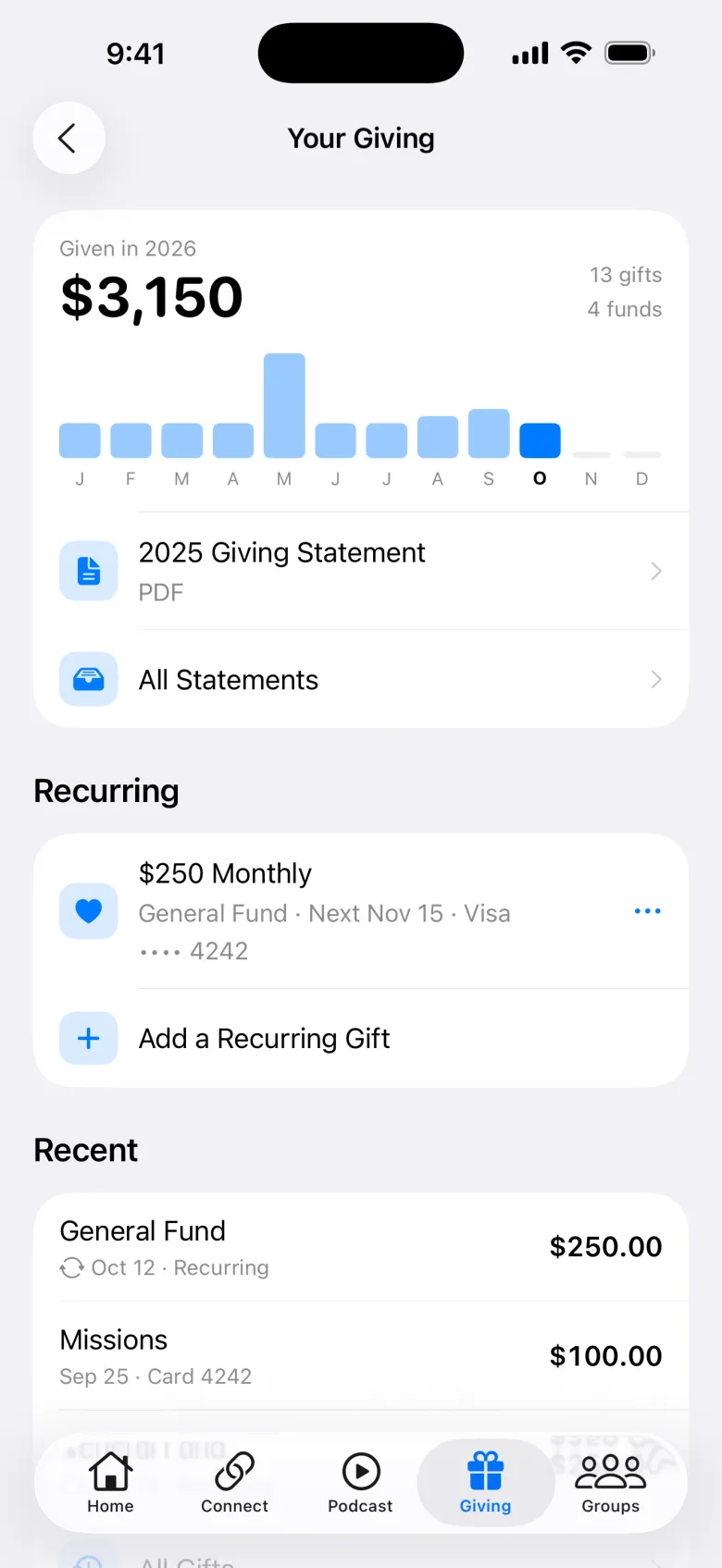
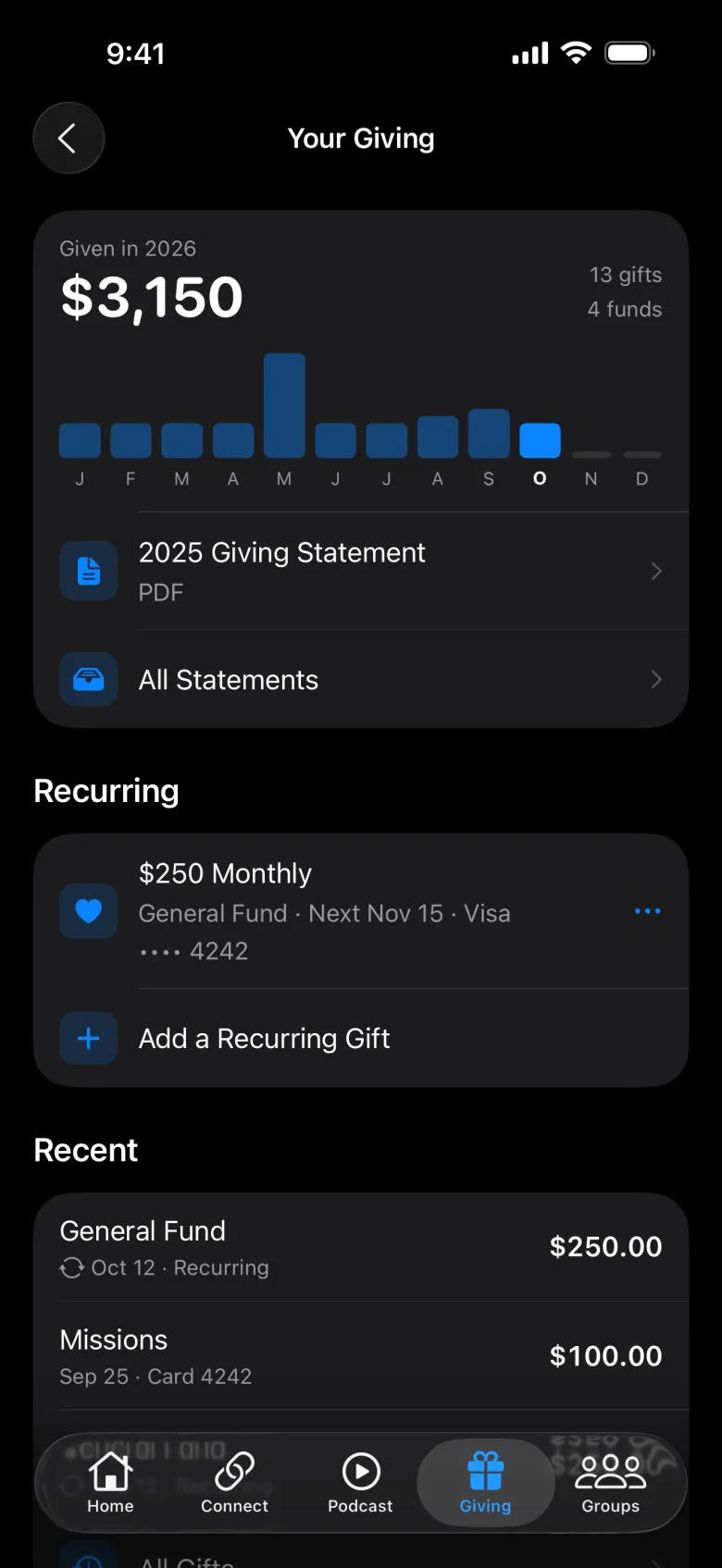
Give
Enter an amount
Gifts need to be more than $1.00.
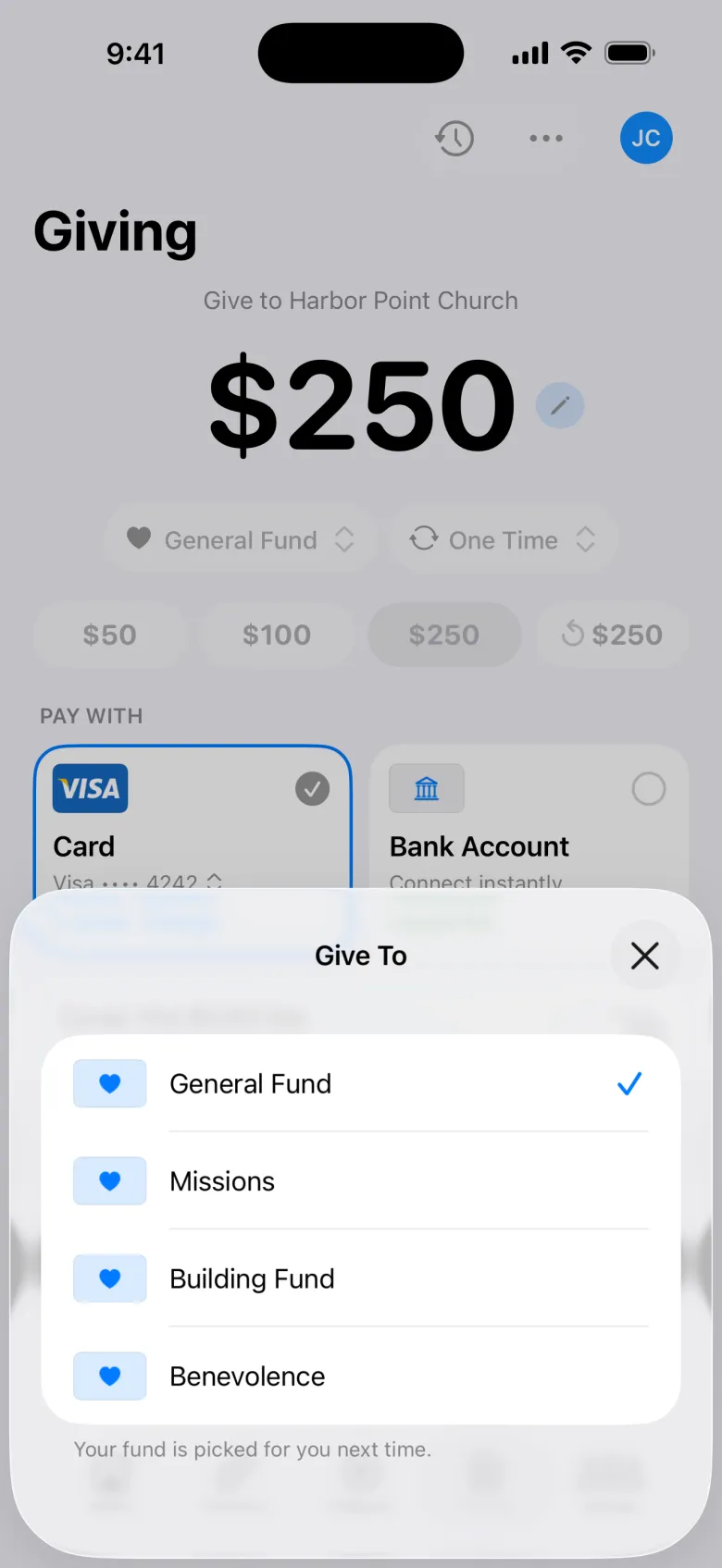
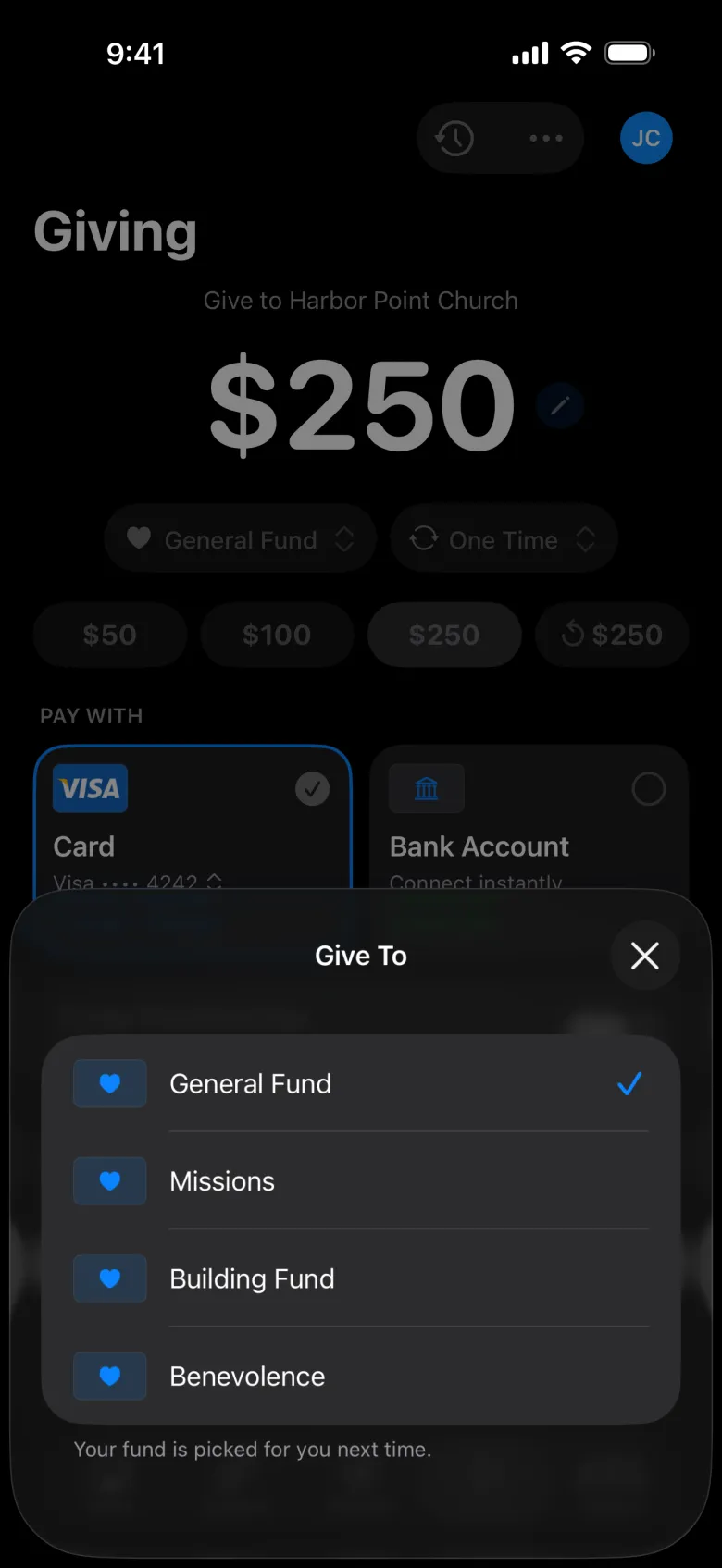
Choose a fund
The funds come from your active funds. The app remembers their last choice.
Choose how often
One Time, Weekly, Every 2 Weeks, Monthly, Quarterly, or Annually. For recurring gifts, they can pick a start date and an end date.
Choose how to pay
A card, Apple Pay, or a bank account. Bank accounts have the lowest fee; they connect instantly by signing in to the bank through Stripe.
Cover the fee (optional)
They can choose to cover the processing fee, so all of their gift reaches you.
Give
They see a thank-you, and one-time givers are offered Make It Monthly.
Recurring gifts
Your Giving → Recurring Gifts lists their schedules. Tapping one lets them:
- Change Gift: amount, fund, how often, end date, or payment method.
- Skip Next Gift.
- Pause Gift for 1 month, a few months, or until they resume it. Gifts that come due while paused are skipped, not charged later.
- Stop This Gift.
Your team sees these in Recurring giving.
Giving history and statements
Giving History lists every gift, including cash and checks your team records. Giving Statements has their year-end statements as PDFs once you publish them.
Bank accounts
Some older bank connections need to be reconnected once. The app asks with Reconnect Your Bank, and then asks the giver to confirm each recurring gift should keep coming from it. Accounts added by hand are verified with a small deposit that has a code starting with SM.
Text to give
If you turn on text to give, people can also text your keyword to get the giving link.