
About your church website
This guide is for the people who visit your website: what they see, and how they sign in, give, get tickets, join groups, watch, and serve. To build and edit the site itself, see Your website.
Your website lives at your free culminate.life address, like yourchurch.culminate.life, or your own domain. Everything on it comes from the dashboard, so events, groups, episodes, and giving are always up to date.
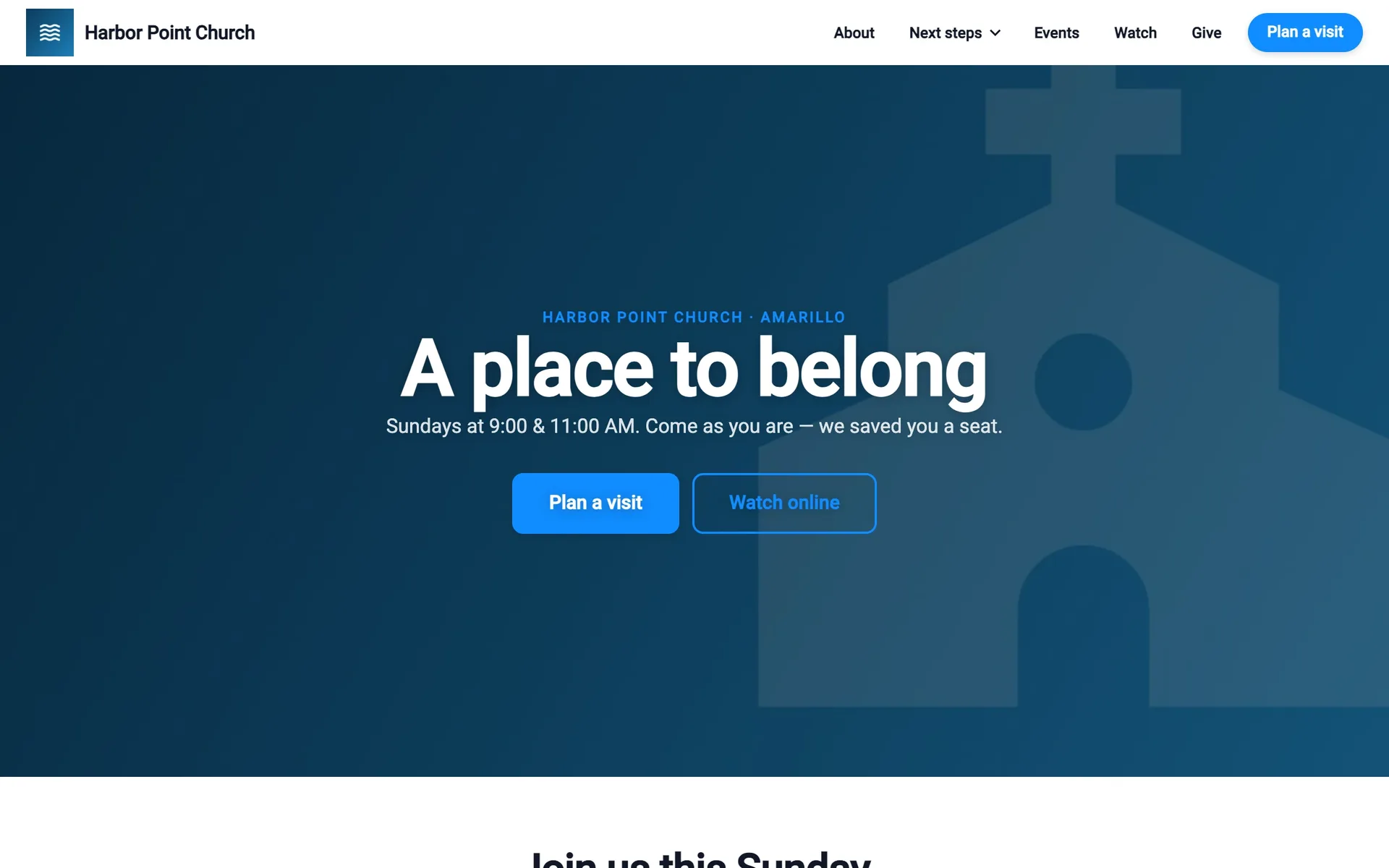
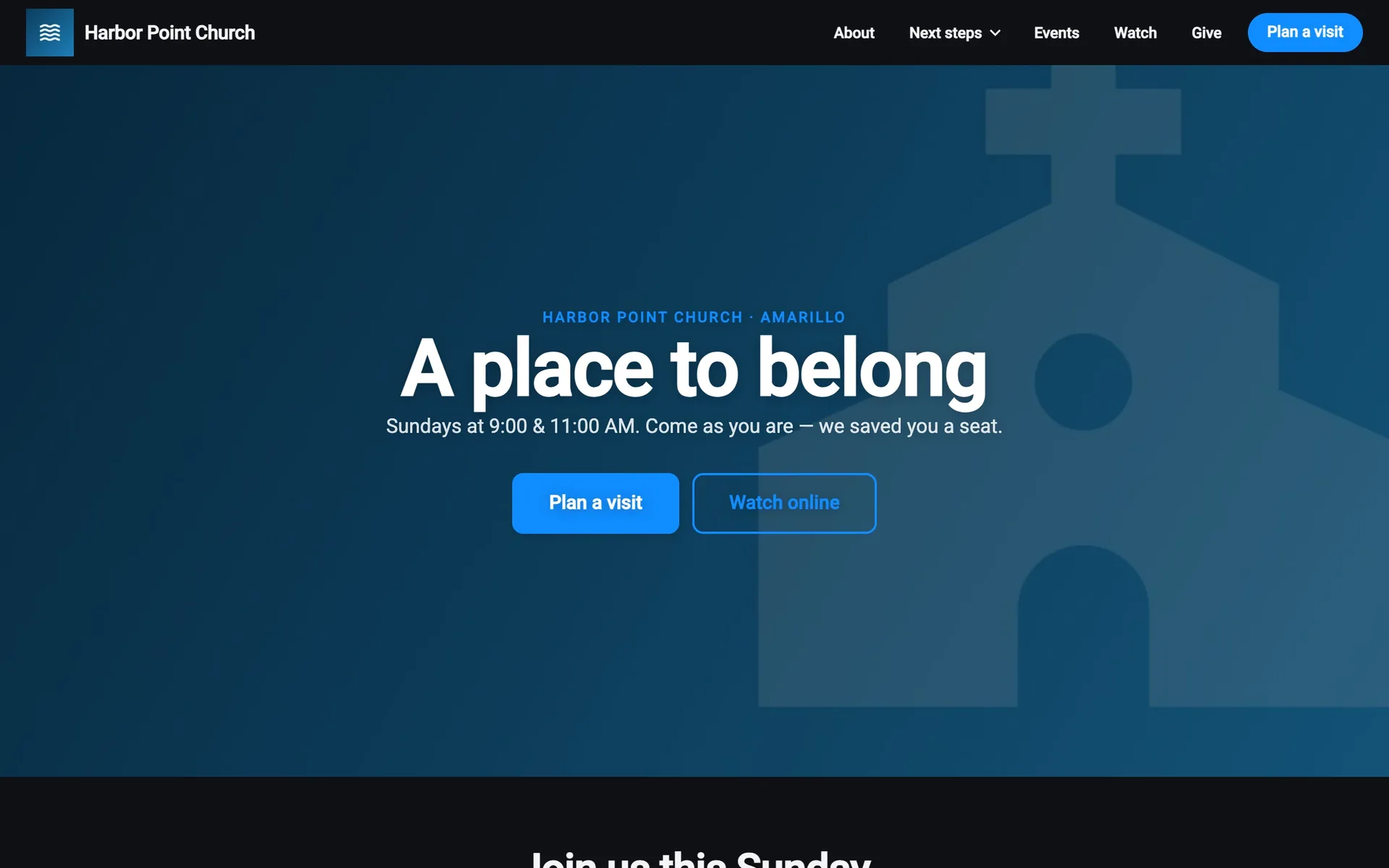
Find your way around
The menu bar
Along the top: your logo (back to the home page), your menu items, and any button you’ve added, like Plan a visit. Items with an arrow open a dropdown. You set all of this up in Menu and footer.
At the right:
- Signed out: Sign In. See Create an account and sign in.
- Signed in: Messages, Notifications, and their photo, which opens My Account. See Messages and notifications and Your account.
You can also show a bar above the menu with a short message and links, and a warning banner (like a weather closure) that people can close.
On a phone
The menu button (☰) opens the menu as a dropdown or a full-screen panel, depending on your menu settings. Sign In, or Messages, Notifications, and My Account, are at the bottom.
The footer
Your logo, text, links, and social links, with Terms of Use and Privacy Policy.
Light and dark
Your site is light or dark depending on your theme, not the visitor’s choice. The live page and video pages are always dark.
Landing pages
If you have a landing page turned on, it covers the site when people arrive: a full-screen welcome or announcement with your buttons. Tapping a button goes there. Your continue button, or ×, closes it and shows the site.
You choose whether it shows on every visit, once per visit, or only once.
Do people need an account?
No. Anyone can read your pages, see events, the calendar, groups, and Connect, watch the live stream and episodes, read the blog, plan a visit, and give as a guest.
They need to sign in to:
- Get tickets, say they’re going, or join a group or Connect.
- Message people, read notifications, and chat or comment.
- Give on a schedule, see their giving history, and save payment methods.
- Set up their family and check-in.
- Sign up to serve, or order from your store.
It’s the same Culminate Life account they use in the Culminate Life app, so everything they do on your website shows up in the app too.